
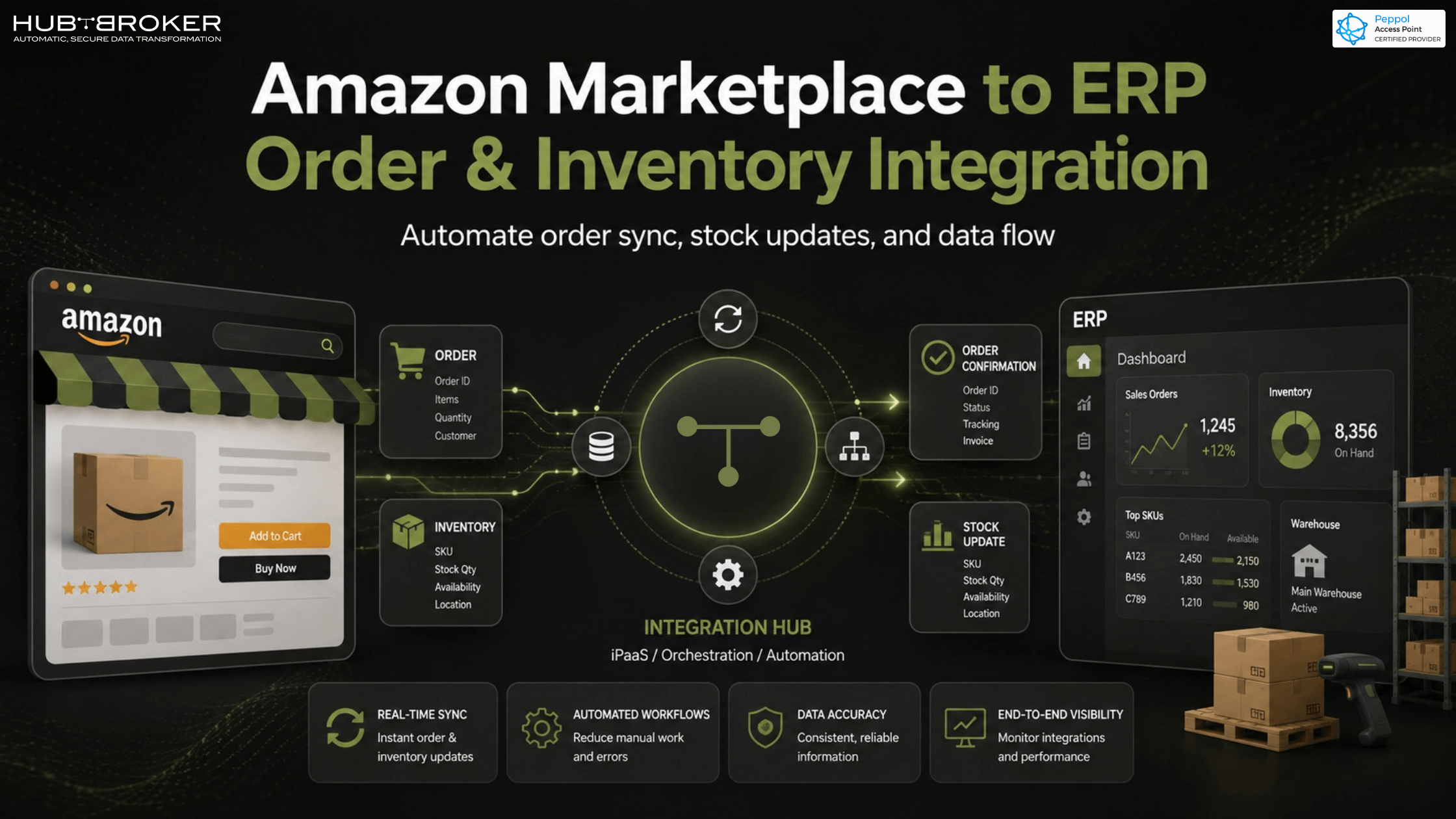
How to Exchange Order and Inventory Data Between ERP and Amazon Marketplace
An order comes in on Amazon. Someone opens Seller Central, copies the details, and types them into the ERP by hand. Meanwhile, the stock count on Amazon still shows yesterday's number. Two hours later, someone sells the last unit twice.
If that sounds familiar, you're not doing anything wrong. Amazon and most ERP systems simply weren't built to talk to each other. Fixing that isn't complicated once you know what's actually involved.
Why Amazon and your ERP don't talk to each other by default
Amazon Seller Central and Vendor Central run on their own APIs, built for Amazon's systems, not yours. Your ERP whether it's Business Central, SAP Business One, or something else has no idea Amazon exists unless something is built to bridge the two.
Without that bridge, you end up with two separate versions of the truth: one inventory count in your ERP, another on Amazon, and someone in the middle trying to keep them aligned by hand.
What "exchanging order and inventory data" actually involves
It's more than just "orders come in." A proper sync covers three things:
Order data flowing in. New orders, cancellations, returns, and status updates need to land in your ERP automatically, not get typed in one by one.
Inventory data flowing out. Stock levels, price changes, and SKU updates need to push back to Amazon in near real time, across every warehouse you sell from.
The financial side. Settlements, fees, and refunds from Amazon need to reach your accounting records too otherwise your finance team is reconciling two systems manually every month.
The risks of doing this manually
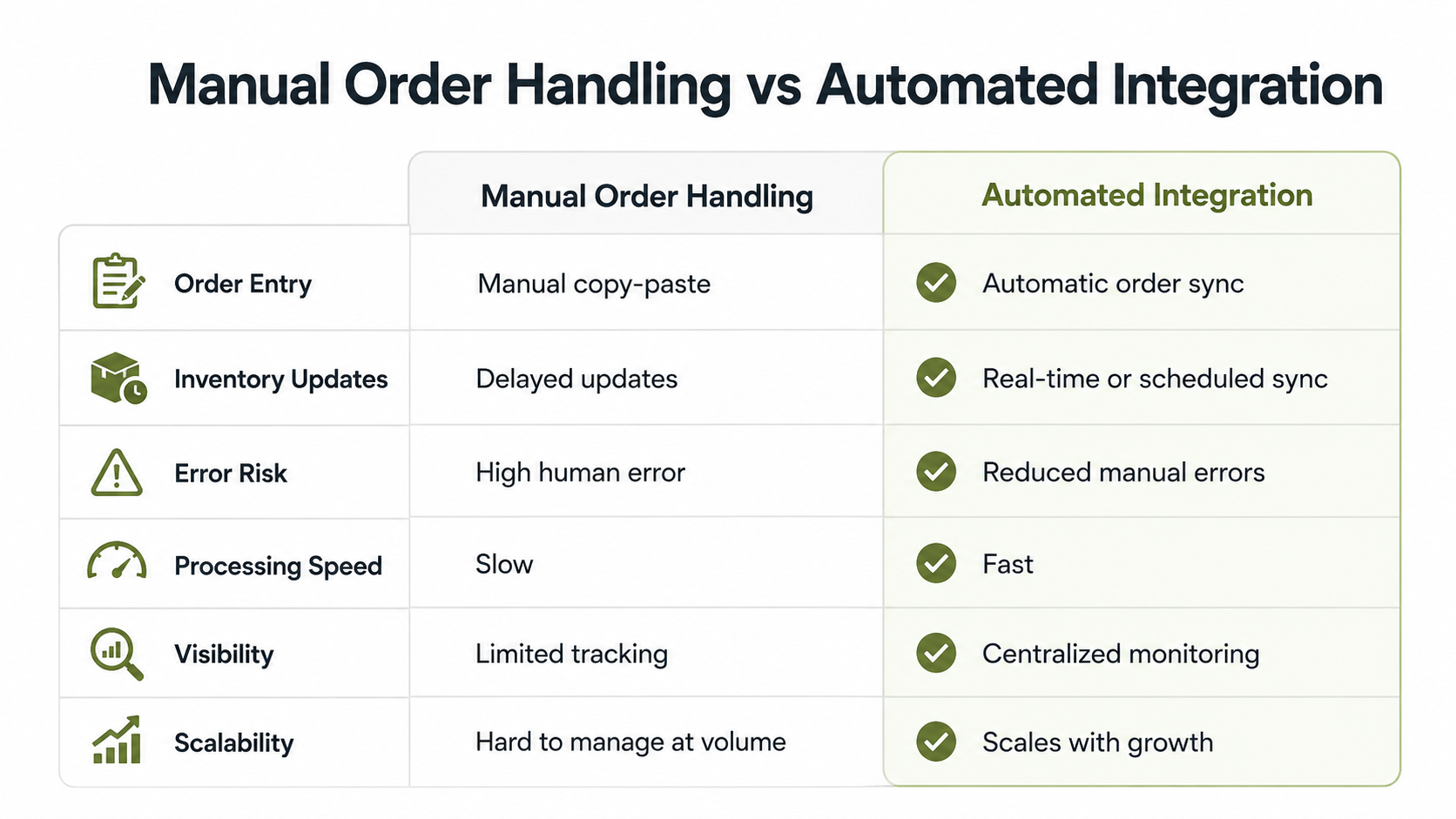
Overselling and stockouts — because Amazon doesn't know what your ERP knows, and vice versa
Slower fulfillment — someone has to notice the order before it can move
Rekeying errors — a typo in an order number or quantity can trigger a chargeback
No single source of truth — reporting becomes a guessing game across two systems
None of these are edge cases. They're the default outcome of manual data entry at any real order volume.
How automated integration solves it
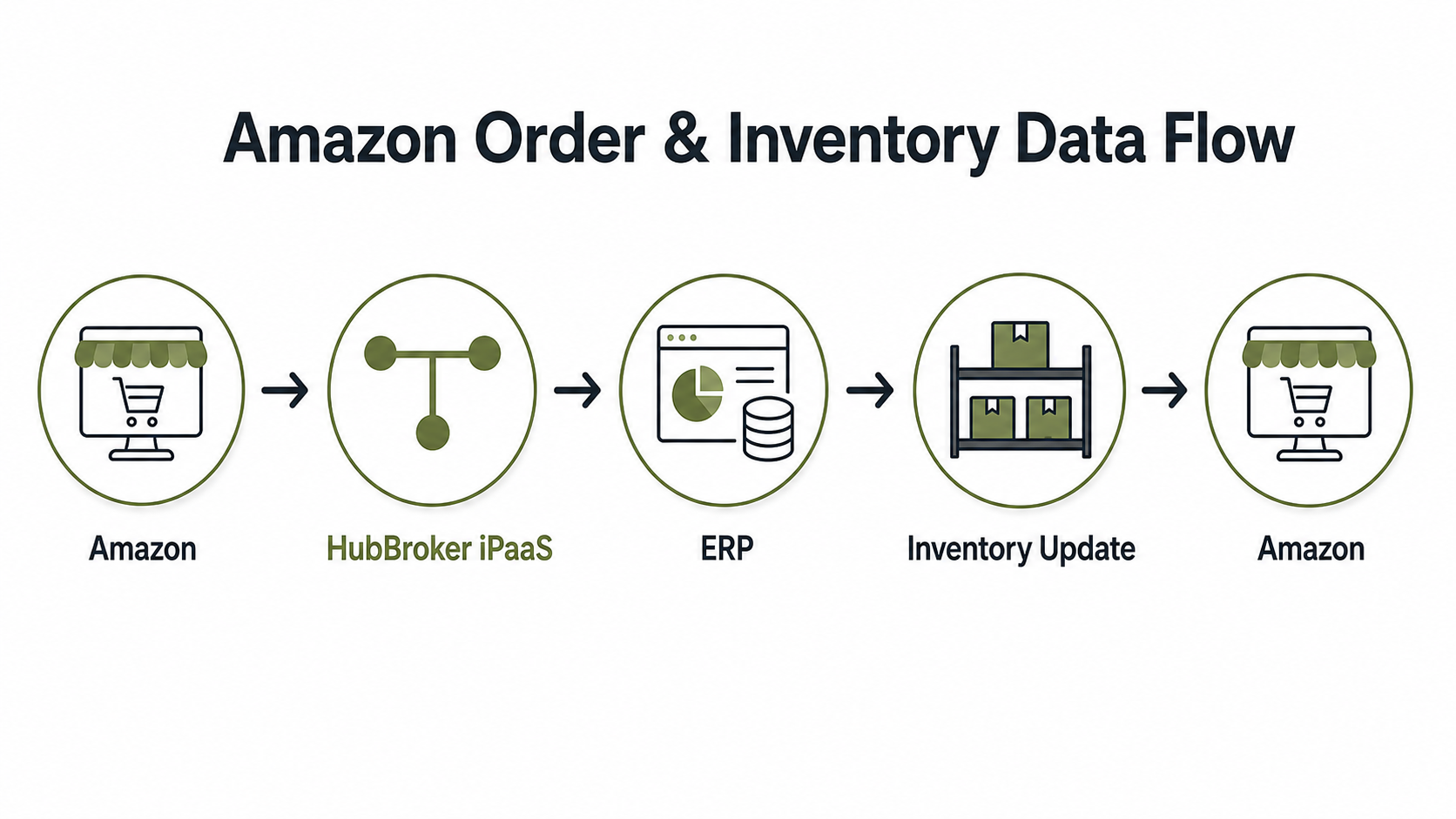
Once Amazon and your ERP are connected, data moves on its own. Orders appear in your ERP the moment they're placed. Stock adjustments in your ERP push back to Amazon within minutes, not at the end of the day.
Most mid-market sellers don't need true real-time sync for everything a mix of real-time inventory updates and scheduled order batches is often enough. What matters more is having one inventory record that every channel reads from, so Amazon, your webstore, and any other marketplace are always working off the same numbers.
This is exactly the layer HubBroker sits in connecting Amazon to your existing ERP without replacing anything you already use. It reads and writes in whatever format your ERP expects, so IT doesn't have to build or maintain a custom connector.
What to look for before you connect Amazon to your ERP
Compatibility with your specific ERP — not every integration tool supports every system
FBA and FBM support — your fulfillment mix shouldn't limit your options
Visibility into failures — you want to know the moment a sync breaks, not a week later when stock is wrong
FAQ
Does this work with both Amazon FBA and FBM? Yes. Fulfilled-by-Amazon and merchant-fulfilled orders both flow through the same integration the data just maps slightly differently depending on who's shipping.
Can I sync inventory across Amazon and my webstore at the same time? Yes. The same connection that updates Amazon can update any other channel you sell on, so every platform reflects the same stock count.
Do I need developer resources to set this up? No. A properly built integration is configured, not coded your team maps fields once and the sync runs on its own after that.
How long does implementation usually take? It depends on your ERP and how many channels are involved, but most mid-market setups are live within a few weeks, not months.
Ready to stop rekeying Amazon orders by hand?
If your team is still manually moving data between Amazon and your ERP, it's costing you more than time it's costing you accuracy. Get in touch and we'll show you exactly how the connection would work with your specific ERP setup.
Contact us to see it in action