
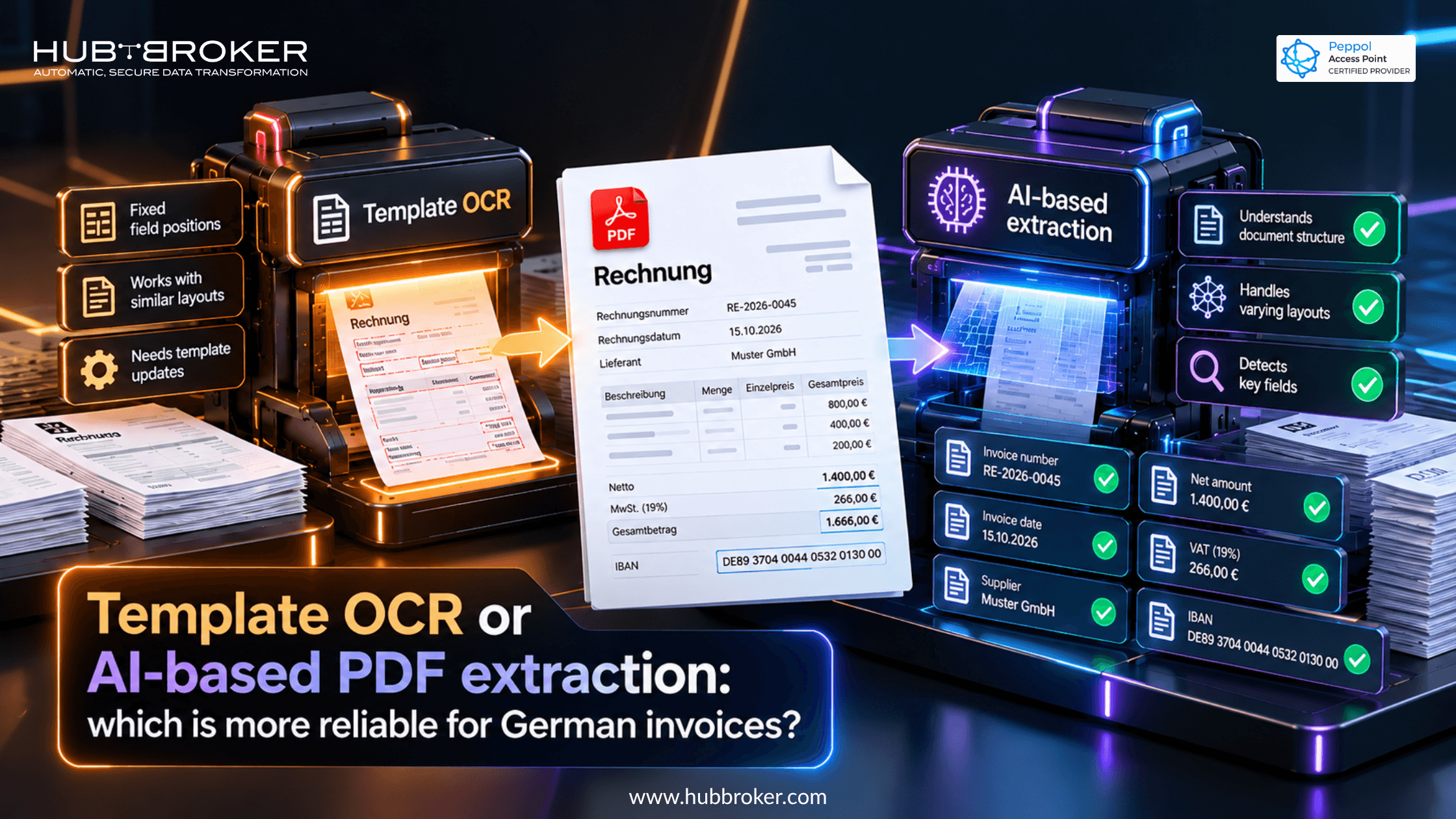
Template OCR or AI-based PDF extraction: which is more reliable for German invoices?
A German finance team receives invoices from regular and unfamiliar suppliers. Some PDFs look identical each month. Others are scans with unusual tables or several tax rates. Choosing between Template OCR or AI-based PDF extraction therefore depends on your invoice mix, not just a software demo. What matters is field accuracy and correction effort.
Where does template OCR work better?
Template OCR reads information using rules tied to a document layout. You might tell it where an invoice number appears, which box holds the date, and where totals usually sit. For suppliers with stable designs, extraction can be consistent. The weakness shows up when layouts change. A supplier moves its address, adds a column, or starts sending a redesigned invoice, and the old rules may read the wrong area. Someone then has to adjust the template. That is manageable with few suppliers but costly with frequent newcomers.
Can AI extraction handle unpredictable German invoice layouts?
AI-based extraction looks at words and document structure, rather than depending completely on fixed positions. It can often pick out invoice numbers, supplier names, payment terms, and line items from layouts it hasn't seen before. That flexibility makes it useful to test when your PDFs come from many different sources.
It still makes mistakes. A blurred scan, a handwritten note, or two similar amounts may lead to a believable but incorrect result. Complex VAT tables are another challenge. Ask whether the system shows uncertain fields, checks values against other invoice details, and lets staff correct them before posting. A polished demonstration does not tell you how it will perform on your supplier documents.
Which extraction errors create the biggest accounting risks?
An invoice can have a correct grand total and still contain wrong details. German documents may include different VAT rates, discounts, credit references, purchase order numbers, and supplier bank accounts. A mistaken tax amount or IBAN deserves more attention than a missing optional description.
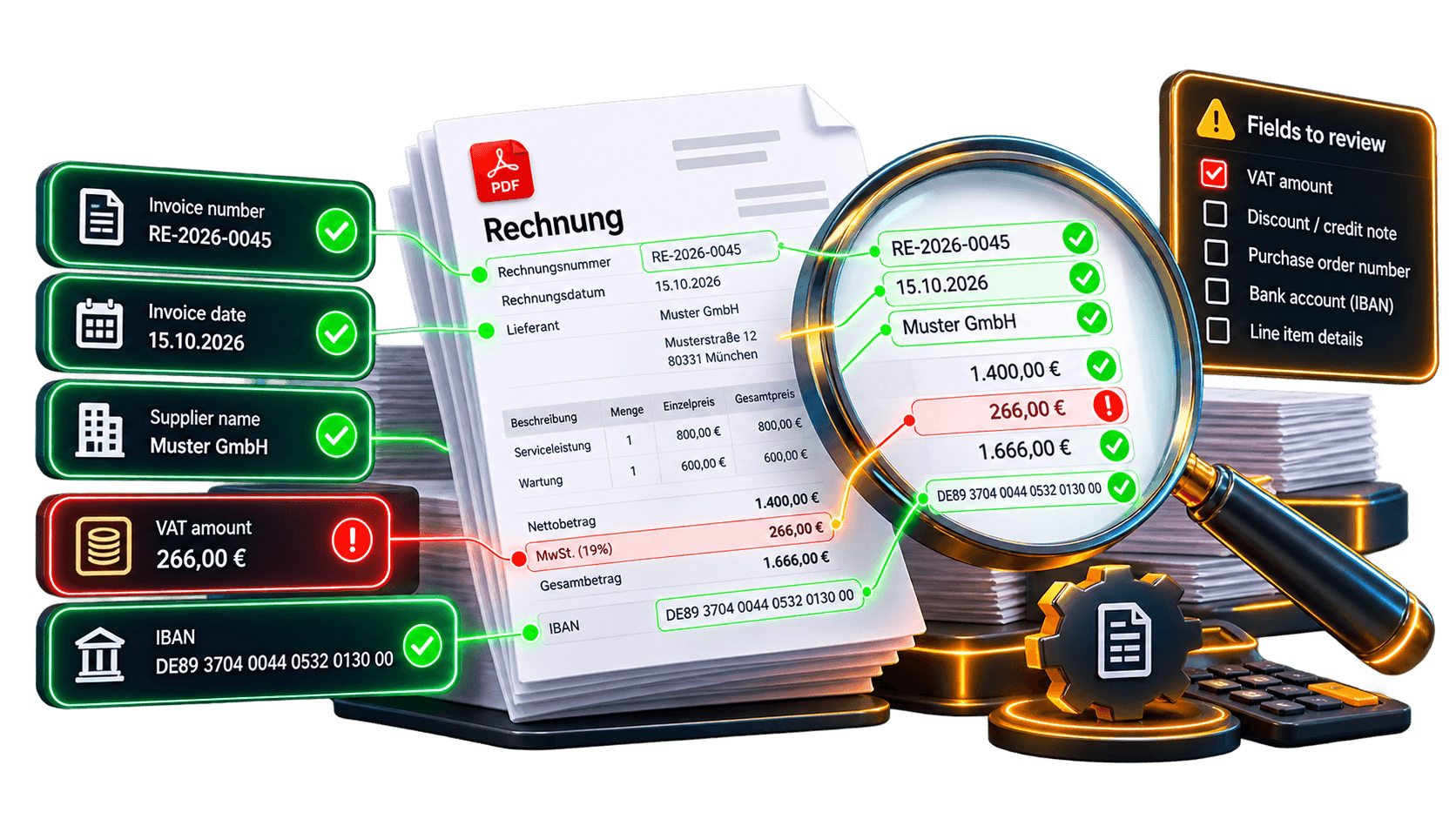
If you convert PDF data into XRechnung, extraction is only the first step. A normal PDF is not a structured e-invoice under German requirements. XRechnung follows EN 16931, so its XML needs correct field mapping and validation. Good extraction alone cannot guarantee a compliant result. When suppliers send valid XRechnung or suitable ZUGFeRD files, use the structured XML already inside them. Running OCR on the visible invoice adds an avoidable chance of error and may increase cost.
How to compare extraction reliability using your own invoices
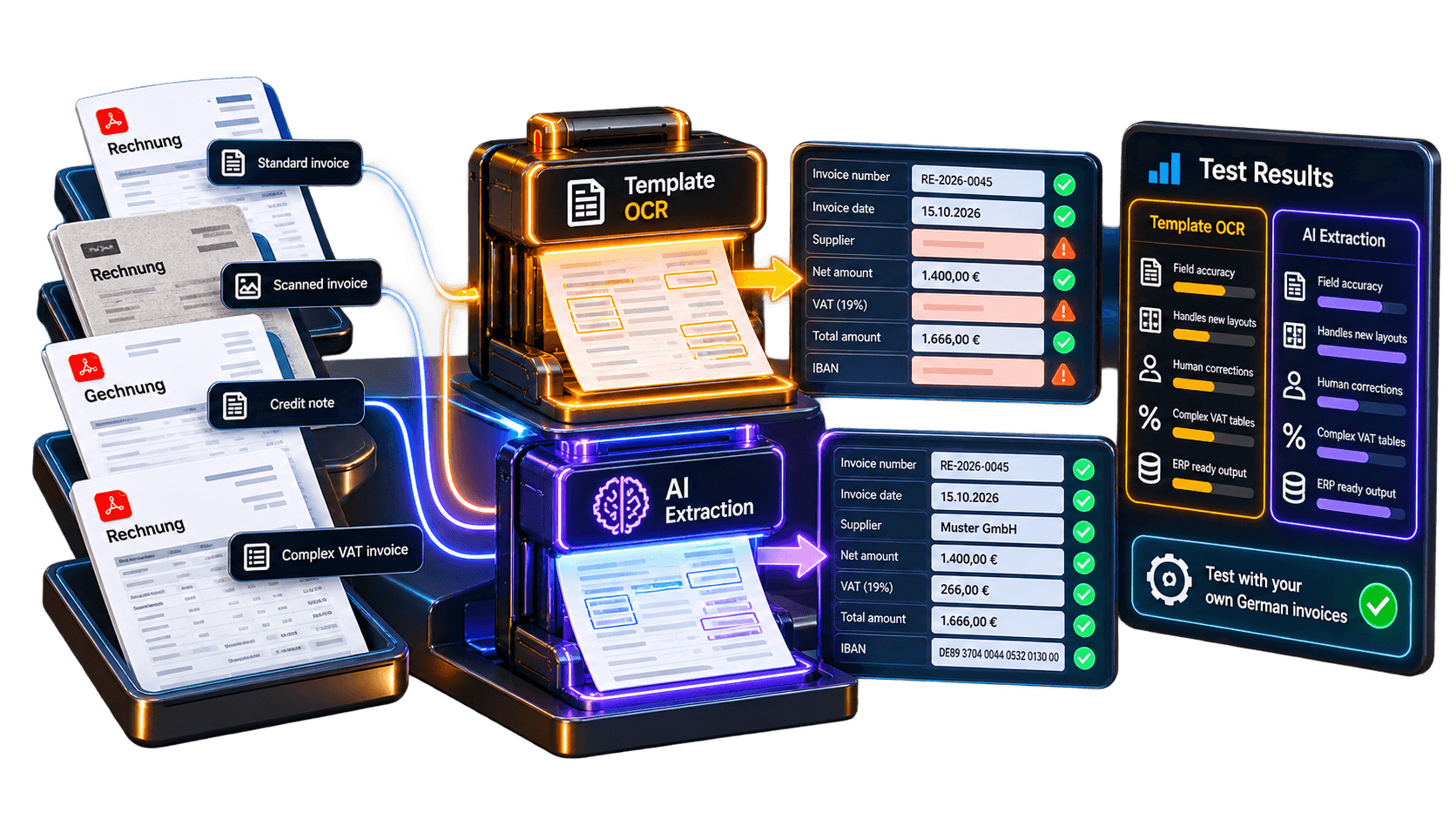
Build a mixed sample. Gather familiar layouts, new suppliers, scans, credit notes, and invoices with multiple VAT rates. Prepare checked reference values so both systems face the same test.
Compare important fields. Record the accuracy of invoice dates, numbers, supplier identifiers, net amounts, VAT totals, individual lines, and bank details. An overall percentage can hide serious field errors.
Track correction effort. Count incorrect or missing values, invoices sent for human review, and minutes spent fixing them. For templates, include time needed after a supplier changes its layout. For AI, check whether similar errors keep appearing.
Test what happens next. Import the results into your ERP and examine duplicate checks, validation failures, and audit records. Unknown values should be clearly flagged, not filled in with guesses.
Use a simple comparison sheet during the pilot:
Check | Template OCR | AI-based extraction |
|---|---|---|
Repeated layouts | Often predictable | Test consistency |
New layouts | May need new rules | Test unfamiliar files |
Changed positions | Template updates possible | Check field recognition |
Poor scans | Review OCR quality | Review extracted values |
VAT tables | Verify mapped fields | Verify tax breakdowns |
Human corrections | Track rule maintenance | Track review time |
ERP output | Test mapped records | Test mapped records |
What should German businesses compare beyond accuracy?
A low price per scan tells you little about the total workload. Template products can require setup and continuing maintenance for supplier designs. AI providers may bill by page, invoice volume, specialist fields, or review activity. Calculate the cost per correctly processed invoice, including employee time. Also ask whether corrections help reduce repeat mistakes or simply create more manual work.
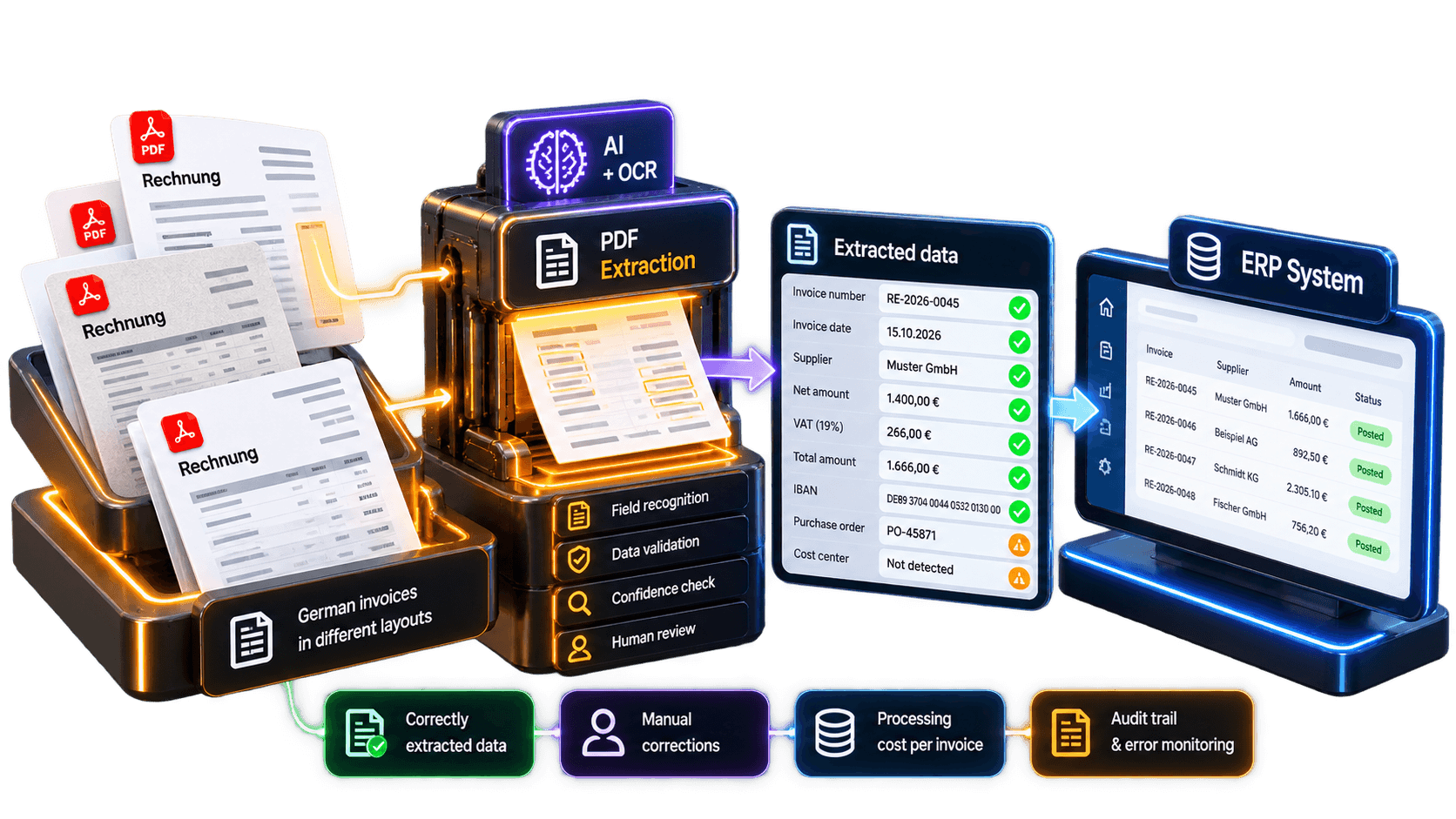
Check data protection arrangements, German-language support, and connections to SAP or Microsoft Dynamics where relevant. Request clear information on access rights, retention, and error monitoring. HubBroker's PDF conversion and integration services can be assessed alongside dedicated extraction tools, using exactly the same test files and acceptance criteria.
Choose reliability based on your invoice mix
Template OCR can work well with stable supplier formats. AI extraction can cope with more variation, but it still needs validation and people who can review doubtful results. Measure field-level errors, correction effort, processing charges, and the quality of the final ERP or XRechnung output. A controlled pilot with real German invoices provides a firmer basis for choosing a service than a vendor's headline accuracy figure.
