
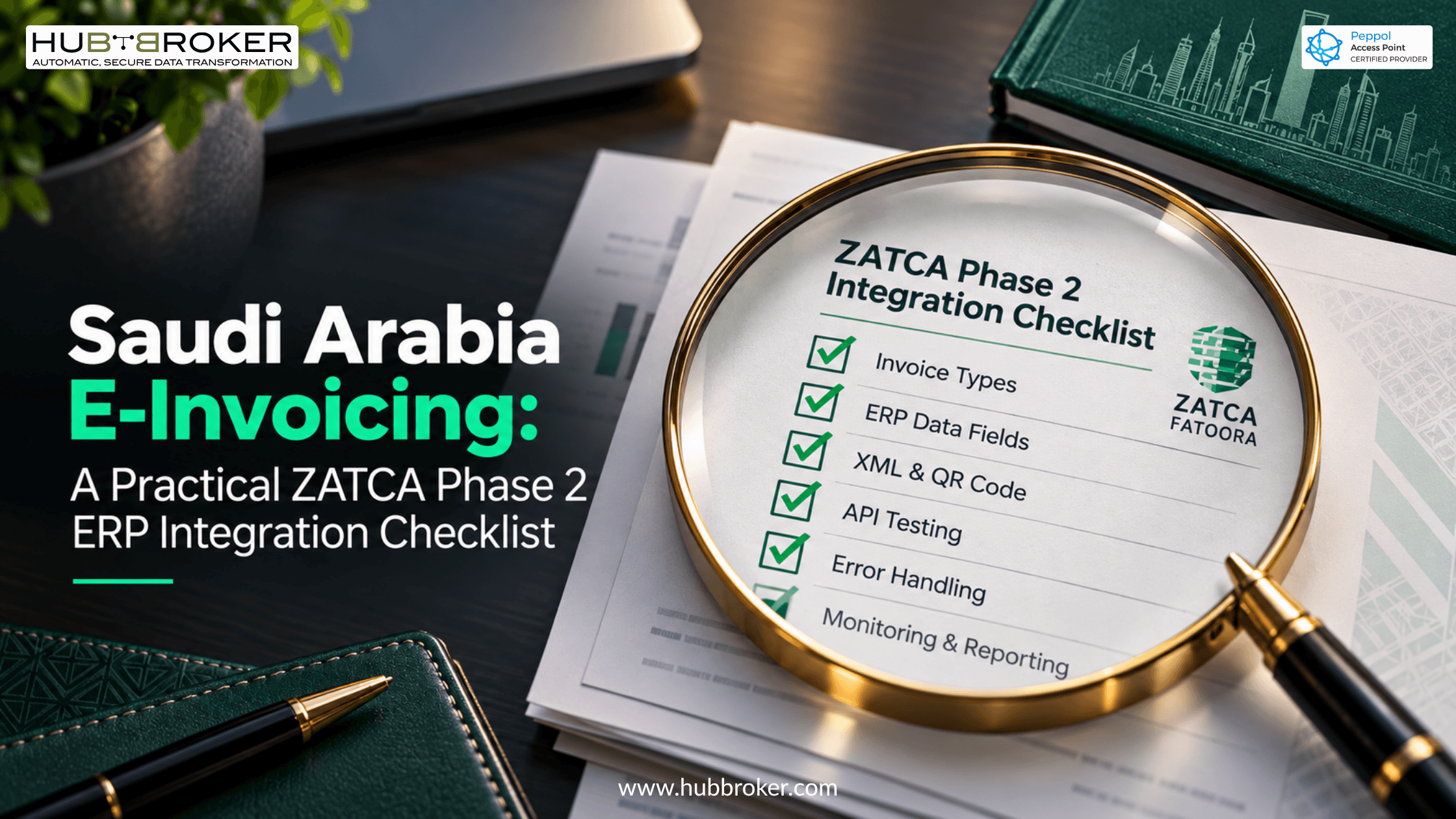
Saudi Arabia E-Invoicing A Practical ZATCA Phase 2 ERP Integration Checklist
A company in Riyadh creates an invoice in its ERP, but FATOORA refuses it. The amount looks right, so where did things go wrong? It could be a missing XML field, a certificate problem, or a response the software didn't handle properly. Saudi Arabia ZATCA e-invoicing is not just about putting a QR code on a PDF. Under Phase 2, affected businesses must connect their invoicing solutions to the FATOORA platform. Here is what to check before that connection becomes part of daily billing.
Is Your Business Already Required to Join ZATCA Phase 2?
Phase 1 began on 4 December 2021. Covered taxpayers had to generate and store electronic invoices. Phase 2 started on 1 January 2023, with businesses brought into integration in waves rather than all at once. ZATCA gives selected taxpayers at least six months' notice before their integration deadline.
Wave 25, for example, covers taxpayers whose revenue subject to VAT exceeded SAR 187,500 in any of 2022, 2023, 2024, or 2025. Its announced deadline is 1 February 2027. That date does not apply automatically to every Saudi business. Check your own notification and revenue records. If you operate several branches, also list the invoicing devices or systems that need onboarding.
Clearance or Reporting: Which ZATCA API Does Your ERP Need?
Standard tax invoices, usually used for B2B sales, follow clearance. The invoicing system sends the invoice to FATOORA and gets a cleared version before giving it to the buyer. Simplified tax invoices, commonly used for B2C sales, work differently: the compliant system issues the invoice, then reports its XML within 24 hours.
Credit and debit notes follow the process for their document type. This matters because your ERP cannot treat every document as a generic upload with the same response or delivery timing.
Document or case | FATOORA interaction | What staff should check |
|---|---|---|
Standard tax invoice | Clearance first | Wait before sharing |
Standard credit note | Clearance first | Link original invoice |
Standard debit note | Clearance first | Check references |
Simplified tax invoice | Report within 24 hours | Watch reporting deadline |
Simplified credit note | Report within 24 hours | Keep issue timestamp |
Simplified debit note | Report within 24 hours | Track acknowledgment |
Rejected standard invoice | Clearance unsuccessful | Fix before delivery |
A response saying a request arrived is not always the outcome your finance team needs. Show staff where they can see the actual clearance or reporting result for each document.
ERP Integration Checklist for FATOORA Onboarding and Testing
Treat these checks as tests your ERP team or provider must show working, not boxes to tick after a sales presentation.
1. Identify invoice types. List standard and simplified invoices, credit notes, and debit notes across your sales channels.
2. Check ERP fields. Review seller VAT details, buyer information where needed, invoice references, discounts, and totals against ZATCA specifications.
3. Build the XML correctly. Check the required structure, electronic signing, hashing, and QR generation rather than relying on a visual template.
4. Onboard every solution. Follow ZATCA's certificate steps, complete compliance testing, and obtain the required production CSID.
5. Try both APIs. In the sandbox, test clearance responses for standard invoices and reporting acknowledgments for simplified documents.
6. Handle failures safely. Show understandable error messages, a controlled correction process, and safeguards against accidental duplicate invoices.
7. Monitor real activity. Keep submission evidence and document statuses. Set alerts for failed transactions and simplified invoices approaching reporting deadlines.
A successful connection test alone proves very little. Also try invalid fields, expired credentials, temporary outages, and invoice corrections. Find out what staff will see when those cases happen during a busy day.
What Should You Check Before Buying a ZATCA ERP Connector?
Ask whether the connector follows official XML and security specifications. Who protects credentials, tracks certificate expiry, and makes updates when requirements change?
Request a demonstration using invoices produced by your ERP, including VAT adjustments and credit notes. Agree on who investigates errors after launch. Finance needs clear document statuses, while IT needs enough detail to fix technical failures. Discuss implementation charges, support hours, the testing scope, and record retention under applicable Saudi rules. A product described as ready still needs testing with your actual data and approval process.
Where Should Implementation Start?
Begin with one typical invoice and follow it from ERP creation to the correct FATOORA response. Once that works, test other documents, branches, users, and corrections. HubBroker's ERP integration and document mapping services can help review source data, plan transformations, and set up transaction monitoring. Confirm any specific ZATCA API connection, certification, and production readiness during technical scoping. That gives your team a more reliable basis for choosing a solution without assuming every feature is already available. Keep a named owner for each failed invoice so problems do not disappear between teams.
