
What Happens When an E-Invoice Is Rejected? A Guide for Finance and IT Teams
When an e-invoice is rejected, it can create more problems than only a technical error. Payment can get delayed, finance team need to check the invoice again, and sometimes it can also create compliance issue. For European businesses using structured e-invoicing, finance and IT teams should know why invoices get rejected, what happens after rejection and how the same mistake can be avoided next time.
Why Was My E-Invoice Rejected?
An e-invoice can get rejected when some required information is wrong, missing or not accepted by the receiving system. It can be related to technical rules, tax information, buyer information or invoice format. For Peppol invoices, the system checks invoice structure and required business data before it can be processed. Some errors are serious and can stop the invoice completely.
Other small warnings may not always cause rejection.
Some common reasons are:
👉 Missing invoice fields
👉 Wrong VAT or tax information
👉 Incorrect buyer or supplier ID
👉 Wrong invoice total
👉 Missing purchase order number
👉 Incorrect customer reference
👉 Wrong currency or code
👉 Unsupported invoice format
👉 Duplicate invoice details
👉 Wrong ERP mapping
Sometimes even one small wrong value can cause a rejection, specially when that field is mandatory.
What Happens When an E-Invoice Is Rejected?
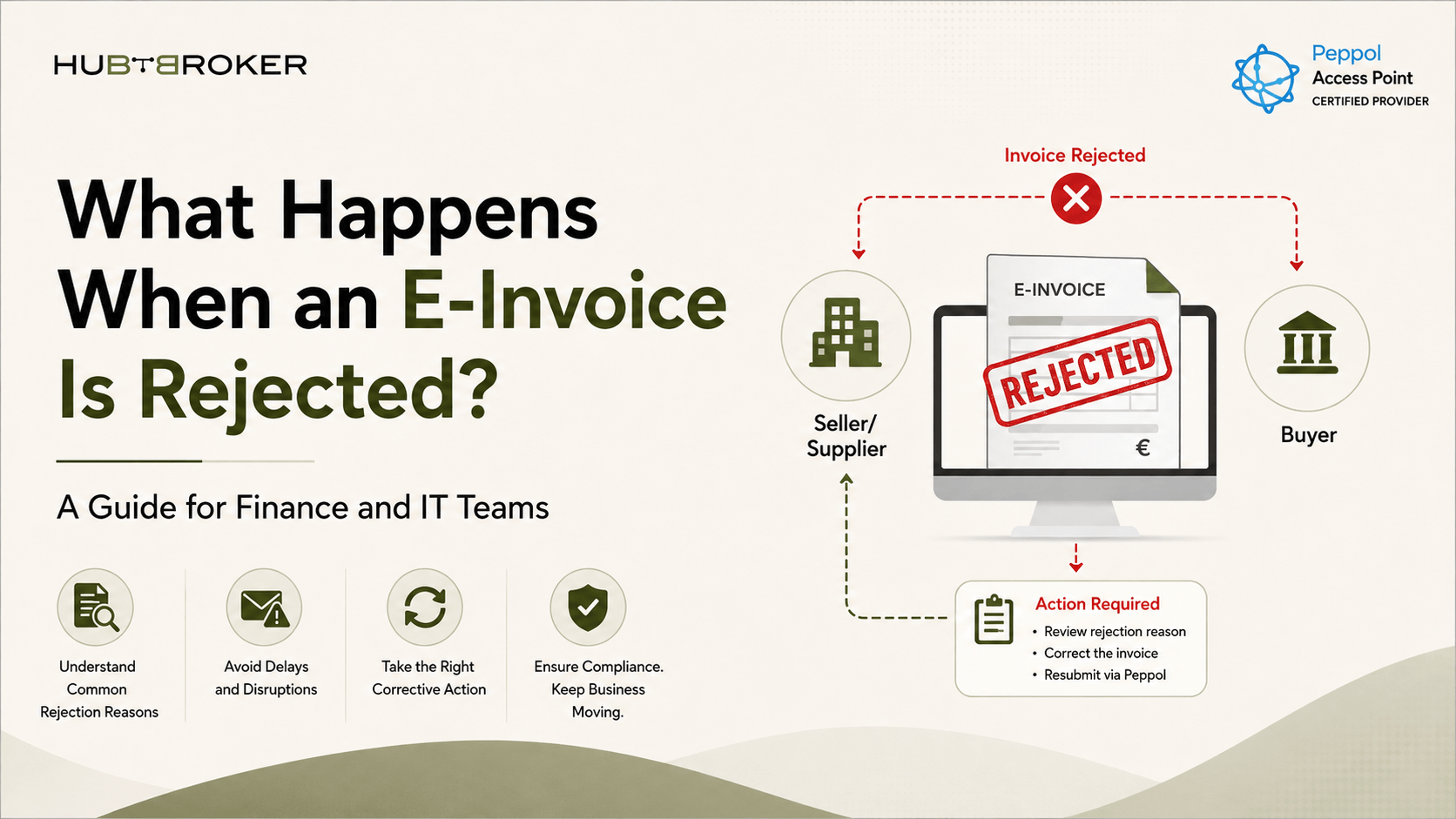
When an invoice gets rejected, the normal invoice process usually stops until someone checks the problem. In Peppol Invoice Response, Rejected is one of the invoice status. The response can also include information about why the invoice was rejected. This is useful because finance or IT team can see what need to be corrected.
But rejection does not always mean that the payment requirement is cancelled. If the buyer still need to pay based on the agreement, rejecting the invoice does not automatically remove that responsibility. Finance teams should not just close the rejected invoice. They should check the reason, correct the invoice if needed and follow the new status after sending it again.
E-Invoice Rejection and Compliance Statistics
Recent finance research also shows that invoice and tax errors are still a common problem for businesses.
E-Invoicing & Compliance Data | Statistic |
|---|---|
Companies facing invoice rejection because of tax or invoicing errors | 39% |
Invoices analysed in Basware's study | 272 million |
Invoices still received as PDF or paper | 57% |
Value of non-compliant invoices analysed | $783 billion |
Companies unable to expand overseas because of missed tax or invoice deadlines | 56% |
Companies that received fines after incorrect tax audits | 36% |
CFOs seeing poor compliance visibility as an operational risk | 91% |
Organizations with full compliance-management platforms | 29% |
The numbers show that invoice problems are not only happening in small companies. Large organisations are also still dealing with invoice and compliance issues.
How Do I Fix a Rejected E-Invoice?
The first thing is simple: check the rejection message before sending the invoice again. Sending the same invoice again without fixing anything will probably give the same error.
Finance and IT teams can follow these steps:
Step 1: Check the rejection code or error message.
Step 2: Compare the invoice with ERP data.
Step 3: Check VAT, customer, PO and invoice values.
Step 4: Fix the wrong field or mapping.
Step 5: Validate the invoice again.
Step 6: Send the corrected invoice.
Step 7: Check the new invoice status.
Peppol response messages can show problems like syntax errors, wrong calculations, unsupported document versions or other validation problems. If the error came from the ERP mapping, then only fixing one invoice may not be enough. The mapping should also be corrected, otherwise next invoices can have same problem again.
How Can I Prevent E-Invoice Rejection?
The best way is to find the mistake before the invoice is sent. Finance teams should keep customer data, VAT numbers, purchase order information, payment details and invoice values updated.
IT teams should check:
Invoice format validation
ERP mappings
Country-specific requirements
Error and rejection messages
Customer master data
Changes in invoice rules
System connection problems
It is also important that rejection messages are visible for the finance team. If only IT can see the error, finance people may not know why payment is getting delayed. Across Europe, this is becoming more important because e-invoicing is not only about sending invoices anymore. It is also becoming connected with VAT reporting, tax compliance and digital finance processes.
How Can HubBroker Help With Rejected E-Invoices?
Managing different invoice formats, ERP mappings, validation rules and Peppol requirements can become difficult when a business is working in several countries. HubBroker can connect your ERP with automated e-invoicing and Peppol processes, including:
✔ ERP and e-invoicing integration
✔ Structured invoice conversion
✔ Invoice validation before sending
✔ VAT and required-field mapping
✔ Peppol invoice transmission
✔ Rejection and error handling
✔ Invoice status tracking
✔ Automated invoice data flow
Instead of knowing about the problem only after an e-invoice is rejected, businesses can add checks before sending the invoice. This can reduce repeated mistakes and also make it easier for finance and IT team to understand where the problem is coming from. With a proper setup, businesses can spend less time checking failed invoices manually and more time on normal finance work.
If your business is getting too many rejected invoices, HubBroker can help review your ERP, Peppol and e-invoicing flow and make the process more simple.
