
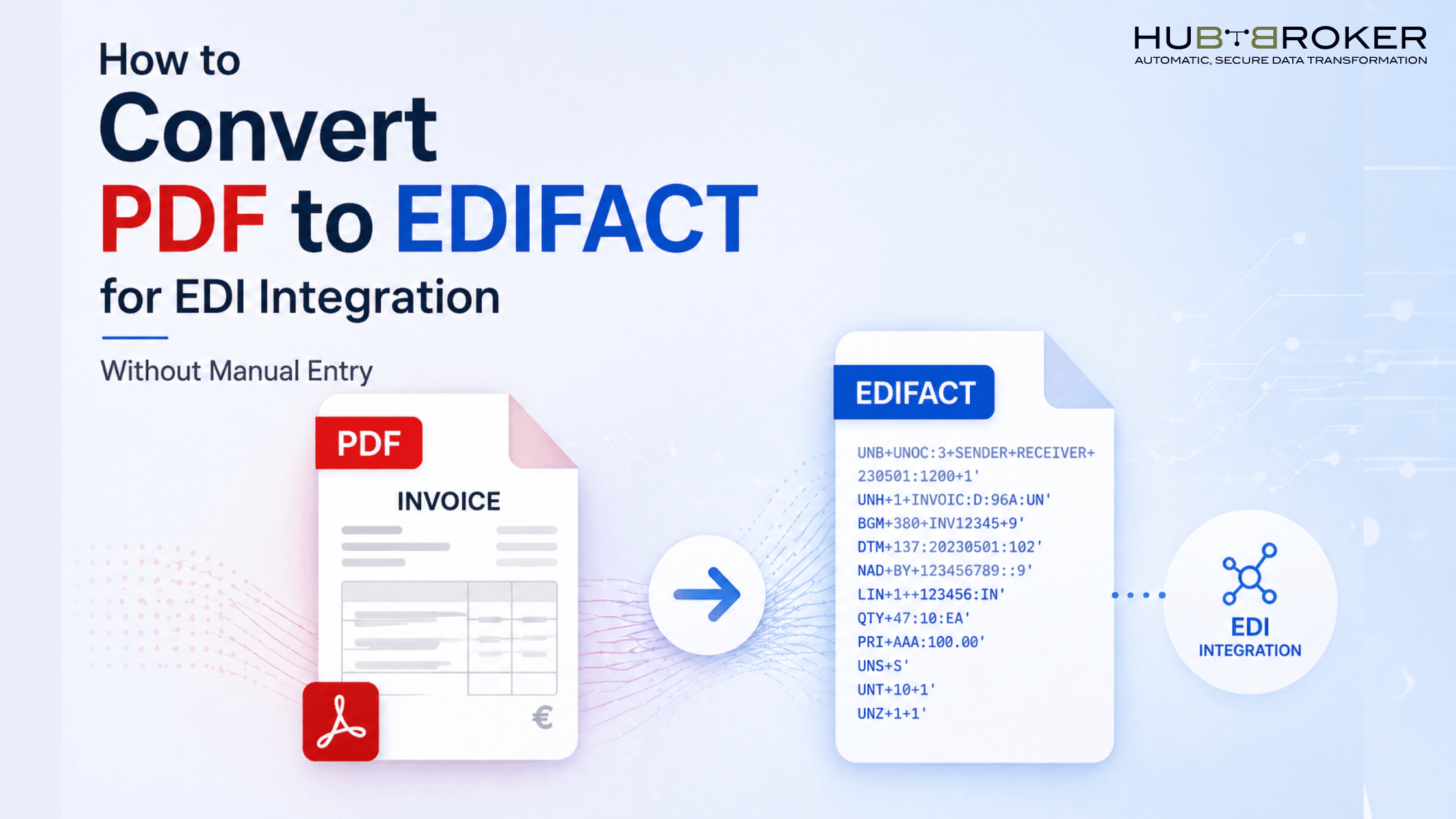
How to Convert PDF to EDIFACT for EDI Integration Without Manual Entry
In many organizations, critical business documents such as invoices, purchase orders, and shipping notices still arrive in PDF format. While PDFs are easy for humans to read, they are not suitable for automated processing in Electronic Data Interchange (EDI) systems especially when using standards like EDIFACT. Manually re-entering this data is inefficient, error-prone, and not scalable.
This blog explains how to convert PDF documents into EDIFACT format without manual entry, enabling seamless EDI integration.
Understanding the Challenge: PDF vs. EDIFACT
PDFs are unstructured or semi-structured documents designed for visual presentation. In contrast, EDIFACT is a structured, standardized format used for machine-to-machine communication.
The key challenges include:
Extracting data from inconsistent PDF layouts
Mapping extracted data to EDIFACT segments
Ensuring accuracy and compliance with trading partner requirements
Without automation, this process becomes a bottleneck in digital transformation.
Why Manual Data Entry is Not Sustainable
Manual entry may work at very low volumes, but it quickly becomes problematic as businesses scale.
Common issues include:
High labor costs
Increased risk of human errors
Delayed processing times
Lack of real-time visibility
For companies dealing with multiple trading partners and high document volumes, automation is no longer optional.
Extract Data from PDF Using Intelligent Document Processing (IDP)
The first step is to extract relevant data from the PDF. This is done using Intelligent Document Processing (IDP), which combines OCR (Optical Character Recognition) with AI/ML models.
Key capabilities:
Reading both scanned and digital PDFs
Identifying fields like invoice number, date, line items, totals
Handling multiple layouts and formats
Modern IDP solutions learn from document variations, improving accuracy over time.
Validate and Structure the Extracted Data
Once data is extracted, it must be validated and structured before conversion.
This includes:
Data validation (e.g., correct formats, mandatory fields)
Business rule checks (e.g., totals match line items)
Standardization (e.g., date formats, currency codes)
This step ensures that only clean, reliable data moves forward into EDI transformation.
Map Data to EDIFACT Format
After structuring the data, the next step is mapping it to EDIFACT segments.
For example:
Invoice number -> BGM segment
Dates -> DTM segment
Line items -> LIN, QTY, PRI segments
This requires:
Knowledge of EDIFACT message types (e.g., INVOIC, ORDERS)
Trading partner-specific mapping rules
Compliance with standards like UN/EDIFACT
A robust mapping engine simplifies this process significantly.
Looking for PDF to EDIFACT Einvoicing Solution?
Ge in Touch with HubBroker Einvoicing Experts now: Book Free Demo Now
Automate Integration with Your ERP or EDI System
The final step is integrating the generated EDIFACT file into your ERP or EDI system.
This typically involves:
API or middleware (iPaaS) integration
Automated file transmission via AS2, SFTP, or Peppol
Real-time or scheduled processing workflows
Once set up, the entire pipeline—from PDF to EDIFACT—runs without manual intervention.
How HubBroker Simplifies PDF to EDIFACT Conversion
At HubBroker, we specialize in eliminating manual data entry by automating the entire document transformation process.
Our solution combines:
Intelligent Document Processing (IDP) to extract data from PDFs
Advanced EDI mapping for seamless EDIFACT conversion
iPaaS integration to connect with systems like Microsoft Dynamics 365 Business Central
Peppol-compliant infrastructure for secure and standardized data exchange
As a Certified Peppol Access Point provider, HubBroker enables businesses to handle complex EDI requirements while ensuring compliance across global standards. Whether you're dealing with invoices, orders, or logistics documents, HubBroker helps you move from manual processes to fully automated, scalable EDI workflows.
