
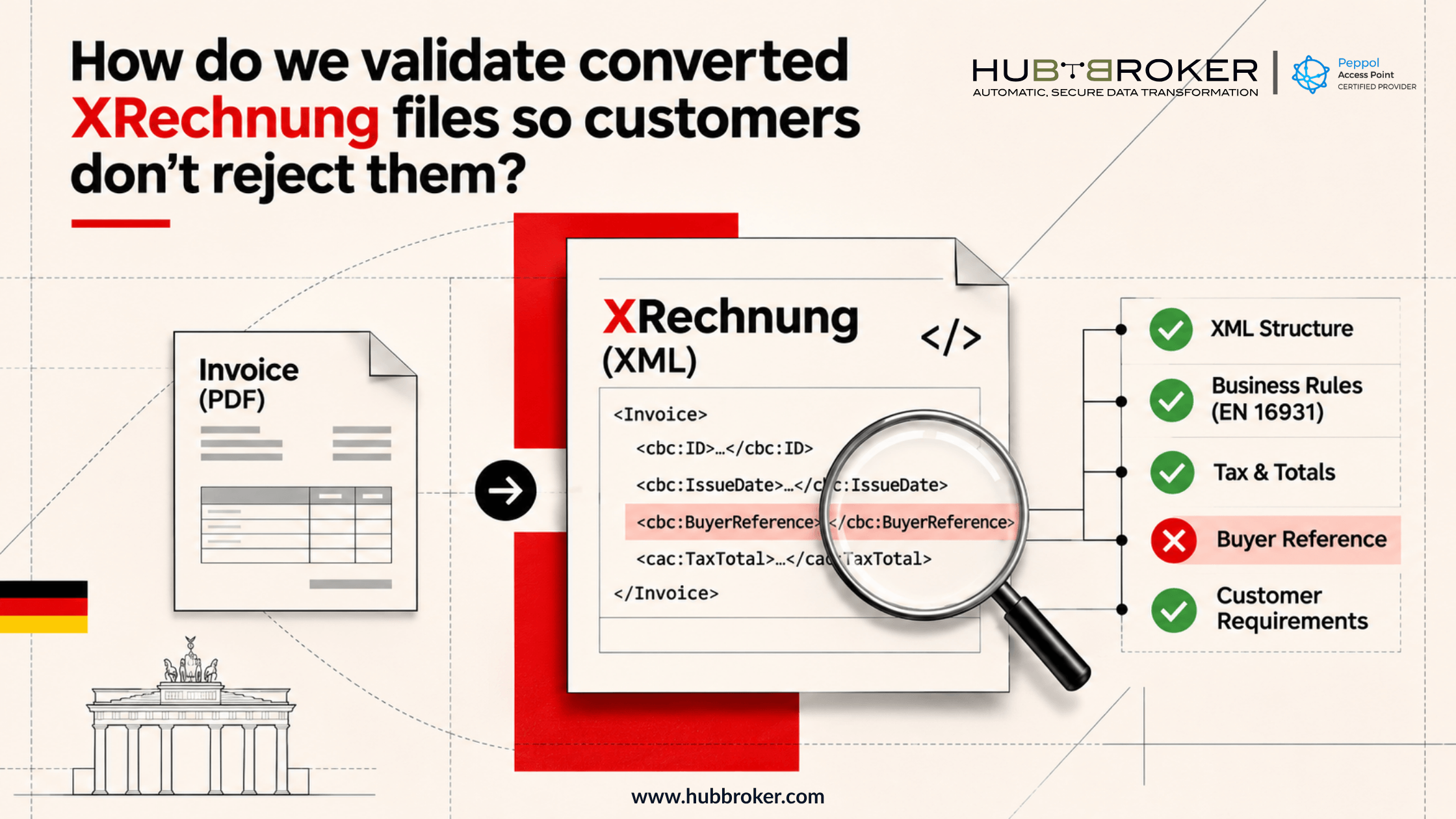
How do we validate converted XRechnung files so customers don't reject them?
Turning an invoice into XML is only part of getting it accepted by a German customer. The file might still have the wrong tax total, a missing buyer reference, or information in the wrong place.
So, how do we validate converted XRechnung files before sending them?
Start by checking the XML rules, then compare the contents with the original invoice and the customer's instructions. This can prevent rework and payment delays. It also gives your team clearer correction priorities.
Why can a converted XRechnung still be rejected?
A PDF invoice can look perfectly fine while the converted XML tells a different story. A field may disappear during conversion, or a purchase order number might end up in an element meant for something else. The issue may only surface during processing.
XRechnung uses the European EN 16931 invoice model, alongside rules specific to Germany. It can be expressed in UBL or CII XML syntax. That means valid-looking XML isn't necessarily a valid XRechnung. Even a file that passes standard checks may be missing information required by a particular buyer.
Which XRechnung rules matter most after conversion?
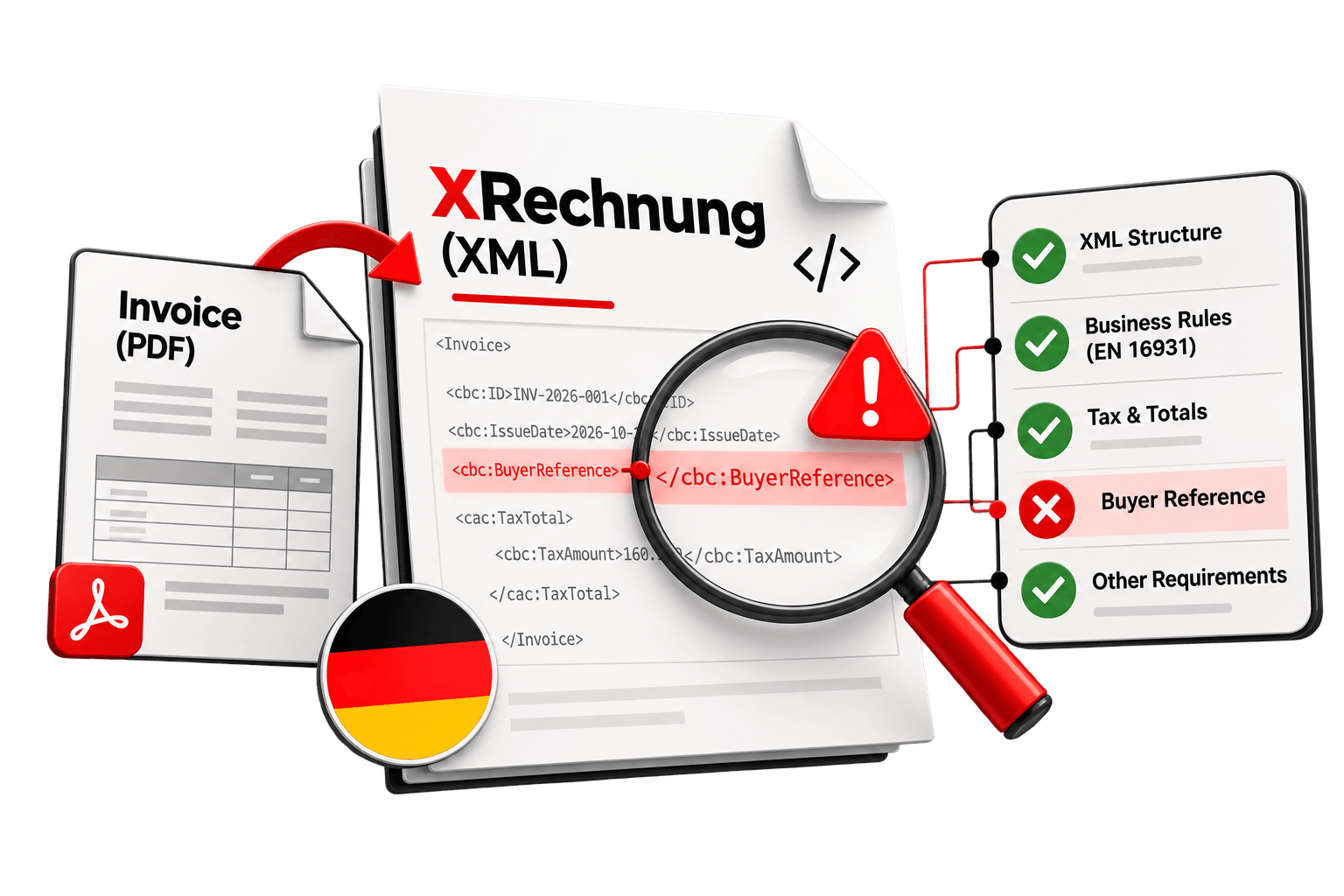
First, make sure the document has an acceptable XML structure. Schema validation checks whether the correct elements appear in the right places. Schematron checks go further, testing business rules such as required values, tax calculations, and totals. Germany's KoSIT validator configuration combines relevant European and XRechnung checks.
Review these areas after conversion:
What to check | Possible problem | What to verify |
|---|---|---|
Invoice number | Missing or wrong reference | Matches the source |
Issue date | Incorrect or absent date | Correct invoice date |
Buyer details | Missing identifier or address | Customer's requested details |
Supplier details | Incorrect business information | Source and registration details |
VAT calculation | Tax doesn't match the base | Rates and amounts agree |
Payable total | Rounding or calculation difference | Lines reconcile with total |
Buyer reference | Invoice cannot be routed | Correct reference for recipient |
A public-sector buyer may require a buyer reference, often linked to a Leitweg-ID. Check the recipient's instructions. Also check which validation rules you're using. The KoSIT XRechnung configuration released on 31 August 2026 supports XRechnung 3.0 and includes updated European checks. Current rules help keep checks consistent.
How to validate converted XRechnung files before sending them
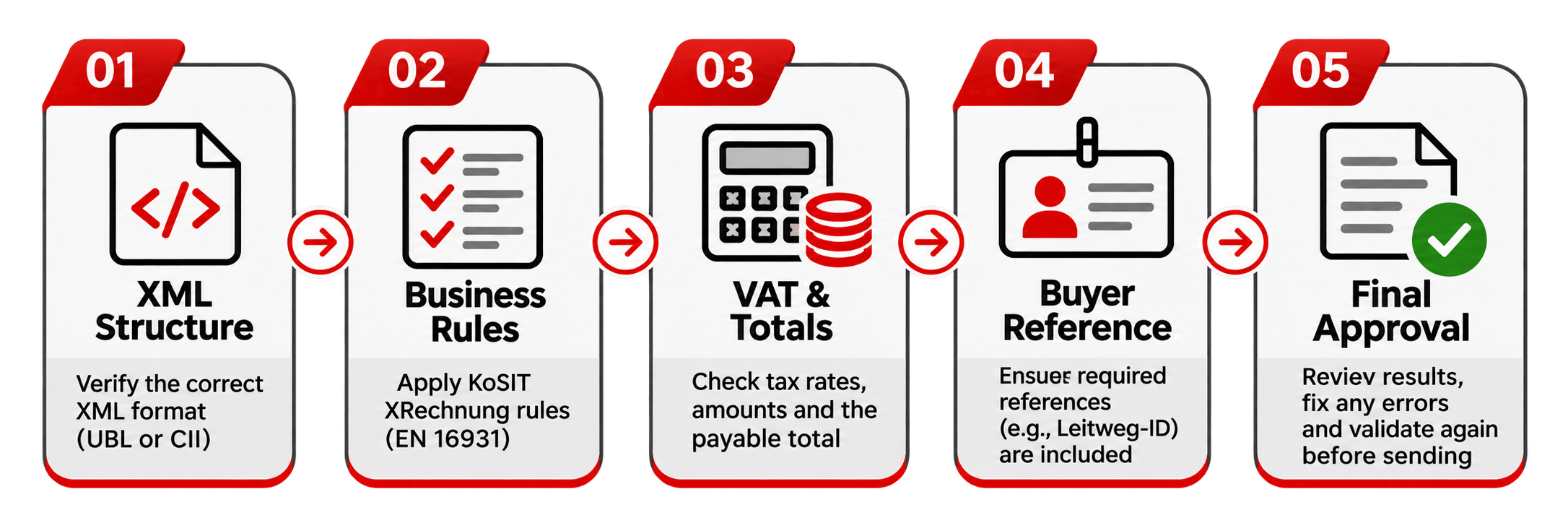
Check the expected format. Ask whether your customer accepts UBL or CII XRechnung and which delivery method they require. An XML file isn't automatically suitable for every recipient or channel.
Compare the original and converted invoice. Review buyer and supplier details, invoice references, item descriptions, quantities, prices, discounts, and payment information. Check that each value has landed in the right XML field. If the source is missing something, correct the source instead of making up data.
Run the proper validation checks. Use the applicable XML schema and KoSIT XRechnung rules. Read the report carefully, especially any blocking errors. Don't ignore warnings without checking whether they matter for your customer's process.
Check the numbers separately. Add up line amounts and review discounts, additional charges, taxable amounts, VAT, and the final payable amount. Small rounding differences may be enough to cause a failure.
Check the recipient's instructions and test again. Confirm purchase order numbers, buyer references, and the agreed submission channel. Fix issues, rerun validation, and try a test submission if the customer supports one. Keep the validation result so you can investigate problems later.
Why does a passing validation report not guarantee acceptance?
A passing report tells you the XML meets the checks included in that validator's configuration. It doesn't mean the customer will accept the invoice. Their system may reject an unfamiliar purchase order, an unrecognized supplier, or a delivery sent to the wrong endpoint.
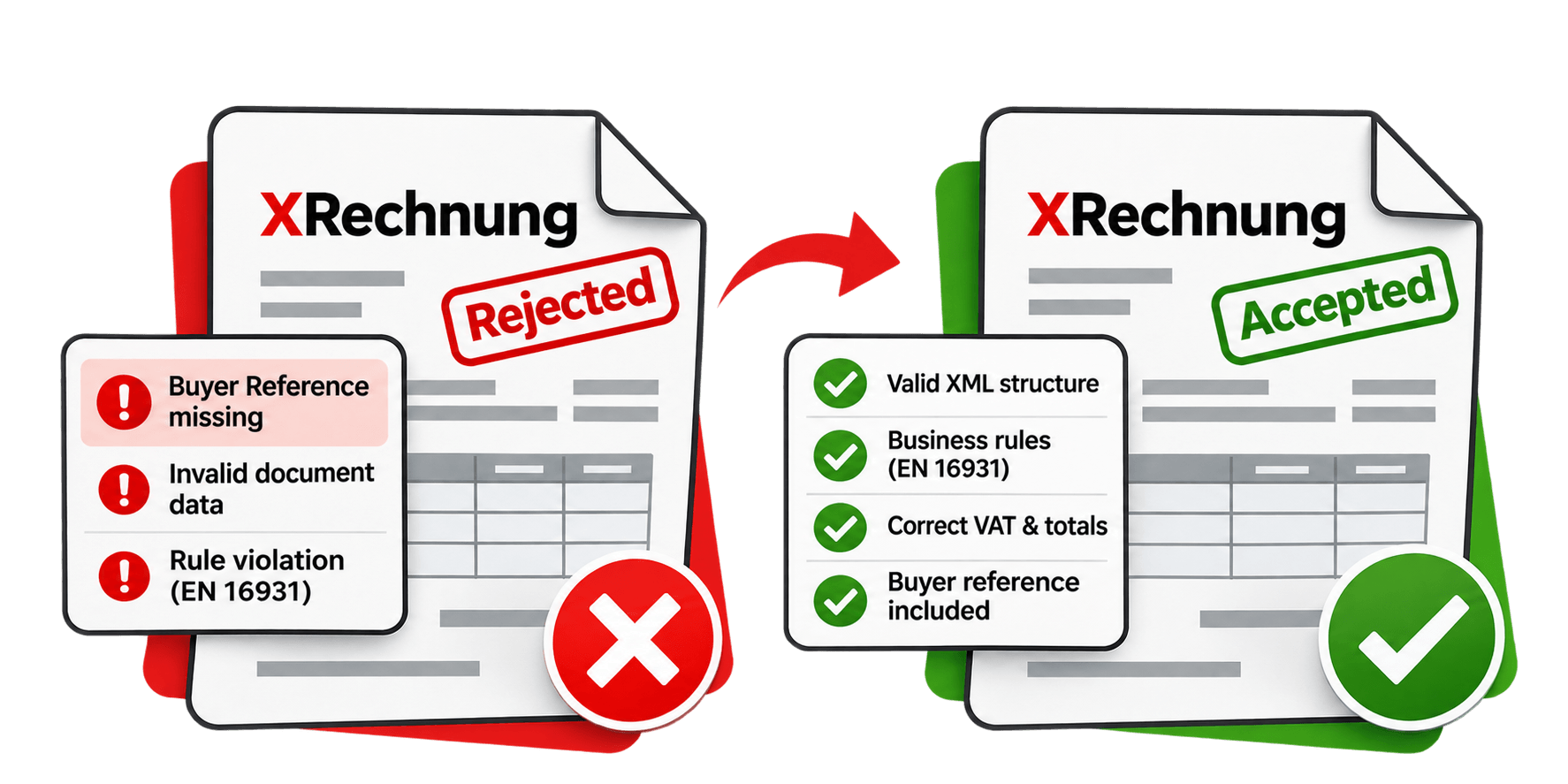
For instance, the purchase order field might contain a valid number, but one belonging to a different department. Technical validation won't necessarily spot that. Check delivery acknowledgements and customer rejection messages too. When you record why invoices are rejected, you can fix recurring mapping problems instead of correcting the same mistake one invoice at a time.
How HubBroker Helps Prevent XRechnung Rejections After Conversion
HubBroker helps businesses convert invoice data into structured electronic documents and exchange them with customers in Germany. Its mapping, invoice validation, ERP integration, and automated document exchange capabilities can make it easier to spot mistakes before an invoice leaves your system.
A typical setup connects invoice or ERP data to the required XML format, applies agreed validation checks, and sends the document through the customer's chosen channel, including Peppol where suitable. The exact rules and recipient requirements still need to be confirmed during implementation. Software cannot guarantee buyer acceptance. If XRechnung files are repeatedly rejected,
HubBroker can help you review the conversion mapping, validation results, and delivery setup to find where the process needs stronger checks.
