
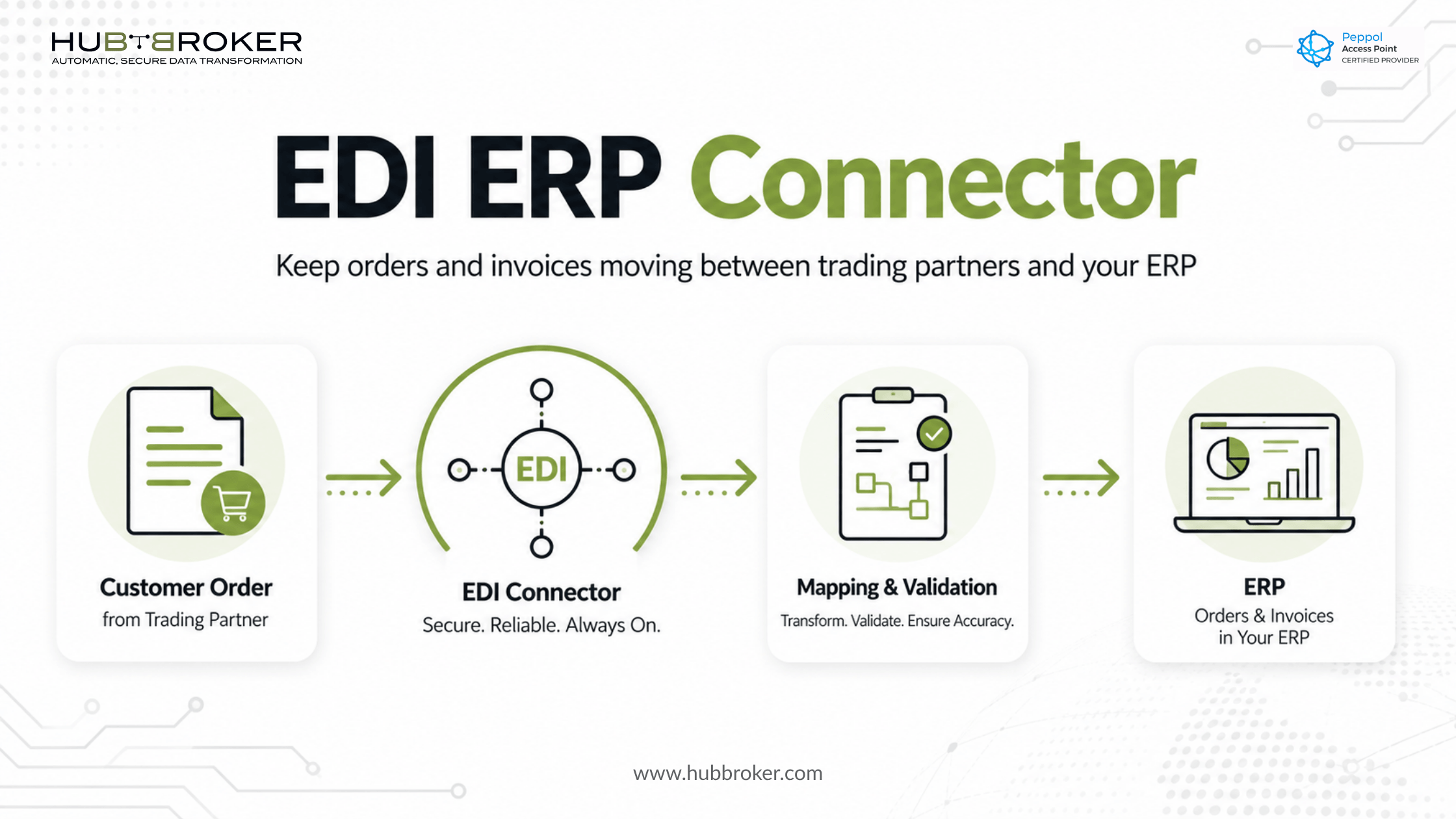
EDI ERP Connector Failures Can Stop Orders and Invoices - Here Is What a Reliable Connector Must Handle
A customer sends an order, but it never reaches your ERP. A supplier invoice arrives with missing references and remains blocked. Your operations team starts entering documents manually while IT searches through integration logs. A reliable EDI ERP connector prevents these disruptions by translating, validating, and transferring business documents between trading partners and the systems your teams already use.
What Does an EDI ERP Connector Actually Do?
An EDI ERP connector moves structured business documents between your ERP and external customers, suppliers, marketplaces, warehouses, and logistics providers. It acts as the translation and control layer between systems that may use different formats, fields, and communication methods.
For example, a customer might send a purchase order in EDIFACT while your ERP requires an API request or a specific XML structure. The connector converts the document, maps each field to the correct ERP location, validates the information, and delivers it to the sales order process.
A typical flow looks like this:
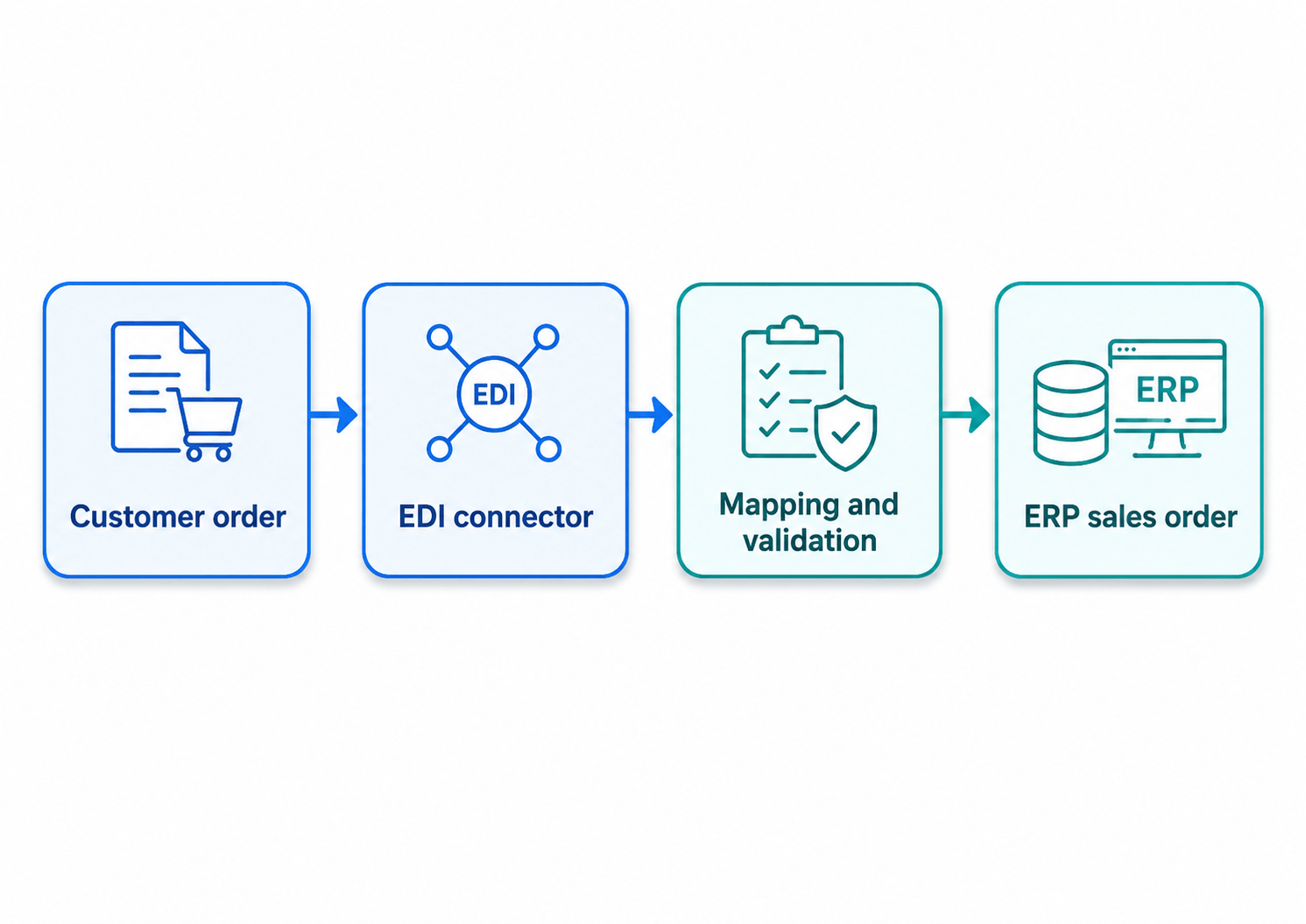
The reverse process applies to outbound documents. An invoice created in your ERP can be extracted, converted into the customer’s required format, validated, and delivered through the agreed communication channel.
Where Do EDI and ERP Processes Usually Break?
An EDI file can be delivered successfully but still fail inside the ERP. Communication success only confirms that a file reached its destination; it does not confirm that the ERP accepted or processed the data.
Common causes of failure include:
Customer or supplier numbers that do not match ERP master data
Missing product numbers, VAT details, buyer references, or delivery information
Units of measure that differ between the trading partner and the ERP
Incorrect document formats or unsupported field structures
Duplicate orders or invoices
Partner-specific requirements that were not included in the mapping
Errors that remain hidden in technical logs
These failures can delay order confirmation, warehouse processing, delivery, invoice posting, and payment. A reliable connector therefore needs more than file-transfer capability. It must identify incorrect data, make errors visible, and provide a controlled process for correcting and resending documents.
Which Documents Should an EDI ERP Connector Support?
The required document scope depends on your trading relationships and operational processes. However, most businesses need to automate more than one isolated document type.
Common inbound and outbound documents include:
Purchase orders
Sales orders
Order confirmations
Despatch advice
Delivery notes
Sales and supplier invoices
Credit notes
Inventory updates
Price updates
Product catalogue messages
Start by identifying the documents that create the most manual work or operational risk. For many companies, purchase orders and invoices are the first priority because failures directly affect fulfilment, cash flow, and supplier processing.
The connector should also support the formats used by your partners and systems. These may include EDIFACT, X12, XML, JSON, CSV, structured e-invoice formats, APIs, or partner-specific files.
What Should You Check in an EDI ERP Connector?
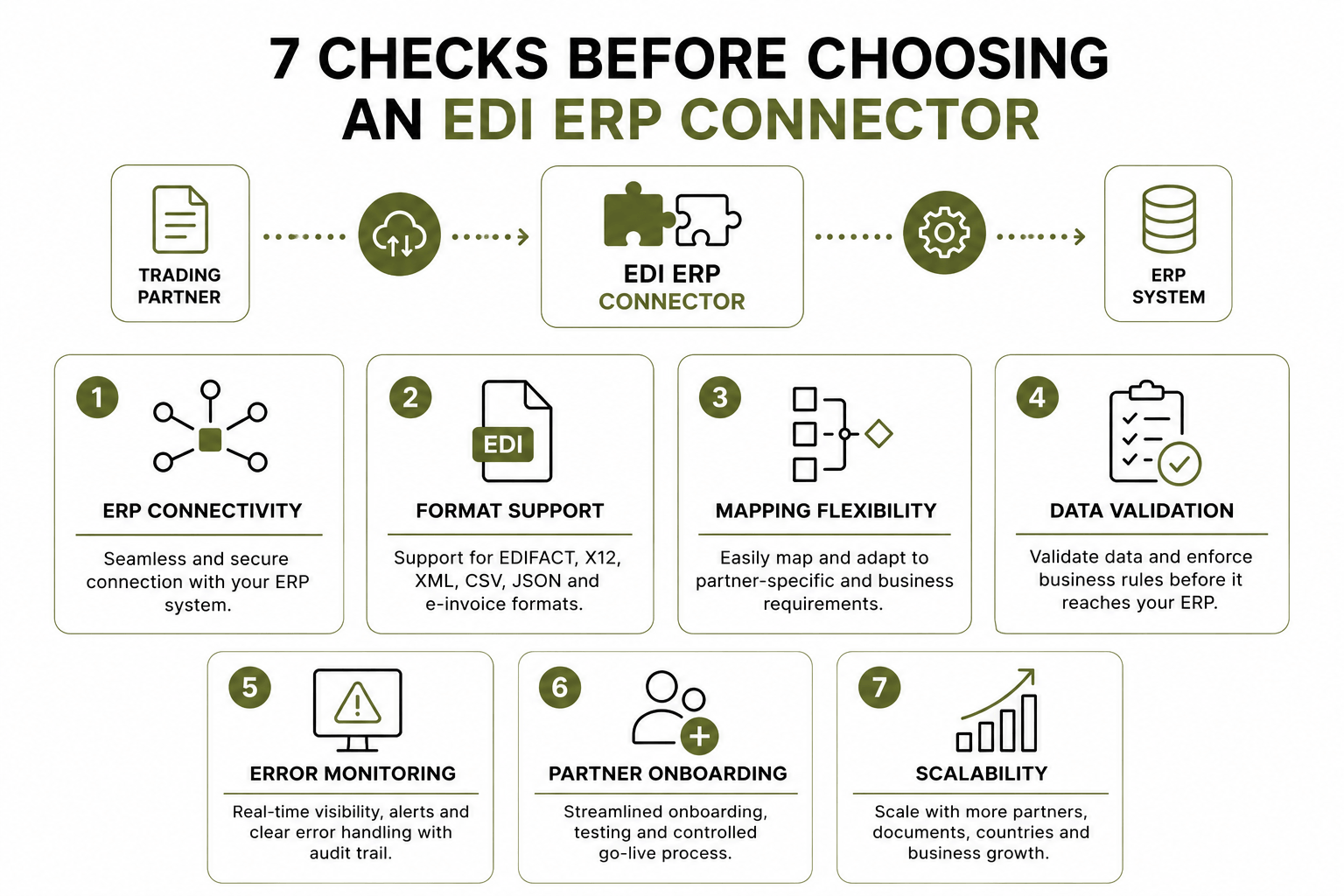
Choosing an EDI ERP connector based only on whether it can transfer files creates risk. The solution must also support mapping, validation, monitoring, error handling, and future partner onboarding.
Evaluate the following areas:
ERP connectivity
Confirm how the connector communicates with your ERP. Depending on the system and deployment, this may involve an API, standard connector, secure file exchange, database interface, or another approved integration method.
Format and mapping support
The connector must translate external document structures into the fields and formats expected by your ERP. It should also support partner-specific mapping rules without requiring major ERP changes for every new connection.
Data validation
Documents should be checked before they enter the ERP. Validation may include mandatory fields, document totals, tax data, product references, units, customer identifiers, and partner-specific business rules.
Monitoring and error handling
IT and business teams need to know whether a document was received, validated, delivered, accepted, or rejected. The solution should provide document status, error information, processing history, and a clear method for retrying failed transactions.
Partner onboarding
Adding a new customer or supplier should follow a repeatable process covering requirements, mapping, test documents, validation, approval, and controlled go-live.
Scalability
The integration should accommodate additional partners, document types, ERP companies, marketplaces, warehouses, and country requirements without creating a new point-to-point integration for every flow.
HubBroker’s EDI integration platform supports format conversion, system integration, testing, validation, controlled go-live, document monitoring, and audit history.
What Does This Mean for Your Existing ERP and Systems?
Implementing ERP EDI integration should not require replacing the ERP your finance, sales, procurement, and warehouse teams already use.
The connector operates as an integration layer around your existing environment. It receives data from trading partners, converts it into the required ERP structure, and sends validated information to the correct process. Outbound ERP documents are converted and delivered in the format expected by each recipient.
This approach keeps partner-specific requirements outside the core ERP where possible. Your ERP remains responsible for internal business processes, while the integration layer manages external formats, communication methods, validation rules, and trading-partner connections.
HubBroker provides ERP EDI integration services designed to connect existing ERP processes with customer and supplier document flows. Its published connector coverage includes Microsoft Dynamics 365 Business Central, Dynamics 365 Finance and Operations, SAP Business One, Visma e-conomic, Uniconta, and Rackbeat.
The same integration layer can also connect ERP data with e-commerce platforms, warehouse systems, APIs, Peppol networks, e-invoicing services, intelligent document processing, and PDF-to-XML workflows.
How Should an EDI ERP Connector Be Implemented?
A phased implementation reduces operational risk and makes testing easier to control.
Start with these five steps:
Document the current flow. Identify where the document originates, who handles it, which data is entered manually, and where failures occur.
Select the first partner and document type. Choose a high-volume or high-impact flow rather than connecting every partner at once.
Define mappings and validation rules. Confirm ERP fields, partner requirements, master-data dependencies, and exception ownership.
Test realistic scenarios. Include valid documents, missing information, incorrect references, duplicate files, changed quantities, and rejected transactions.
Move to production with monitoring. Track the first live transactions closely and define who responds when a document fails.
Testing should confirm the entire business outcome not only whether a file was transmitted. An inbound order is complete only when it has been created correctly in the ERP and is ready for the next operational step.
For additional background, read how EDI integration works with ERP systems, including the role of connectors, APIs, mapping tools, and integration platforms in document exchange.
Build the Connector Around the Process, Not Just the File
A dependable connector ensures that orders, invoices, delivery information, and product updates reach the correct ERP process in a usable and traceable form. It should reduce manual entry while giving business and IT teams clear visibility when a transaction requires attention.
Book a short HubBroker integration review to map one existing EDI-to-ERP flow and identify where manual work or document failures can be removed.
