
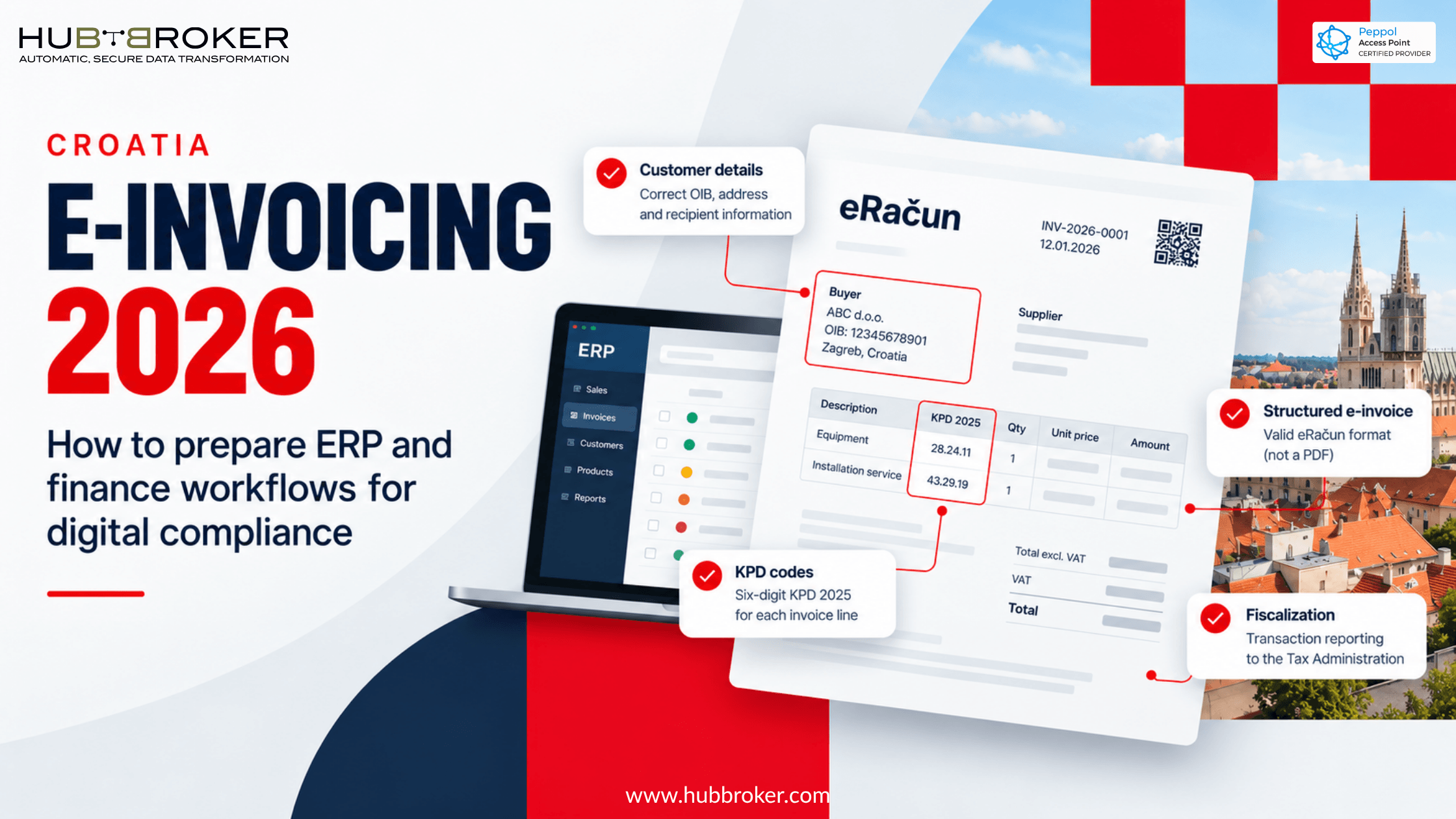
Croatia E-Invoicing How to Prepare ERP and Finance Workflows for Digital Compliance
An invoice can look fine in your accounting software and still fail on its way to a customer in Croatia. Maybe the buyer details are wrong, a product code is missing, or the connection stops working. Croatia e-invoicing now affects everyday billing, not just future IT plans. Finance teams need to understand eRačun, check what their ERP sends, and know what to do when documents fail. The easiest place to begin is with an actual sale or purchase, following it from start to finish.
What Changed Under Croatia's Fiskalizacija 2.0 Rules?
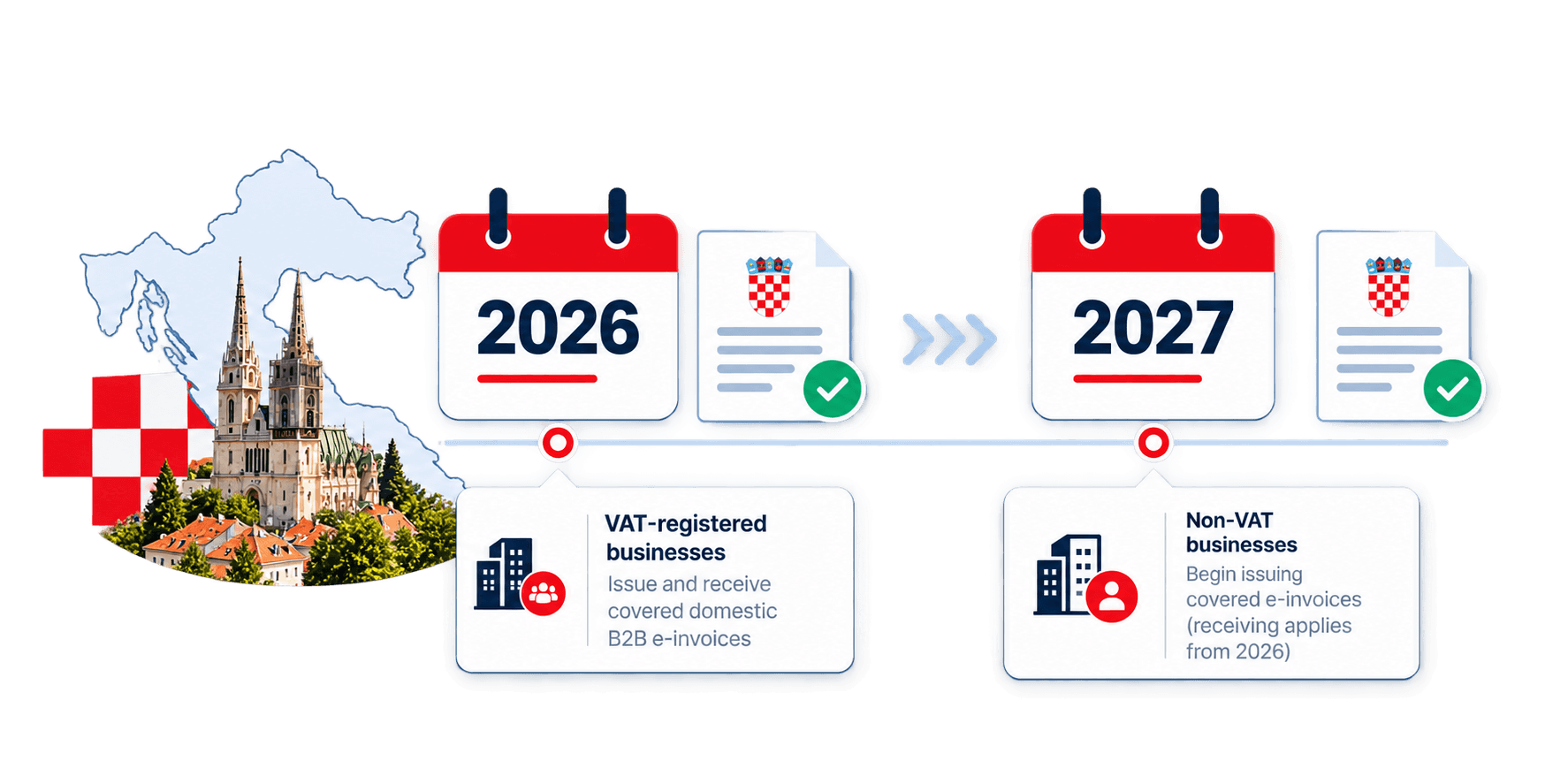
From 1 January 2026, businesses established in Croatia and registered for VAT must issue and receive structured electronic invoices for covered domestic B2B transactions. Businesses outside the VAT system must receive them during 2026, with their duty to issue them starting on 1 January 2027. Existing requirements for electronic invoices in public procurement still matter.
The reform is called Fiskalizacija 2.0. It links electronic invoice exchange with fiscalization, which involves providing required transaction information to the Tax Administration. Simply emailing a PDF does not make it an eRačun. The information must be in a structured format that another system can process. Before changing your billing setup, confirm which obligations apply to your business and the transactions you handle.
Why Do KPD Codes Matter Inside Your ERP?
Croatian invoice lines need six-digit KPD 2025 codes, which classify products and services by activity. So the work begins inside your product records, not only at the point of sending an invoice. Imagine a company in Zagreb selling equipment and charging separately for installation. Those lines may need different classifications. Using one code for the whole invoice can miss that distinction. If your product descriptions are vague, the accounting team may not know which code fits.
Ask sales and product colleagues to review what the business actually supplies. Where there is doubt, use official KLASUS information or speak with an adviser. Your integration provider can help move codes into invoices, but should not guess the correct classification.
ERP and Finance Workflow Readiness Checklist
Follow a complete invoice journey with your accounting and IT teams. Write down who owns each check and what happened during testing.
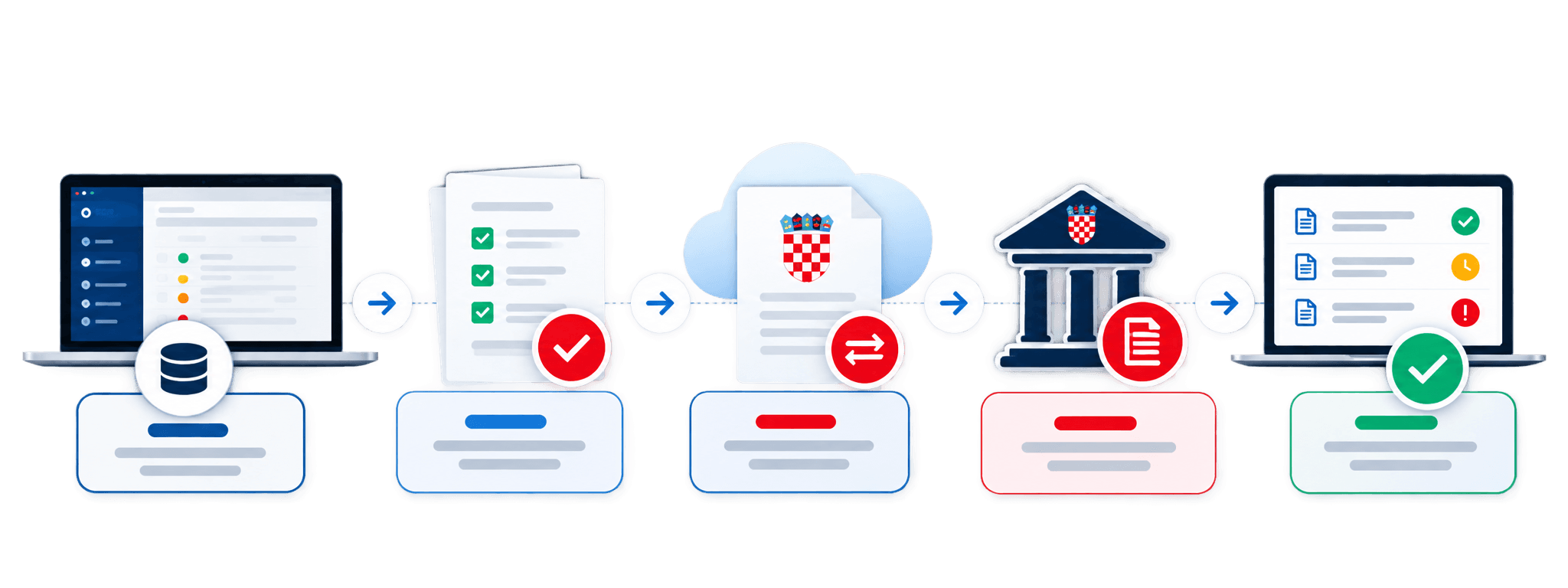
1. Confirm your scope. Separate domestic business sales, public procurement, consumer sales, and foreign transactions. They may follow different rules.
2. Check customer records. Review company identifiers, addresses, tax information, and the details used to find electronic recipients.
3. Assign KPD codes. Put suitable six-digit classifications against products and services in the ERP item master.
4. Choose an intermediary. Check the Tax Administration's confirmed intermediary list, then ask exactly which services the provider supports.
5. Test invoice connections. Send structured invoices, receive supplier documents, and check that statuses return to your ERP.
6. Save fiscalization evidence. Make sure required reports, acknowledgments, and correction records are accessible to finance staff.
7. Try failed cases. Test wrong identifiers, rejected invoices, credit notes, duplicate sends, and temporary outages.
Do not stop after one invoice reaches a customer successfully. Try the exceptions your staff are likely to meet during a normal working week.
What Should Finance Teams Monitor After Go-Live?
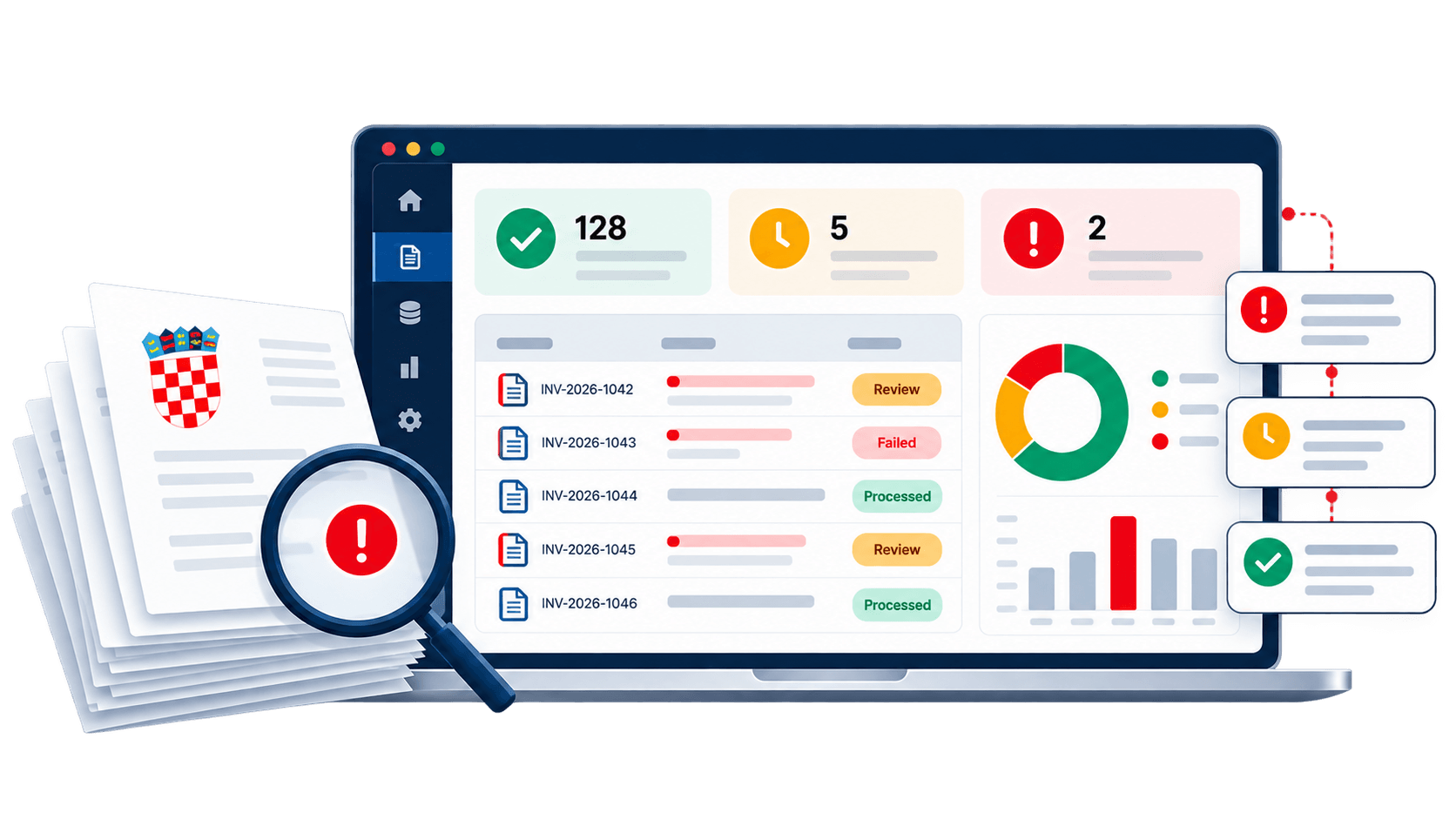
Once electronic invoicing is running, finance staff need more than a message saying an invoice was sent. They should know whether it reached the recipient, failed, or needs checking. Incoming supplier invoices also need approval and matching before payment.
Area | Daily finance check | System support |
|---|---|---|
Outgoing invoices | Failed or missing deliveries | Clear delivery statuses |
Incoming invoices | Unmatched supplier bills | Import and matching rules |
Product data | Missing KPD codes | Master data checks |
Corrections | Credit note references | Linked document history |
Reporting | Missing acknowledgments | Fiscalization tracking |
User access | Incorrect permissions | Role-based controls |
Duplicate documents | Repeated invoice submissions | Duplicate detection |
A short exception queue, reviewed daily, may be more useful than a large dashboard. Assign each issue to someone who can act. Keep the original invoice, later corrections, and returned messages together so staff can follow what happened. This also helps your team spot repeated errors, such as the same buyer identifier failing across several invoices, before the backlog becomes harder to manage.
How Should Businesses Evaluate Integration Support?
Ask providers to work with invoices from your own ERP rather than polished demonstration files. Check supported formats, intermediary arrangements, security, updates, and the handling of responses. Ask who investigates when the ERP says an invoice was sent but the customer cannot find it. Finance, accounting, and IT should agree on responsibilities before launch.
HubBroker's ERP integration and document mapping services can help review source data and plan automated exchanges. Confirm any Croatian intermediary connection or fiscalization feature during technical assessment. Start with a small set of transactions, then expand when the team can track every document and deal with failures without guesswork.
