
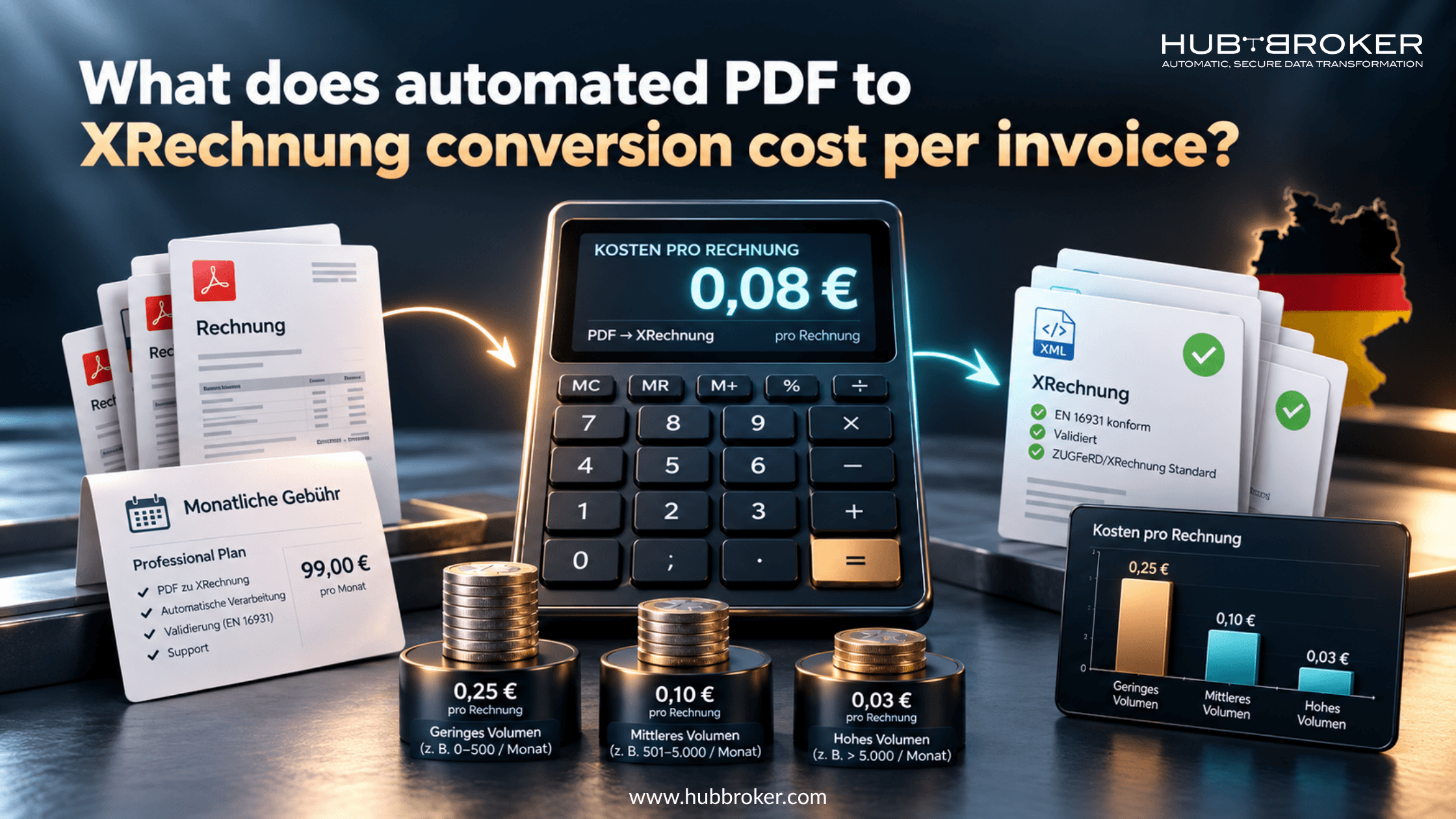
What does automated PDF to XRechnung conversion cost per invoice?
Your accounting team sends PDF invoices, but some German customers now want structured electronic invoices. Changing the billing system may be costly, so a conversion service could be a simpler option.
What does automated PDF to XRechnung conversion cost per invoice?
Depending on the provider and plan, published prices range from a few cents to several euros. But the advertised rate is only a starting point. Accuracy, validation, delivery, and fixing errors can change the final cost considerably.
How much do German PDF conversion services charge?
There is no fixed price across Germany. Some providers bill per document, others sell monthly plans or prepaid credits. Larger businesses may receive individual quotes. These published examples show why comparing headline prices alone is difficult. W+L Consulting advertises €0.49 net for a conversion, with a €2.49 minimum in months when the service is used.
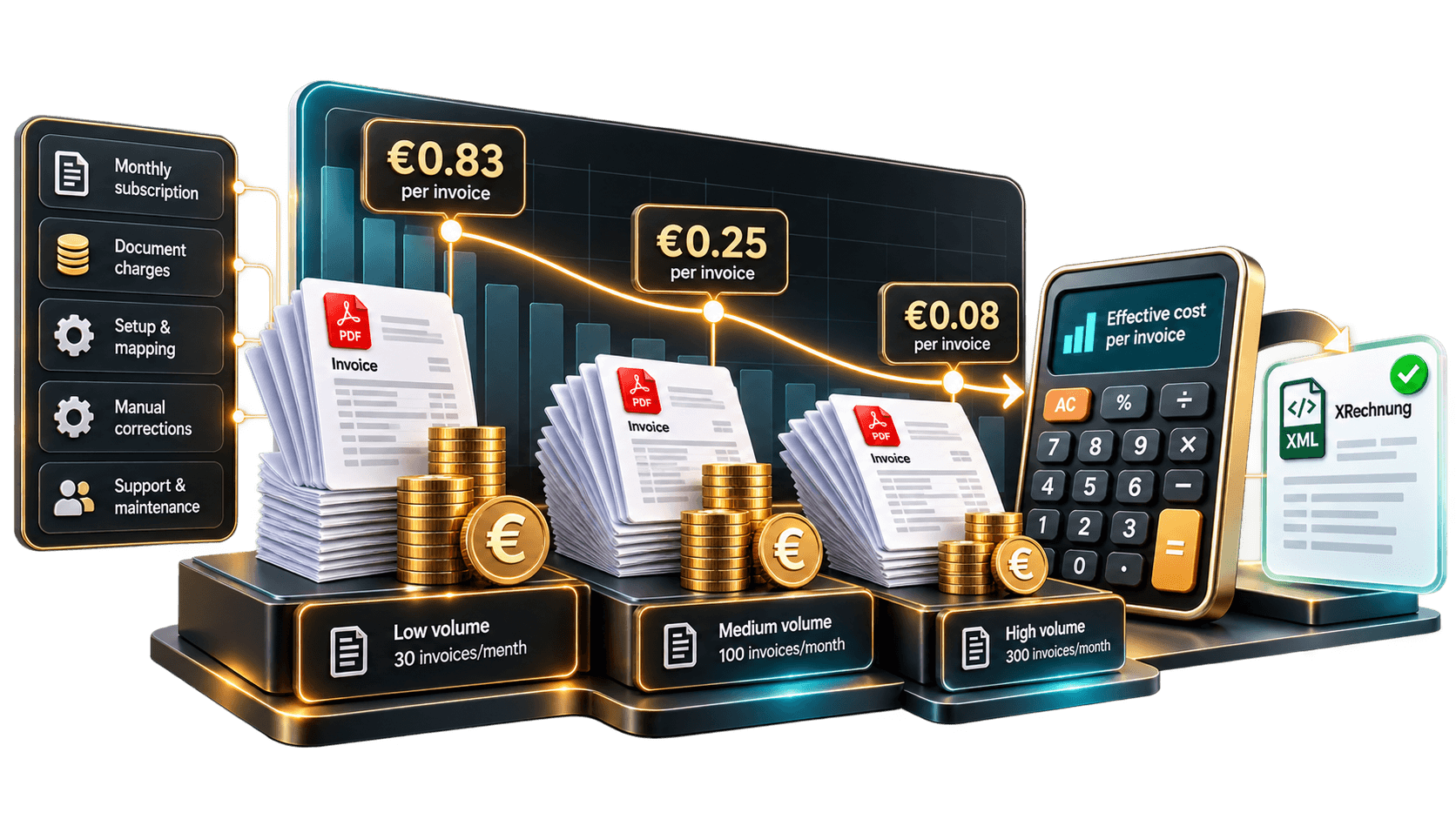
A prepaid package of 250 conversions lists €0.39 per document. Bytes Commerce has advertised an introductory price of €0.75 net per successfully converted invoice, subject to promotional dates and volume terms. Another listed converter plan charges €24.90 monthly for up to 300 conversions. Using all 300 makes the effective rate €0.083 per invoice. If you convert only 30, it rises to €0.83. Check what each package includes before treating those figures as directly comparable.
Why the cheapest conversion price may be misleading
Extracting words from a PDF isn't the same as producing a usable XRechnung. Invoices can have multiple VAT rates, discounts, missing buyer references, or scanned pages. The service must capture the right details, build structured XML, and apply relevant checks. Low-cost plans may exclude API access, ERP integration, storage, additional users, document review, or support. One tool might give you a file to download; another may collect invoices and send them automatically to customers.
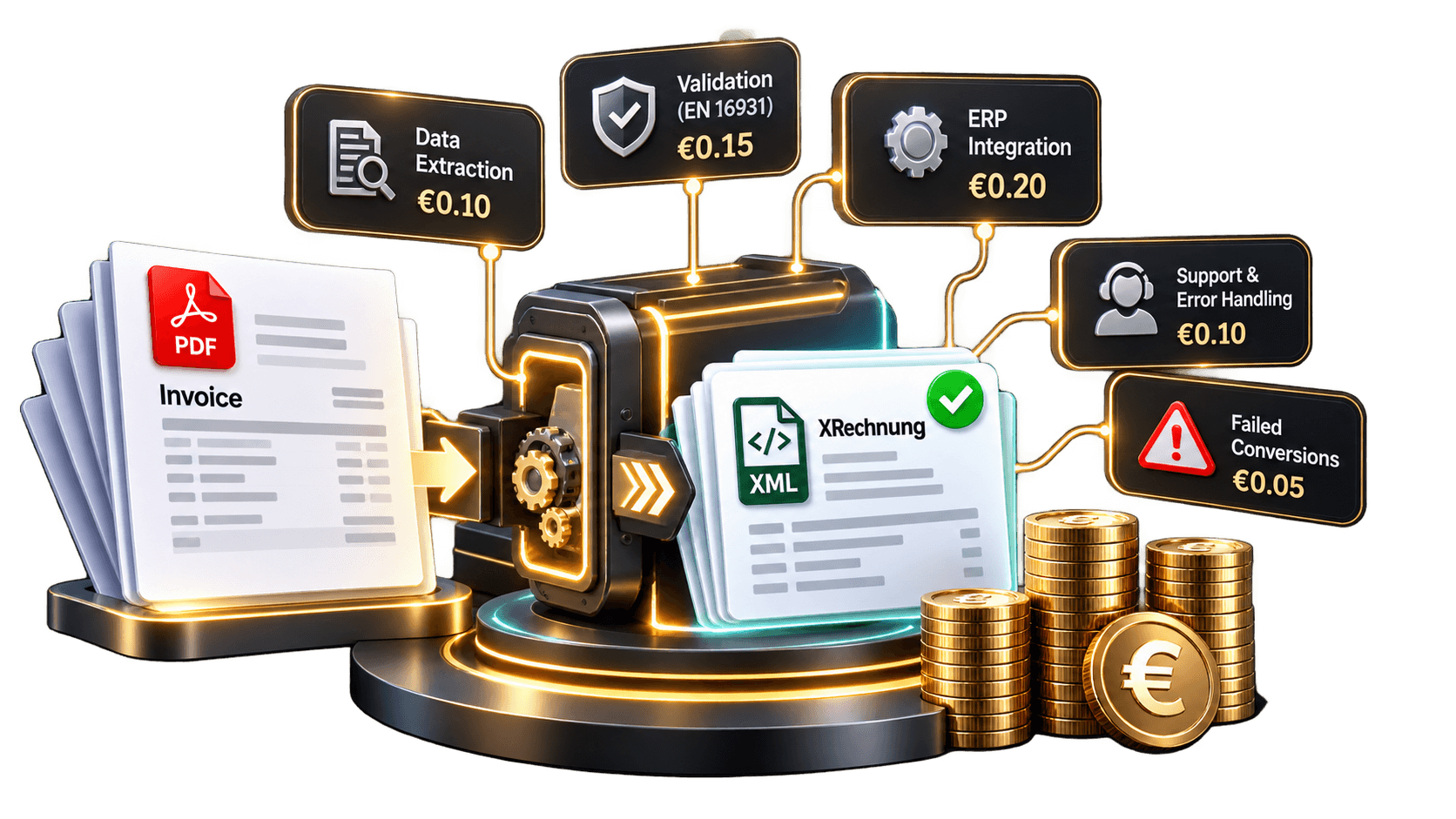
Ask what happens when conversion fails. Is an unreadable PDF billed?
Does correcting a mistake use another credit?
These details matter when invoice layouts vary between customers.
Cost factor | What to check | Why it matters |
|---|---|---|
Monthly allowance | Included conversions | Unused capacity raises unit cost |
Per-document fee | Volume discounts | Rates change with usage |
Setup work | One-time mapping charges | Adds to early costs |
Extraction quality | Scans and complex layouts | Errors need staff attention |
Validation | XRechnung rule checks | Invalid output may be rejected |
Delivery | API, ERP, or upload only | Manual sending takes time |
Failed attempts | Retry and support fees | Corrections may be billable |
Does PDF conversion meet Germany's e-invoicing requirements?
Since January 2025, a normal PDF has not counted as a structured e-invoice under Germany's domestic B2B rules. Businesses generally must be able to receive compliant electronic invoices. Transitional rules still allow many issuers to use other formats during 2026. Issuing obligations expand from 2027, while qualifying smaller businesses have further transitional provisions through the end of 2027.
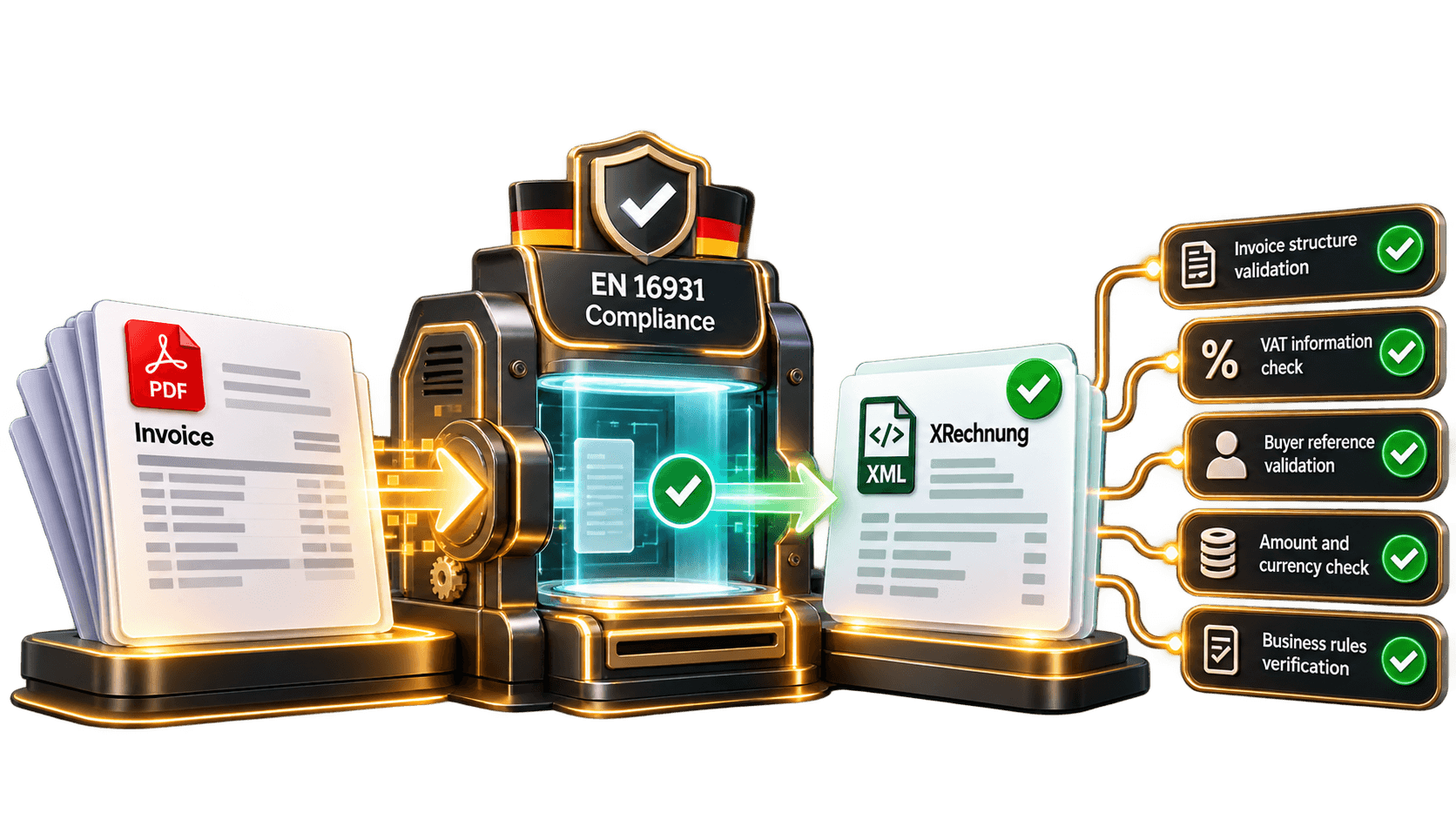
Creating an XML file alone does not prove compliance. Required invoice information must be correct, the format accepted, and applicable business rules satisfied. Public-sector recipients may also require a Leitweg-ID or a particular submission channel. Conversion software cannot recover information that wasn't provided. It should flag missing tax details, invoice lines, or buyer references for human review rather than guessing them.
How to calculate your real cost per XRechnung
Count monthly invoices. Include seasonal peaks, not just a quiet month. Separate ordinary PDFs from unusual layouts that may require manual checks.
Work out the effective rate. Divide monthly fees and usage charges by successfully completed invoices. Spread any setup cost across a sensible period. For example, €50 across 200 successful invoices is €0.25 each, before staff time.
Record manual corrections. Test invoices with discounts, credits, different VAT treatments, and missing references. Note how often someone intervenes and how long it takes.
Check delivery and support. Confirm whether API connections, validation reports, alerts, storage, and rejection support are included. Ask for a written quote based on your expected volume.
When is an integrated conversion service worth paying for?
If you send only a few invoices, uploading PDFs manually may be enough. A manufacturer sending hundreds from SAP, Microsoft Dynamics, or another ERP may benefit from automatic collection, mapping, checking, and delivery instead.
HubBroker is one option to evaluate for PDF-to-EDI conversion and ERP integration. Ask for a pilot using your actual German invoices, plus separate prices for subscription, setup, mapping, transactions, and support. It is the operating cost that matters, not just the charge shown beside one conversion.
Make the comparison using your own invoices
Automated PDF to XRechnung conversion may cost very little per document, but the more useful measure is the cost of a valid invoice that reaches its recipient. Compare real extraction results, correction time, delivery options, and contract terms. Test a representative batch of invoices and request an itemized quote before choosing a provider.
