
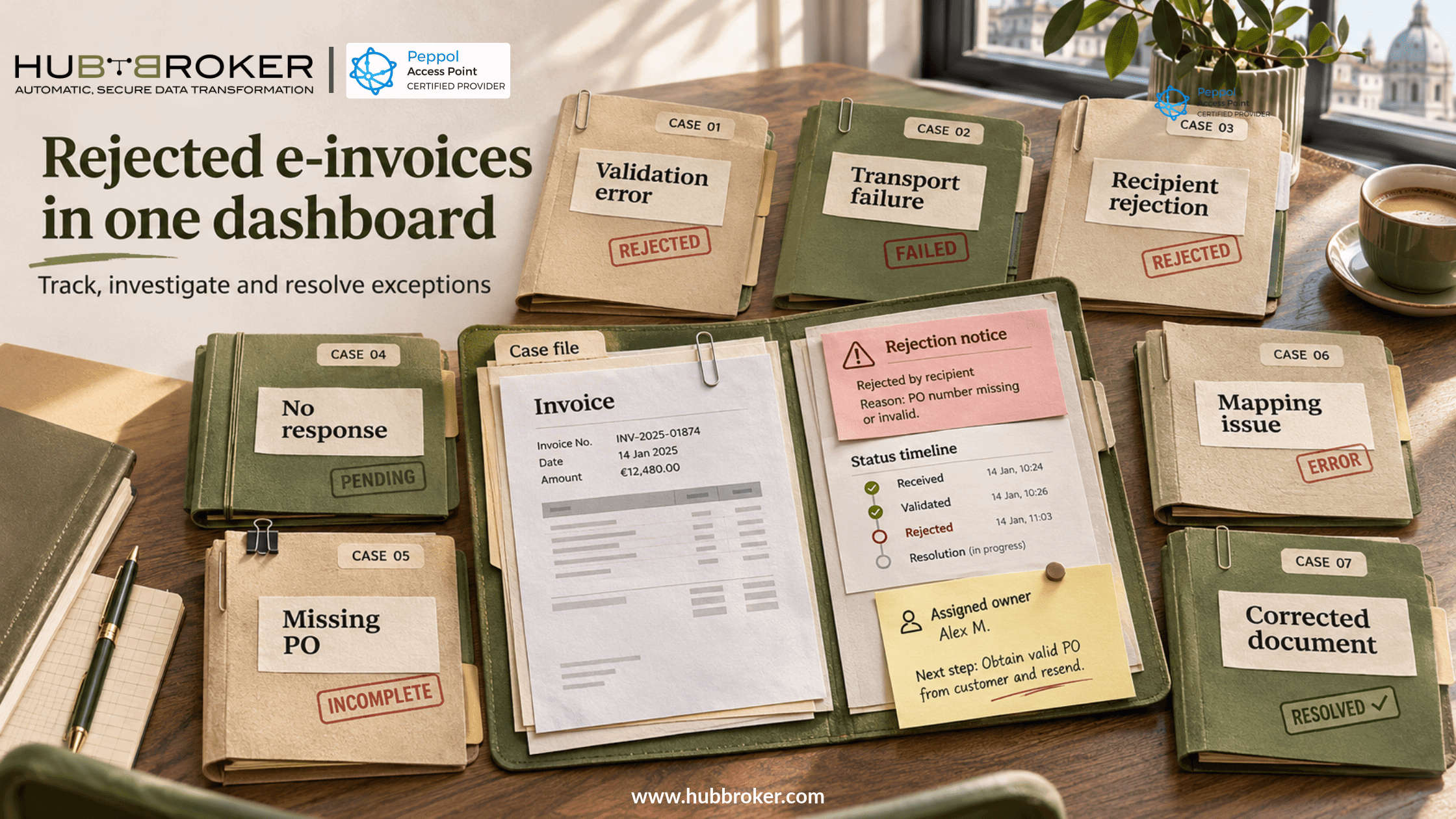
How do we monitor rejected e-invoices and EDI messages from many German customers in one dashboard
Finance sends invoices to German customers daily. Some fail validation or receive a rejection. Responses arrive through different places: EDI mailboxes, Peppol, customer portals and email.
How do we monitor rejected e-invoices and EDI messages without opening every system?
A shared dashboard can connect each document with its customer, status, error and owner.
Why rejected documents are difficult to track across customers
German customers do not all exchange invoices alike. One may require XRechnung, another may accept ZUGFeRD, and a long-standing customer may still use EDIFACT. Even when the ERP sends similar information, the messages returned can look different.
Germany began introducing domestic B2B e-invoicing requirements in 2025, with further issuing obligations planned for 2027 and 2028. That does not mean every buyer uses the same portal or acknowledgement process. When errors are spread across inboxes and platforms, finance may believe an invoice was delivered successfully while the customer is still waiting for a usable document. That can delay payment.
Delivered does not always mean accepted
A successful transmission only shows that the document reached a particular technical stage. It does not automatically mean the buyer approved the invoice.
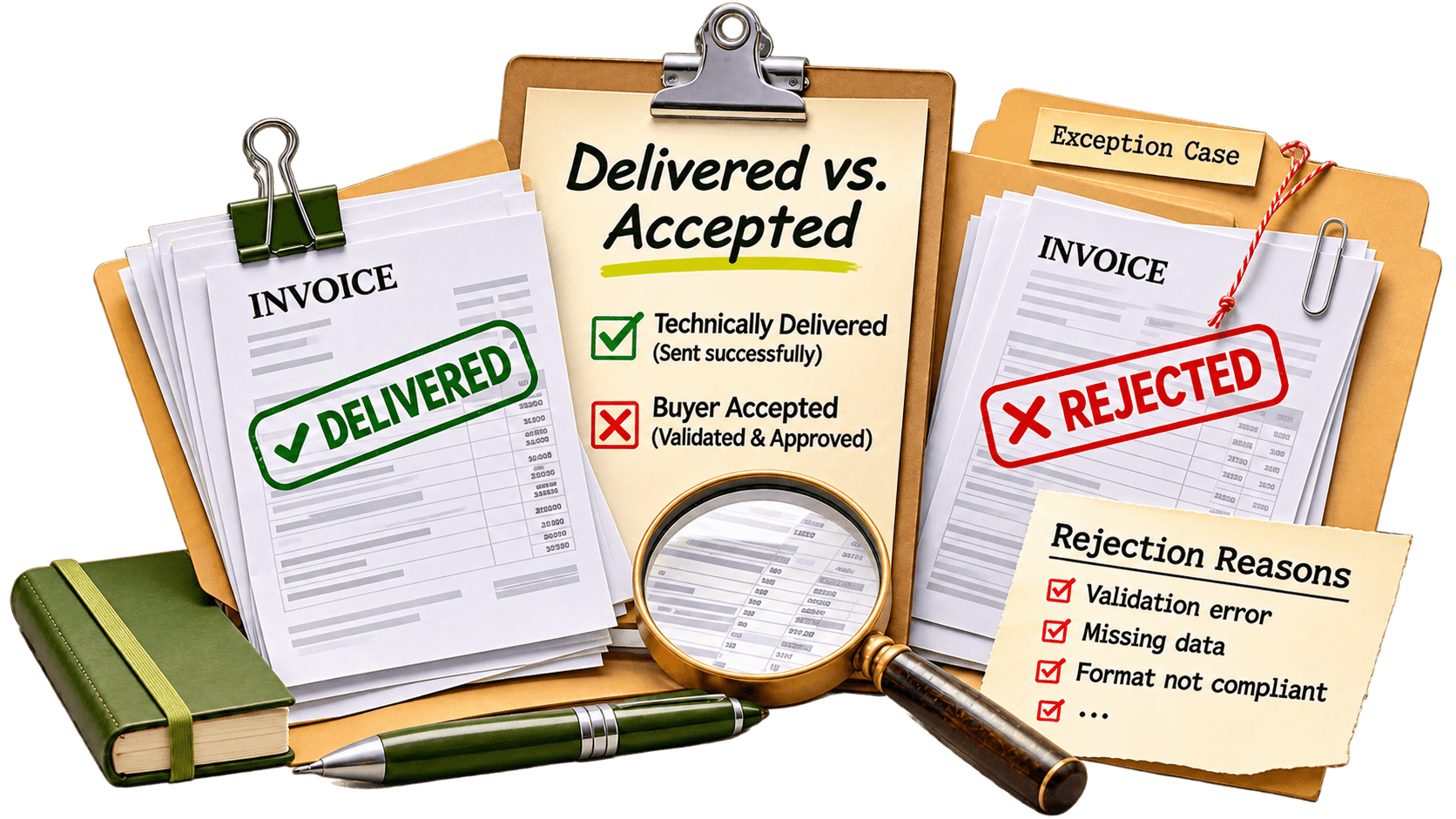
For example, a government portal might refuse an invoice because it fails formal checks. Another customer might receive a valid XML invoice but reject its purchase order number or amount. Federal guidance distinguishes submission status from correction.
Check what actually happened before making changes and sending again. Peppol Invoice Response can report that an invoice is under query, rejected or accepted, if the receiver supports it. Many recipients do not send such responses. No acknowledgement is not the same as rejection, and the dashboard should make that difference clear.
What information should the dashboard display?
A useful dashboard shows the document number, customer, ERP system, message type, delivery channel, latest confirmed status and time. It should also explain the problem, not simply display a red warning. Finance needs actionable cases. IT needs technical errors to investigate mappings and connections. Both teams need to see who owns the issue, whether a corrected invoice was resent and how long the case has remained open.
These seven categories make the dashboard easier to understand:
Dashboard category | What it means | What to do |
|---|---|---|
Validation error | Document fails required checks | Review XML and rules |
Transport failure | Message could not be delivered | Check connection or endpoint |
Recipient rejection | Buyer declined the document | Review stated rejection reason |
No response | Acceptance is not confirmed | Check recipient response process |
Missing PO | Purchase order reference is wrong or absent | Confirm details with customer |
Mapping issue | Source values appear incorrectly | Ask integration support to investigate |
Corrected document | Another version was sent | Track its own outcome |
Customer, date, type and status filters highlight urgent issues. Repeated missing-reference errors may point to a mapping problem rather than isolated mistakes.
How to set up one rejection-monitoring workflow
First, connect the available channels. Collect validation results, sending logs and acknowledgements from EDI connections, Peppol services, APIs and supported customer portals. Next, match every response with the right ERP transaction. Use invoice numbers, message IDs and trading partner details. If a response could match several documents, flag it for manual review instead of guessing.
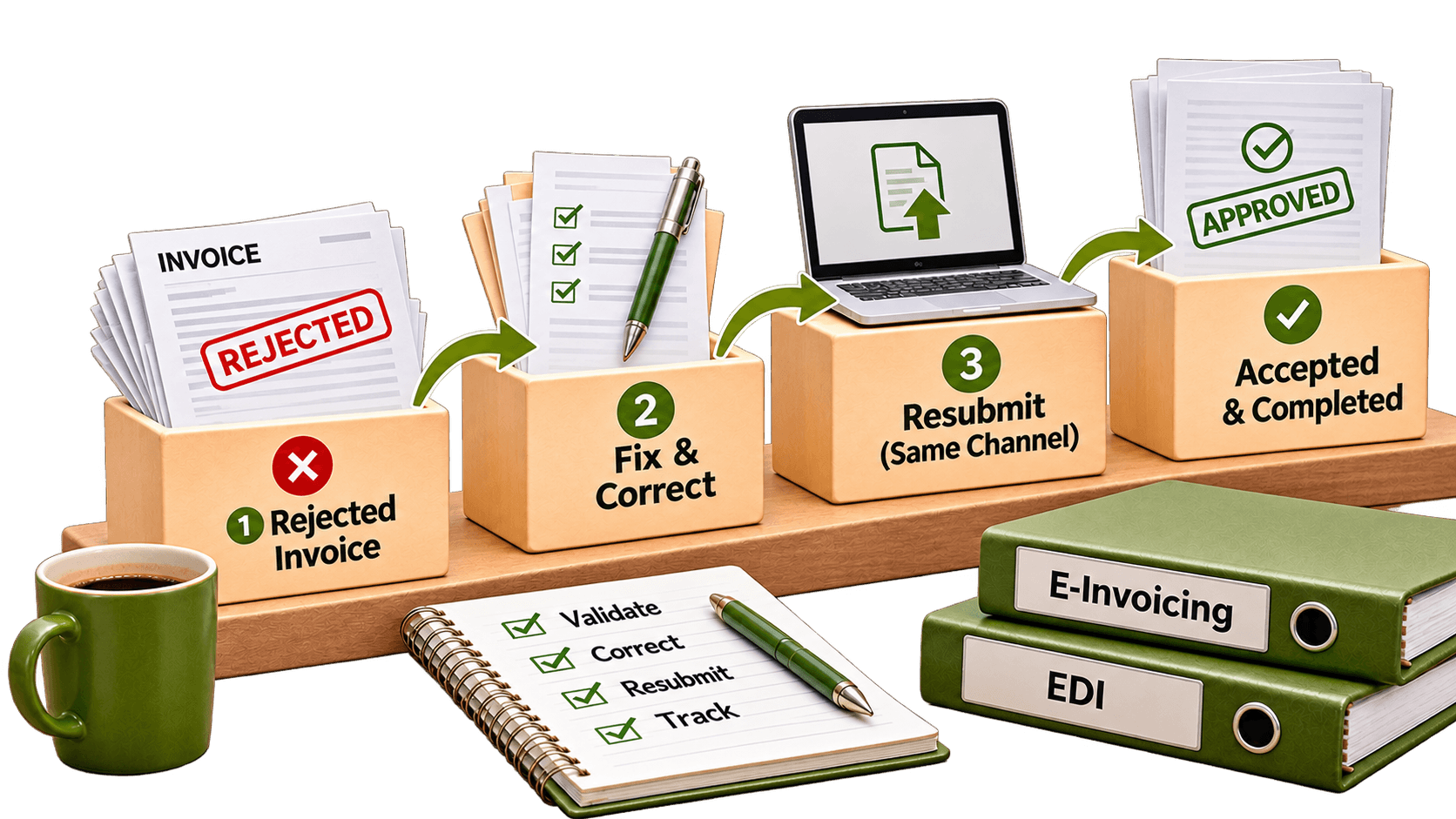
Translate technical status codes into understandable categories, but keep the original code and wording. Then assign cases: integration support can investigate mapping problems, while finance or customer service handles invoice-content questions. Alert the right person when a case stays unresolved. When the issue is fixed, resend only if appropriate. Keep the new attempt linked to the earlier one without mixing outcomes.
Test duplicate responses, missing acknowledgements, repeated corrections and real rejection cases.
What should businesses compare before choosing a monitoring platform?
Ask whether the system collects replies from all your existing channels or only tracks messages it sends itself. Check how it deals with unanswered invoices, retries, customer-specific checks and user permissions.
Struggling to Track Rejected E-Invoices and EDI Messages?Stop checking multiple systems for failed invoices and EDI messages. HubBroker helps you monitor document statuses, identify rejection reasons, and manage errors from German customers in one centralized dashboard. |
Request a demonstration of one rejected invoice, from error through correction and confirmed outcome. A dashboard is only useful when the status shown can be supported by actual evidence.
Monitoring German e-invoice and EDI exceptions with HubBroker
HubBroker offers EDI integration, e-invoicing, validation and iPaaS capabilities that can bring document processing and transaction information into a more consistent workflow. Its approach connects ERP data with trading partners, supports format transformation and helps teams investigate processing errors across connected systems.
For businesses serving many German customers, HubBroker can help assess their existing channels, available acknowledgements and reporting needs. The right setup should make confirmed failures visible and give each unresolved case a clear owner. Not every recipient sends a response. Start by reviewing your busiest German customers, where their rejection messages arrive and who currently follows them up. That provides a practical starting point for central monitoring.
