
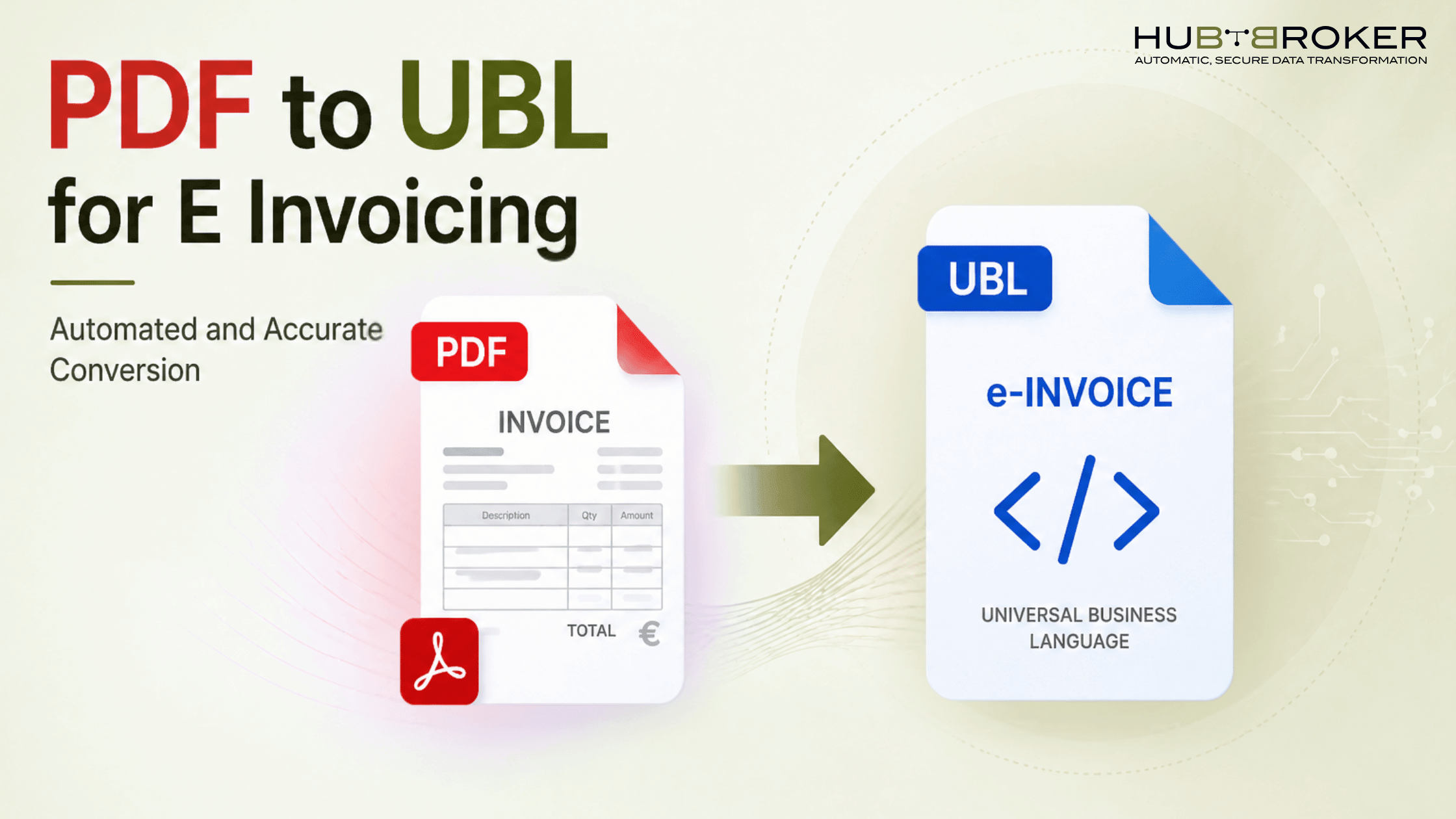
How to Convert PDF to UBL for E Invoicing Automated and Accurate Method
Introduction
As e-invoicing regulations expand across the EU and other regions, businesses are increasingly required to use structured invoice formats such as UBL (Universal Business Language). Many organizations still generate invoices in PDF format. While PDFs are easy to read, they are not designed for automated processing or regulatory compliance. As a result, businesses must convert PDF invoices into structured formats like UBL to meet Peppol and EU e-invoicing requirements.
This guide explains the process of converting PDF invoices to UBL using automated methods, along with key considerations to ensure accuracy and compliance.
What Is PDF to UBL Conversion in E-Invoicing?
PDF to UBL conversion refers to transforming invoice data from an unstructured format (PDF) into a structured XML-based format (UBL).
UBL is:
A standardized format for electronic business documents
Widely used in e-invoicing frameworks such as Peppol
Designed for system-to-system data exchange
Unlike PDFs, UBL files allow accounting systems to:
Read invoice data automatically
Validate information against standards
Process transactions without manual intervention
Why Converting PDF Invoices to UBL Is Essential for Compliance
PDF invoices present several limitations:
They are not machine-readable
They require manual or semi-manual processing
They do not meet structured data requirements
Converting invoices to UBL helps businesses:
Comply with Peppol BIS Billing standards
Support cross-border invoicing
Enable automated processing workflows
Key Challenges in Converting PDF to UBL
-> Unstructured Data Variability:- PDF invoices differ in layout and format, making consistent data extraction difficult.
-> Accuracy and Data Quality:- Manual entry or basic OCR tools may result in:
Incorrect field mapping
Missing or misinterpreted values
-> Validation Requirements:- UBL invoices must comply with strict schema rules and validation checks, including mandatory fields and formatting standards.
-> Scalability Constraints:- Manual or partially automated processes may not be suitable for organizations handling large invoice volumes.
Different Methods to Convert PDF to UBL
1} Manual Data Entry
Involves manually extracting and entering invoice data
Suitable only for very low volumes
2} OCR-Based Tools
Extract text from PDFs using optical recognition
May require manual verification for accuracy
3} AI/IDP-Based Automation
Combines OCR with machine learning
Improves accuracy by adapting to different invoice formats
Supports automated data extraction and mapping
For most organizations, automated approaches provide better consistency and scalability.
5 Step-by-Step Process for Automated PDF to UBL Conversion
Data Extraction:- Invoice data such as supplier details, invoice numbers, and line items are extracted from the PDF.
Data Mapping: Extracted data is mapped to corresponding UBL fields based on predefined structures.
UBL Generation:- The mapped data is converted into a structured XML file following UBL standards.
Validation:- The generated file is validated against Peppol or country-specific requirements.
Transmission:- The validated invoice is transmitted via an e-invoicing network such as Peppol.
Benefits of Automating PDF to UBL Conversion
Improved Accuracy by reducing manual input errors
Faster Processing Times through automated workflows
Operational Efficiency with reduced manual intervention
Scalability for handling increasing invoice volumes
Compliance Support through standardized formatting and validation
These benefits are particularly relevant for organizations operating across multiple jurisdictions.
Looking for pdf to xml einvoicing solution for your business?
Book a free demo with HubBroker experts toads: Book a Free Demo
How HubBroker Supports PDF to UBL Conversion
Platforms like HubBroker provide tools that support the transition from PDF-based invoicing to structured e-invoicing. Such solutions typically offer:
Automated data extraction from PDF invoices
Conversion into UBL formats aligned with Peppol standards
Integration with ERP and accounting systems
Workflow automation for invoice processing and tracking
Support for compliance with EU and multi-country requirements
By using an integrated solution, businesses can reduce manual effort and improve consistency in their invoicing processes
