
Choosing an E-Document Provider Inside Business Central: What the List Does Not Tell You
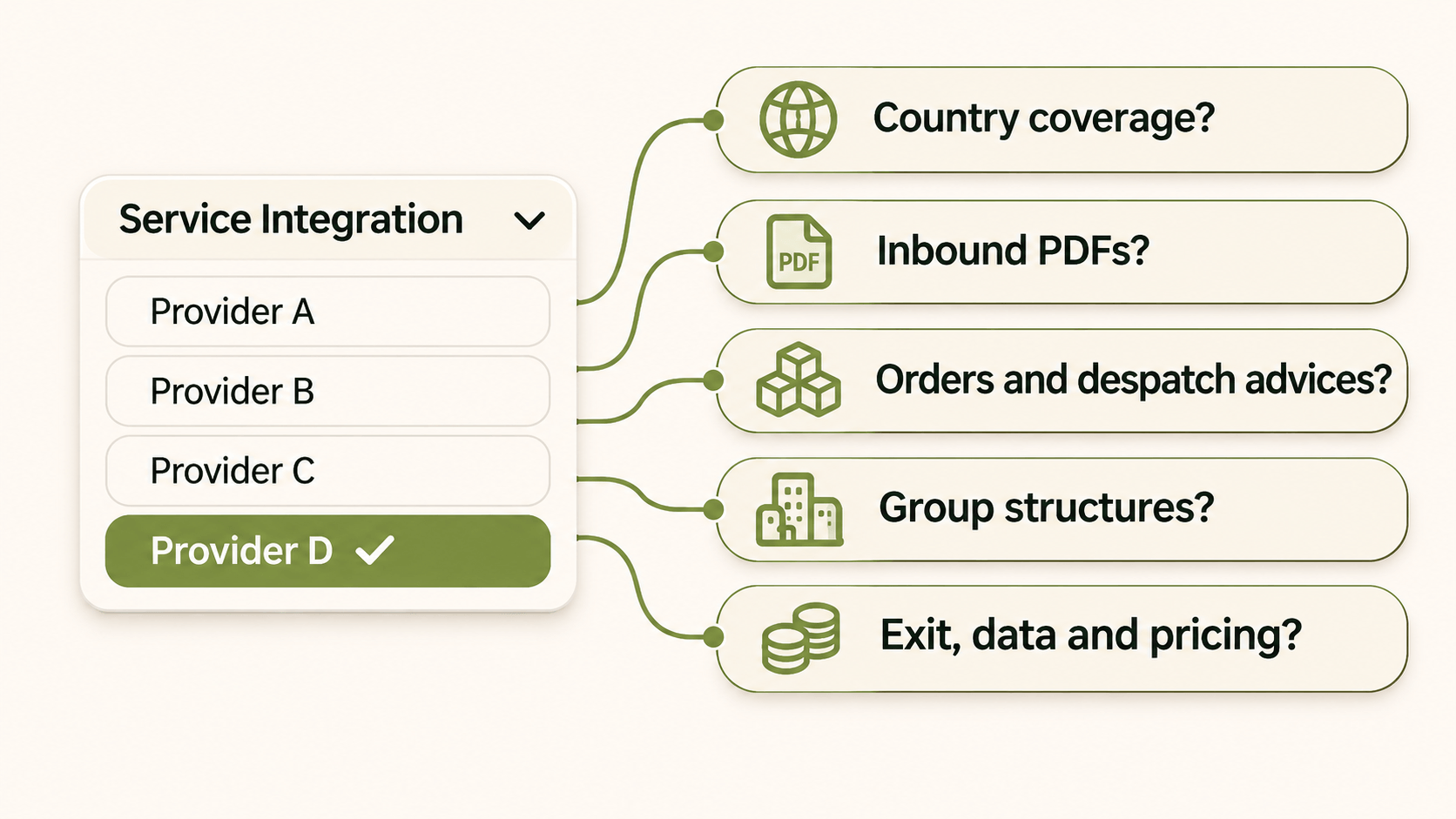
You open E-Document Services in Microsoft Dynamics 365 Business Central and pick from the Service Integration dropdown. It looks like a decision, but the list only tells you which providers have built a connector. It doesn't tell you whether a given Business Central e-document provider can handle your client's countries, suppliers and document types for the next five years.
This post covers what the list leaves out and what to ask before you recommend a provider.
What the List Actually Is
A Set of Connectors on the E-Document Core Framework
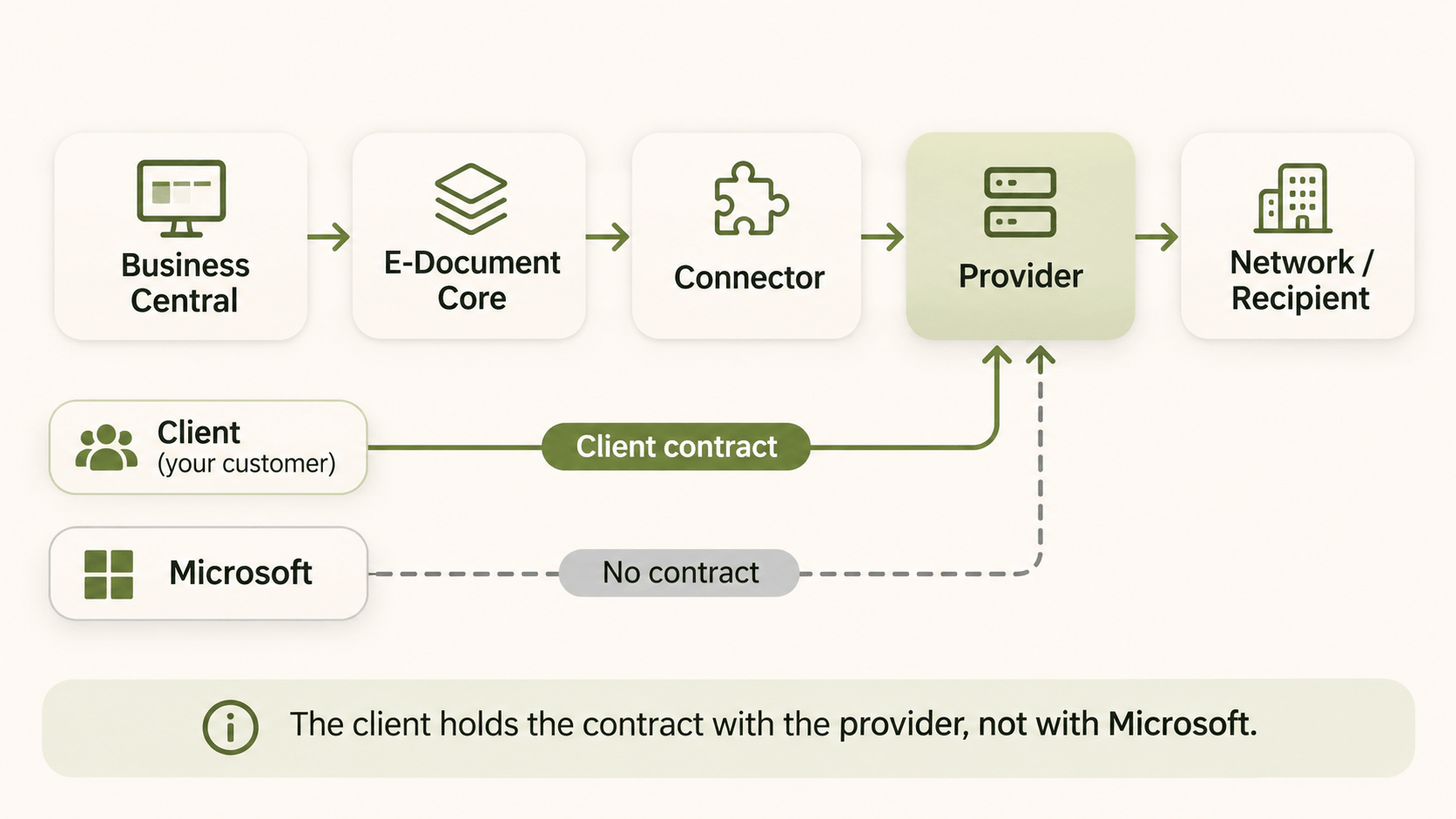
Business Central's E-Documents feature is a framework. Providers plug into it as connectors. Microsoft documents a default set of access point providers (Avalara, B2BRouter, Continia, Logiq and Pagero), and the list grows with each release wave. Partners can also publish their own connector app on AppSource and add it to the list.
So the dropdown reflects who has done the development work. It isn't a ranking, and it isn't a shortlist built around your client.
Who Holds the Contract
Microsoft has no contractual obligation with the listed providers, so customers must hold a contract with them directly to use their connectors. Your client therefore takes on a separate commercial relationship, with its own pricing, SLA and support desk. When an invoice fails at 16:45 on the last day of the month, the client calls that provider, not Microsoft.
Five Things the List Does Not Tell You
Country and Mandate Coverage Beyond Peppol
Peppol covers a lot of Europe, but not every mandate runs on it. Poland routes B2B invoices through its national KSeF platform, Italy uses SdI, and France works through an approved-platform model. A provider that is strong on Peppol may need a partner, or a separate product, for these countries. Map each of your client's countries to its exchange model first. The e-invoicing by country overview is a useful starting point.
What Happens to Inbound PDFs
Outbound is the easy half. Inbound is where projects stall: many suppliers will keep sending PDFs for years, mandate or not. Ask whether the provider converts those PDFs into structured data that Business Central can post, or leaves them for the accounts payable team to key in. This is where AI document processing closes a gap that the E-Documents framework alone doesn't cover.
Document Types Beyond the Invoice
Retail, wholesale and manufacturing clients also exchange orders, order responses, despatch advices and credit notes, often as EDIFACT or partner-specific formats. Check whether the provider handles those flows, or only invoices.
Multi-ERP and Multi-Entity Groups
A client running Business Central in one country and a different ERP elsewhere may end up with two or three providers. Ask how the provider handles a group structure, and whether one contract can cover every entity.
Exit Terms, Data Residency and Real-Volume Pricing
Ask where documents are stored and processed, and under which data processing agreement. Ask how archived invoices are returned if the client leaves. Ask for pricing at your client's real volume and peak months, not at a sample of 100 invoices.
Questions to Put to Any Provider Before You Recommend It
Use these in the client workshop:
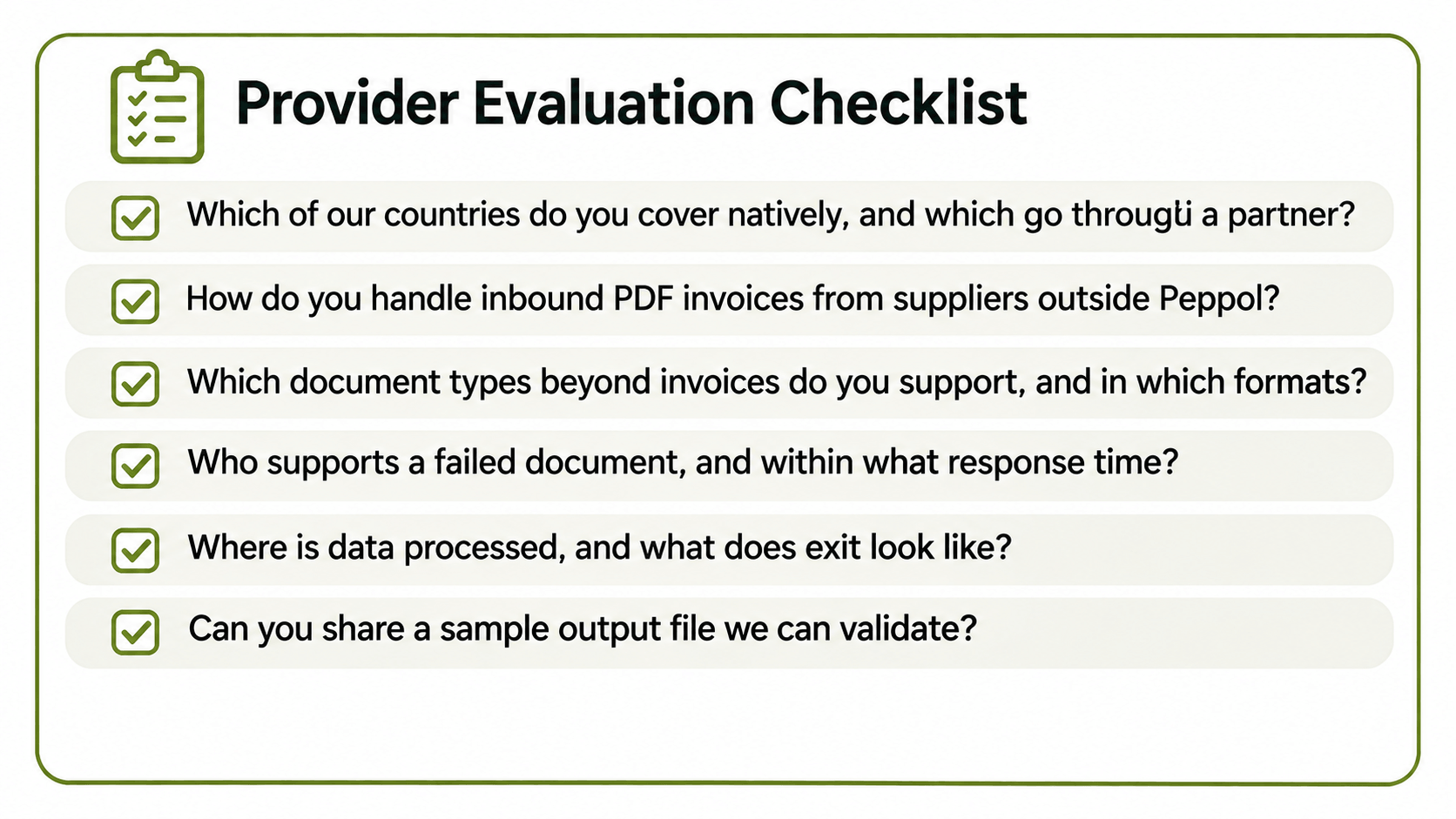
Which of our client's countries do you cover natively, and which go through a partner?
How do you handle inbound PDF invoices from suppliers outside Peppol?
Which document types beyond invoices do you support, and in which formats?
Who supports a failed document, and within what response time?
Where is data processed, and what does exit look like?
Can you share a sample output file we can validate?
For the last question, run the sample through a validator before you trust it. HubBroker's free XML and e-invoice validator checks schema and business rules for formats such as Peppol BIS Billing 3.0 and XRechnung.
Where an Integration Layer Fits Next to Business Central
Choosing a Business Central e-document provider doesn't have to mean choosing one vendor for every flow. An integration layer can sit alongside the E-Documents framework and handle what the connector list leaves out: mapping between formats, EDI with trading partners, Peppol exchange and PDF capture, all into the same Business Central processes. Your client keeps Business Central as it is. The integration layer absorbs the differences between countries, partners and formats.
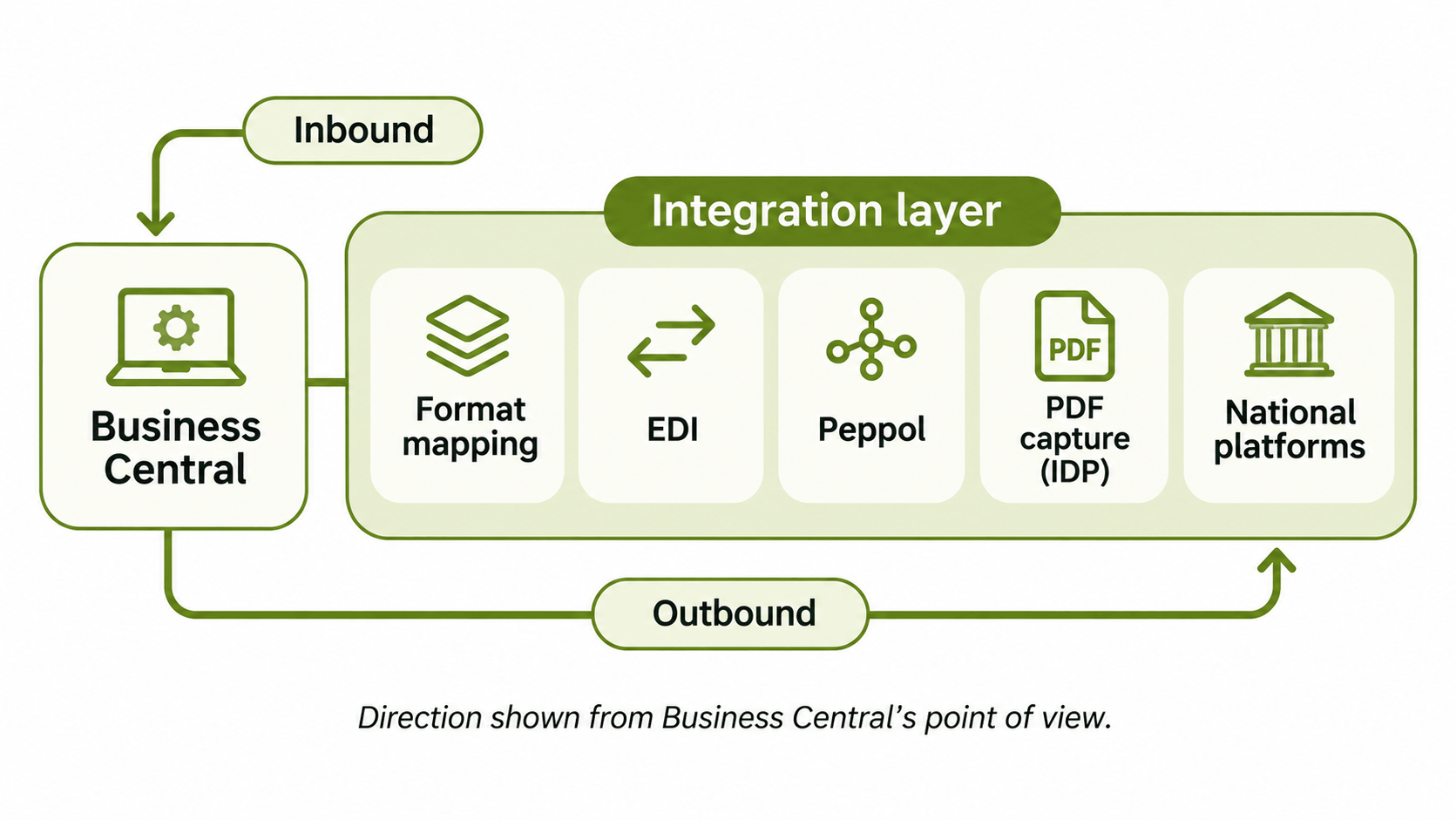
That is how HubBroker works with Microsoft Dynamics 365 Business Central integration projects: as a layer on top of the ERP, not a replacement for it.
FAQ
Do I have to use a provider from the Business Central list?
No. The default list covers selected connectors, and partners can publish their own on AppSource. Business Central can also exchange documents through middleware connected via API.
Can a client use different providers for different countries?
Yes. Business Central lets you set up more than one E-Document Service. The trade-off is that the client holds several contracts and support relationships.
Does E-Documents handle EDI orders as well as invoices?
The framework focuses on electronic invoicing. Order, order response and despatch advice flows with retailers often need an EDI solution alongside it.
What happens to PDF invoices from suppliers outside Peppol?
That depends on the provider. Some leave them to manual entry. Others convert them into structured data that Business Central can post. Ask before you sign.
Who supports the connection when a document fails?
The provider your client contracts with, since Microsoft has no contract with the listed providers. Agree response times and escalation paths up front.
Comparing providers for a client? Bring your client's countries, document types and supplier mix, and walk through it with the HubBroker team. We'll show where an integration layer fits next to the provider you choose.
