
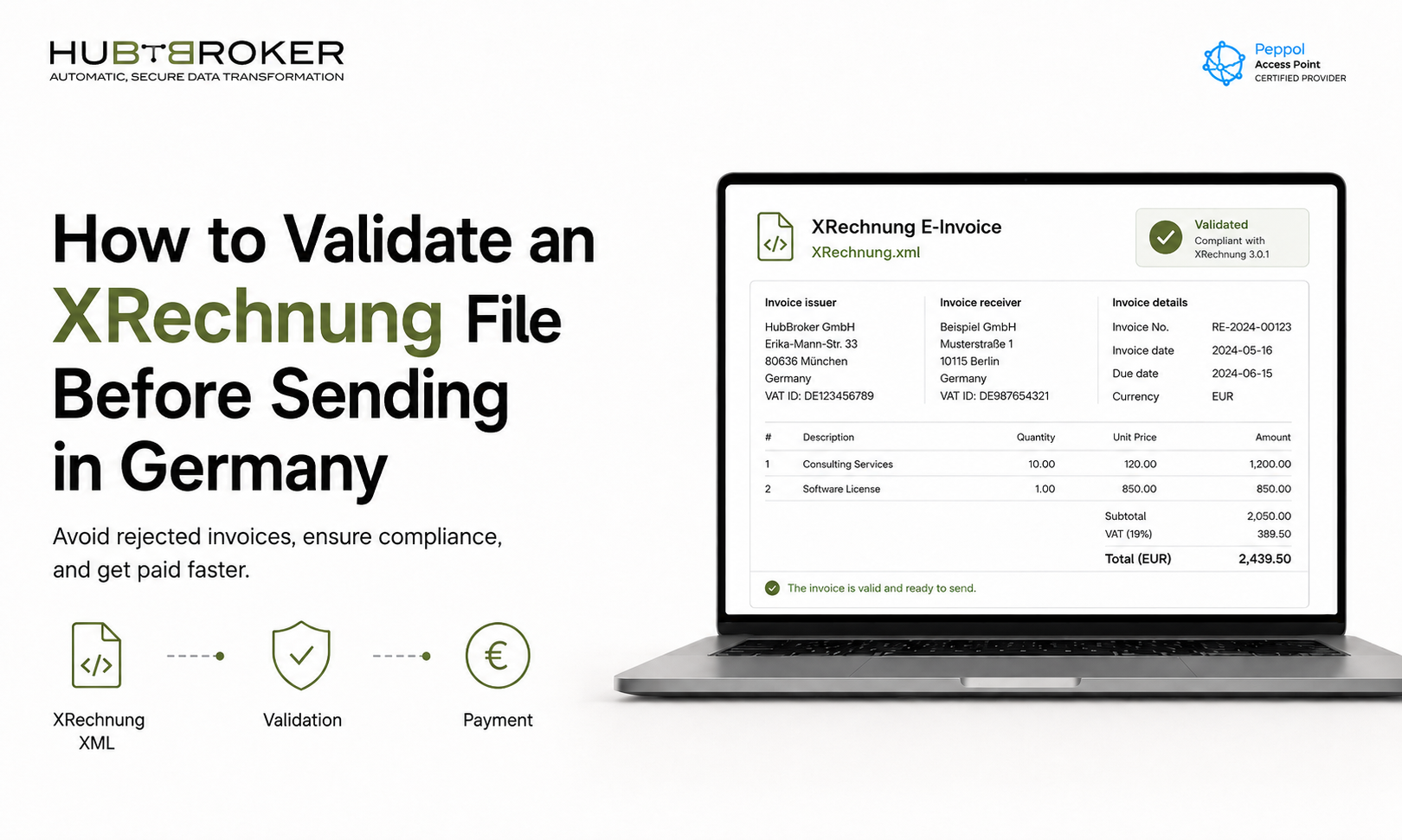
How to Validate an XRechnung File Before Sending in Germany
FAQ: XRechnung Validation Before Sending
1. What is XRechnung validation?
XRechnung validation checks whether an invoice XML file follows the required XML structure, EN 16931 rules, and German XRechnung business rules before it is sent. It helps detect missing fields, incorrect codes, calculation errors, and format issues early.
2. Why should I validate an XRechnung file before sending it?
You should validate the file to avoid invoice rejection, payment delays, and manual correction work. For finance and IT teams, validation helps keep the invoice-to-payment process smooth and compliant.
3. What are the most common XRechnung validation errors?
Common errors include missing buyer references, incorrect VAT codes, wrong invoice totals, invalid payment method codes, outdated XRechnung versions, and incomplete seller or buyer information.
4. Is a Leitweg-ID required for every XRechnung invoice?
No. A Leitweg-ID is mainly required for B2G invoices sent to German public authorities. For B2B invoices, it is generally not required unless the customer specifically asks for it.
5. Should companies validate only once during setup?
No. Companies should validate continuously, not only during the initial implementation. XRechnung versions, Schematron rules, and code lists can change over time, so invoice validation should be part of the live sending workflow to reduce rejections and keep invoice processing stable.
Sending an XRechnung file is not the same as sending a valid XRechnung file.
For German e-invoicing, one missing buyer reference, incorrect VAT code, outdated schema, or invalid XML structure can stop an invoice before it reaches the customer’s finance system. For CFOs, finance directors, and IT managers, that means delayed payments, more support tickets, and unnecessary compliance risk.
Since 1 January 2025, Germany defines an e-invoice as a structured electronic invoice that can be electronically processed; a simple PDF no longer qualifies as an e-invoice under the new B2B rules. XRechnung and ZUGFeRD are among the commonly used formats that meet Germany’s e-invoicing requirements.
So before sending an XRechnung file, validation should become a standard step in your invoicing workflow.
Key Takeaways
XRechnung validation checks whether your XML invoice follows the required structure and business rules.
A technically correct XML file can still fail if mandatory invoice fields are missing or incorrect.
Validation should happen before sending, not after a customer rejects the invoice.
Companies should validate against the latest applicable XRechnung version and EN 16931 rules.
Automated validation inside ERP, EDI, or Peppol workflows helps reduce manual errors and payment delays.
What Is XRechnung Validation?
XRechnung validation is the process of checking whether an invoice XML file is technically and semantically compliant before it is sent to a customer, public authority, or Peppol Access Point.
XRechnung is Germany’s standard for electronic invoicing with public authorities and is based on the European standard EN 16931. KoSIT states that XRechnung defines the structure and technical composition of invoice information in an XML dataset, enabling different software systems to receive and process the invoice.
In practice, validation checks four major areas:
Is the XML file well-formed?
Does it follow the allowed invoice syntax?
Does it meet XRechnung business rules?
Are the invoice fields meaningful for the business transaction?
The first three can be checked automatically. The fourth often needs business context, such as whether the buyer reference, VAT treatment, payment terms, and invoice lines are correct.
Validate XRechnung Files Before Sending in Germany
Ensure your e-invoices meet German compliance requirements with accurate format, data, and validation checks.
Contact Us to Know More
Why Validate Before Sending?
Because rejection after sending is expensive.
A rejected invoice does not only create a technical issue. It can delay cash flow, trigger manual correction work, and create friction with customers. For companies sending invoices at scale, even a small validation failure rate can turn into hundreds of manual interventions.
The German Federal Ministry of Finance says validation is useful and recommends performing it when creating and sending an e-invoice, although it does not recommend one specific validation application.
For finance and IT teams, this means validation should not be treated as a one-time testing activity. It should be part of the operational invoice flow.
What Should You Check in an XRechnung File?
1. XML Structure
The first check is basic but important: the file must be a valid XML document.
This means:
Tags are opened and closed correctly.
Required namespaces are present.
The invoice file follows the expected UBL or CII structure.
The file can be read by a validation engine.
If the XML structure fails, the invoice will not even reach the deeper business-rule checks.
2. EN 16931 Compliance
XRechnung is based on EN 16931, the European semantic model for e-invoicing. KoSIT explains that EN 16931 defines the semantic data model and business rules, while UBL 2.1 and UN/CEFACT CII are the mandatory syntaxes listed under the standard.
This means your invoice must contain the required business information in the correct structure, such as:
Seller and buyer details
Invoice number and invoice date
VAT information
Payment terms
Line-level invoice data
Total amounts
Currency codes
A normal PDF invoice may look correct to a human, but XRechnung validation checks whether the structured data is correct for automated processing.
3. XRechnung Business Rules
After EN 16931 validation, the file must also meet Germany-specific XRechnung rules.
For example, in B2G invoicing, the buyer reference often needs a Leitweg-ID. The BMF clarifies that a Leitweg-ID is usually not required for B2B invoices, but it is needed when invoicing a public authority in the B2G context.
Typical XRechnung validation errors include:
Missing buyer reference
Incorrect VAT category codes
Invalid payment means code
Missing seller or buyer tax details
Invoice totals not matching line calculations
Wrong document type code
Invalid attachment references
These issues are often not visible in a normal invoice preview, which is why automated validation is necessary.
4. Current XRechnung Version
XRechnung is updated over time. KoSIT publishes valid specifications, bundles, Schematron files, codelists, test messages, and validation configuration components.
Before sending, check that your ERP, EDI platform, or e-invoicing provider is validating against the currently applicable XRechnung version. An invoice that passed last year’s rules may not pass today’s rules.
How to Validate an XRechnung File Step by Step
Step 1: Generate the XML from Your ERP
Start by generating the XRechnung file from your ERP or billing system. This could be Microsoft Dynamics 365 Business Central, SAP, Oracle, NetSuite, or another finance platform.
At this stage, confirm that all master data is complete:
Customer VAT ID
Supplier VAT ID
Buyer reference
Payment terms
Bank details
Product or service descriptions
Tax categories
Bad master data is one of the most common reasons for invoice validation errors.
Step 2: Run XML and Schema Validation
Next, check whether the file is a valid XML document and whether it follows the required UBL or CII schema.
KoSIT’s validator is an XML validation engine that identifies the XML format, validates the file using schema and Schematron rules, generates a report, and computes an acceptance status based on the supplied rules.
This step catches technical problems before the invoice enters the customer’s system.
Step 3: Run XRechnung Business Rule Validation
After the XML structure is checked, validate the file against XRechnung-specific rules.
KoSIT provides a validator configuration for XRechnung that validates UBL and UN/CEFACT invoice and credit note documents against EN 16931 and the German CIUS XRechnung and XRechnung Extension.
This is where most business-level errors are detected.
Step 4: Review the Validation Report
Do not only check whether the invoice passed or failed. Review the validation report carefully.
Look for:
Fatal errors that block sending
Warnings that may become future issues
Missing mandatory fields
Calculation mismatches
Invalid codes
Version-related issues
Finance teams should not need to read raw XML. A good e-invoicing workflow should translate validation errors into readable correction messages.
Step 5: Test the Sending Channel
Validation does not end with the invoice file. You also need to confirm that the invoice can be delivered through the correct channel.
For example, if you send through Peppol, you may need to validate Peppol BIS Billing 3.0 rules, receiver identifiers, and network routing details. The current Peppol BIS Billing documentation includes UBL invoice syntax, business rules, code lists, Schematron files, and example files.
This is where a Peppol Access Point can help simplify both compliance and transmission.
Ready to Send XRechnung Files Without Validation Errors?
HubBroker helps businesses validate, process, and exchange compliant XRechnung e-invoices for Germany with accuracy and confidence.
From format checks to Peppol-ready delivery, HubBroker simplifies your e-invoicing workflow and reduces the risk of rejected invoices.
