
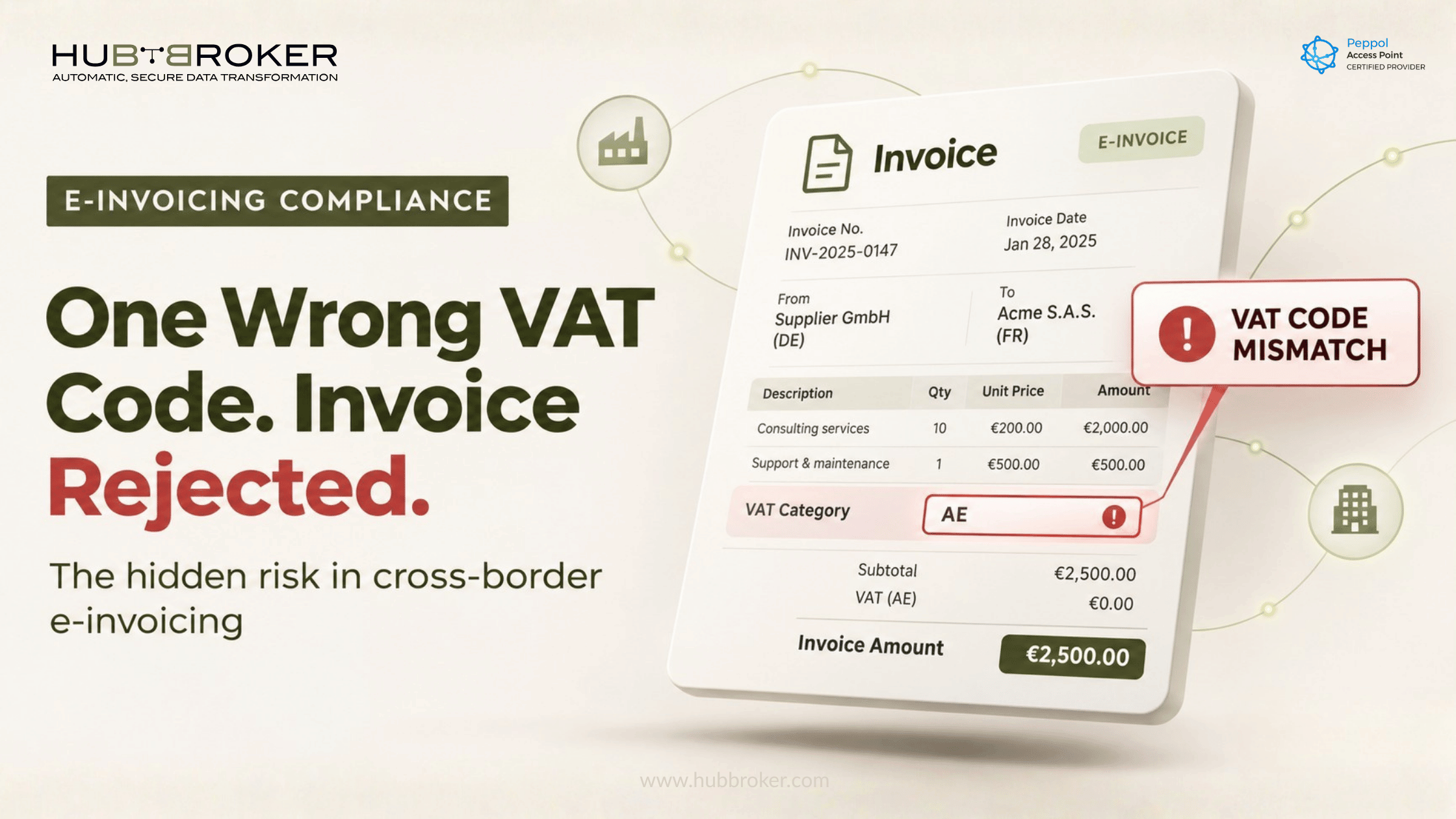
VAT Code Mapping Across Countries: The Silent Cause of Rejected Invoices
The amounts are right and the buyer is right. The invoice still comes back rejected.
For many finance teams, the cause turns out to be a single letter: the VAT category code. In a paper or PDF world, a tax treatment that was slightly mislabelled rarely stopped an invoice. In structured e-invoicing it stops it immediately. The validator reads the VAT category code as an instruction and applies a specific set of rules to the invoice.
That is why VAT code mapping in e-invoicing has become one of the most underestimated compliance risks for companies invoicing across borders. It rarely shows up in project plans. It shows up in rejection logs.
What VAT code mapping in e-invoicing actually means
ERP tax codes vs. standardised VAT category codes
Your ERP has its own tax codes. They are often named by the person who set them up years ago: "S25", "EU-RC", "EXP0", "DK-FREE". They work for posting and VAT returns because the ERP knows what they mean.
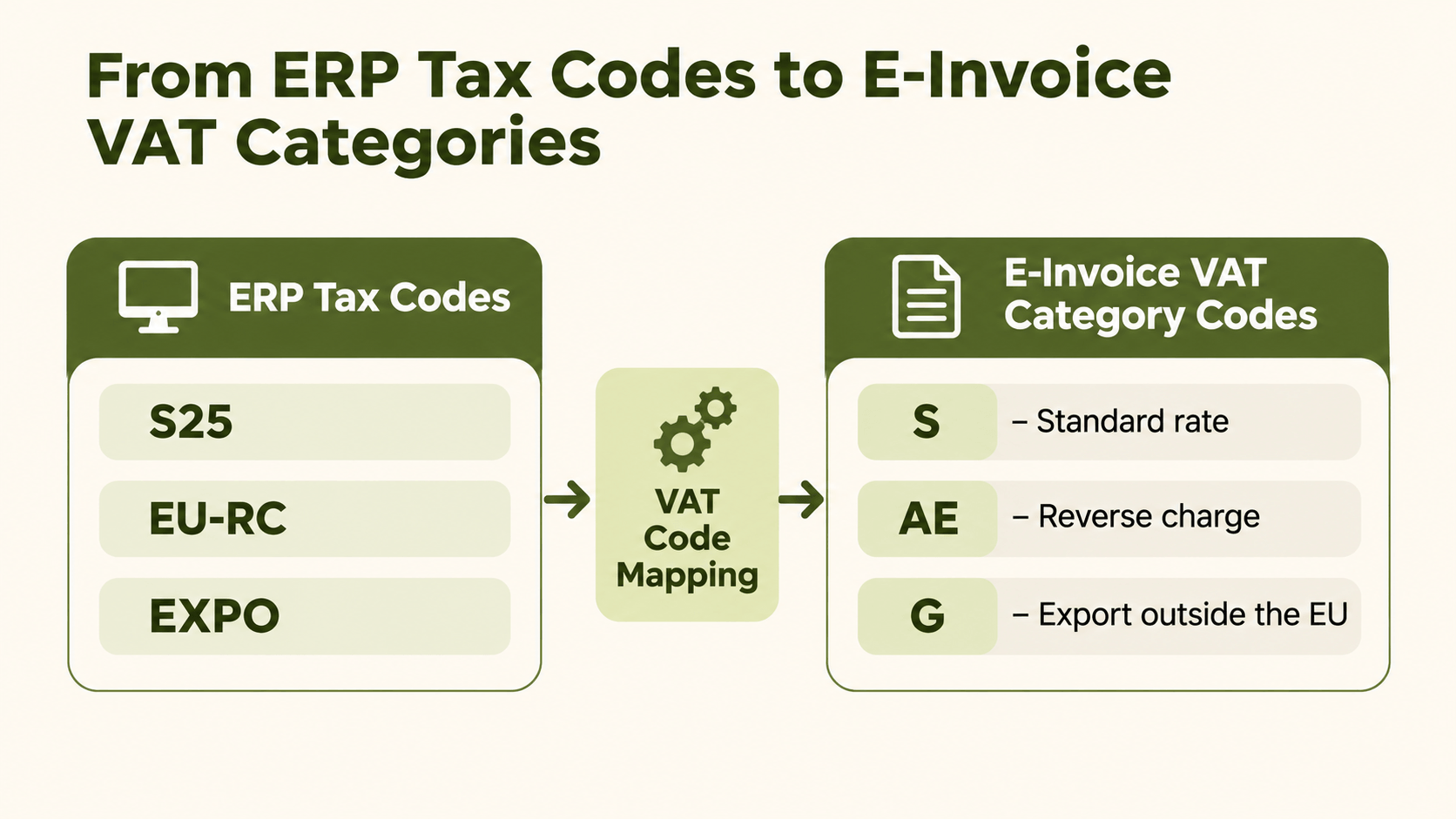
An e-invoice cannot rely on that. EN 16931 and Peppol BIS Billing 3.0 require every invoice line to carry a VAT category code from the UNCL5305 code list. The main codes are:
S: standard rate
Z: zero rated
E: exempt
AE: reverse charge
K: intra-community supply
G: export outside the EU
O: not subject to VAT
L and M: for the Canary Islands and Ceuta/Melilla
VAT code mapping is the translation between these two worlds. Each internal tax code has to resolve to the correct category code, rate and, where needed, exemption reason.
Where the mapping happens
The mapping sits between the ERP and the output format. The invoice leaves the ERP, gets mapped into Peppol BIS, XRechnung, Factur-X or a national schema, and is validated before transmission. If the mapping is wrong at that step, every invoice using that tax code inherits the error.
Why the same sale needs different codes in different countries
Reverse charge and intra-EU supplies
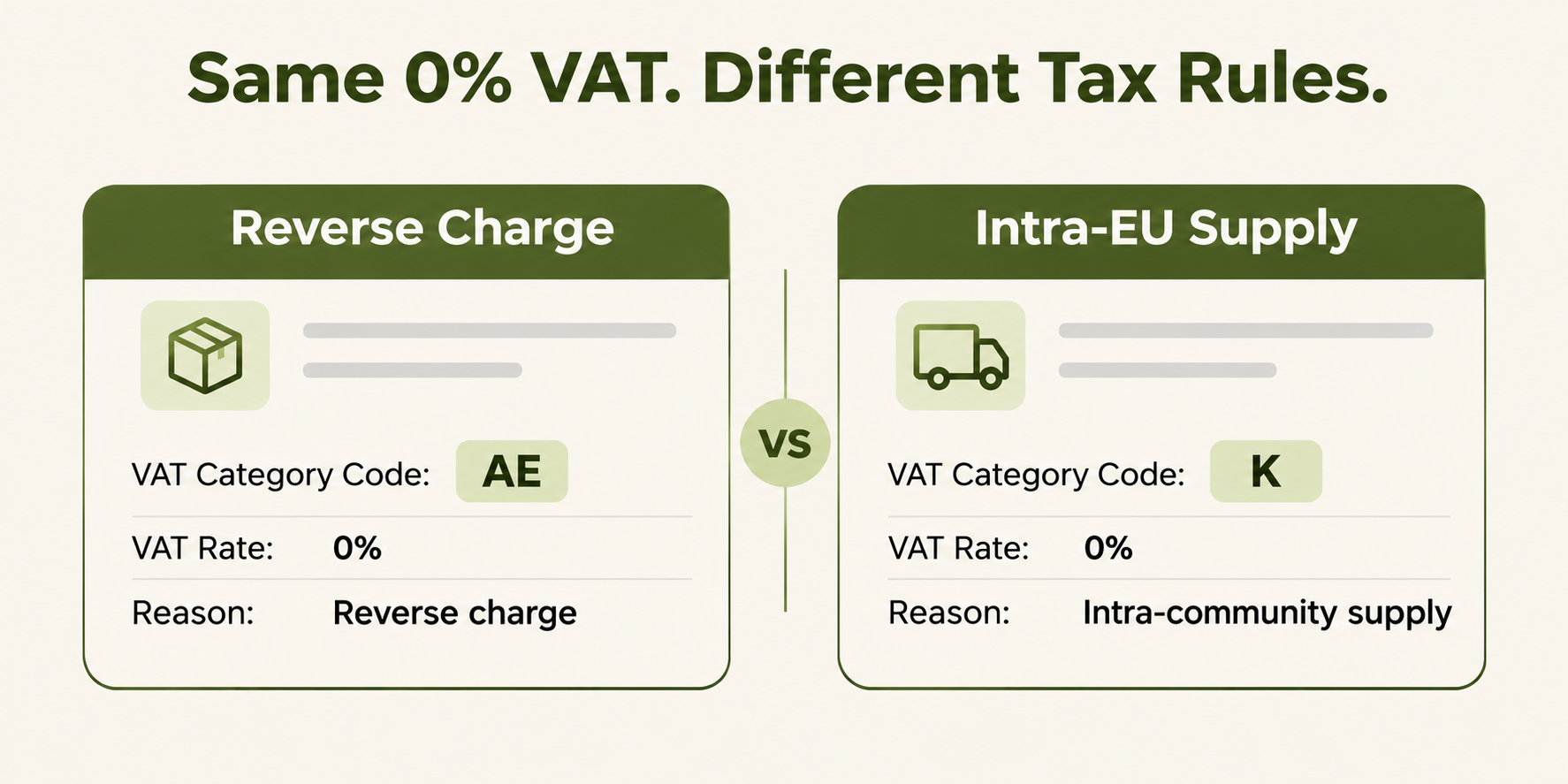
Reverse charge and intra-community supply look similar in an ERP. In both cases the seller charges no VAT. In an e-invoice they are separate categories (AE and K), with separate rule groups and separate data requirements. If an ERP has one "EU 0%" tax code for both, it will produce wrong invoices for one of the two scenarios.
Exemptions need a reason, not just a rate
A 0% rate alone is not enough. For categories such as exempt, reverse charge, intra-community supply and not subject to VAT, the invoice must state why no VAT is charged. It does this through an exemption reason code or exemption reason text. Many ERPs hold this reason nowhere at all, or only as a free-text note on the printed invoice layout.
National formats add their own layer
Not every country uses the same model. Germany's B2B mandate builds on EN 16931 formats such as XRechnung and ZUGFeRD, and we covered the related master-data gaps in our post on SAP Business One and German e-invoicing.
Poland goes further. KSeF uses its own FA(3) schema, which is not based on EN 16931, so VAT data has to be mapped specifically to the Polish structure. See our Poland e-invoicing overview. For a group invoicing from one ERP into several countries, this means one tax code may need several country-specific mappings.
How a mapping error becomes a rejection
The category code decides which rules run
Peppol and EN 16931 validation tie a specific rule group to each VAT category code. Choosing AE does more than label the line. It triggers the reverse-charge rules, including these:
BR-AE-02: requires the seller's VAT identifier and the buyer's VAT identifier or legal registration identifier.
BR-AE-05: requires the line VAT rate to be zero.
BR-AE-10: requires an exemption reason stating reverse charge.
So a single wrong mapping can fail several rules at once. A certified Peppol Access Point will reject such an invoice before it reaches the buyer.
The quieter risk: invoices that pass but are wrong
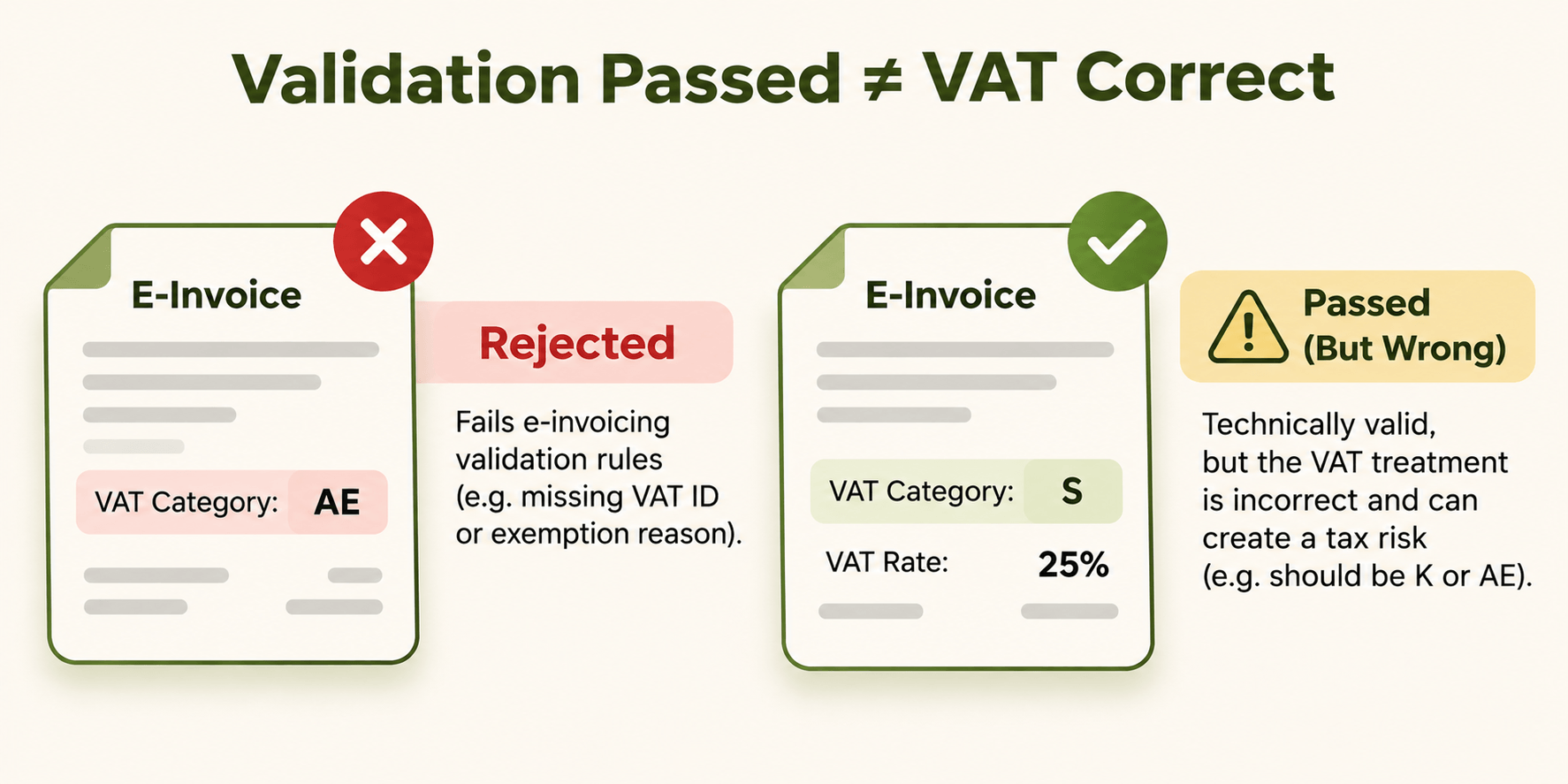
The more dangerous error is the one validation cannot see. A line coded S at 25% when it should have been K can be technically valid. It passes the validator, reaches the buyer, and creates a VAT exposure that only surfaces in an audit. Rejections are visible. Wrong-but-valid invoices are not.
Five VAT mapping mistakes tax managers should check first
One ERP code covering several tax treatments. "EU 0%" used for both reverse charge and intra-community supply.
Missing exemption reasons. A 0% rate with no reason code or text mapped into the invoice.
Mixed-rate invoices. Lines with different categories that are not broken down correctly in the VAT totals.
Credit notes mapped differently from invoices. Corrections often follow a separate, less-tested path.
Rate changes not reflected in the mapping. The ERP gets updated, the mapping table does not.
Building a mapping table that survives the next mandate
Decide who owns it
VAT code mapping sits between tax, finance and IT, which often means nobody owns it. Tax should own the treatment logic: which transactions get which category and reason. IT should own the technical mapping. Both should sign off on changes.
Test per country and per scenario
One successful test invoice proves very little. Build a test matrix covering each country, each transaction type (domestic, intra-EU goods, intra-EU services, export, exempt) and each document type, credit notes included. Our e-invoicing implementation roadmap covers how this fits into the wider project.
Keep the mapping in one place
If every ERP or legal entity holds its own mapping, every mandate change has to be made several times. A central integration layer keeps one maintained mapping table between your ERP and each country's format, without replacing the ERP. That is how HubBroker's e-invoicing solution is built: the ERP stays the system of record, and mapping, validation and routing happen on top of it.
FAQ
What is a VAT category code in an e-invoice? It is a standardised code from the UNCL5305 list, such as S, AE or K, that tells the receiving system and the validator how VAT applies to each line.
Why does a reverse-charge invoice get rejected? Most often because a required element is missing: the buyer's VAT identifier, a zero VAT rate, or the exemption reason. The AE category triggers specific rules that check all three.
Can one ERP tax code map to several e-invoicing codes? It can, but that usually signals a problem. If one ERP code covers several tax treatments, the mapping needs extra logic based on country, customer or item type. The cleaner fix is often to split the ERP code itself.
Who should own VAT code mapping? Tax should own the treatment rules and IT the technical implementation, with joint sign-off on every change.
How often should mappings be reviewed? At minimum whenever a VAT rate, a national format or a mandate changes, and as part of each new country rollout.
Is your VAT mapping ready for every country you invoice?
If you are not sure how your ERP tax codes translate into each country's e-invoice format, that is worth checking before the next rejection does it for you. Talk to our team about a review of your current setup.
