
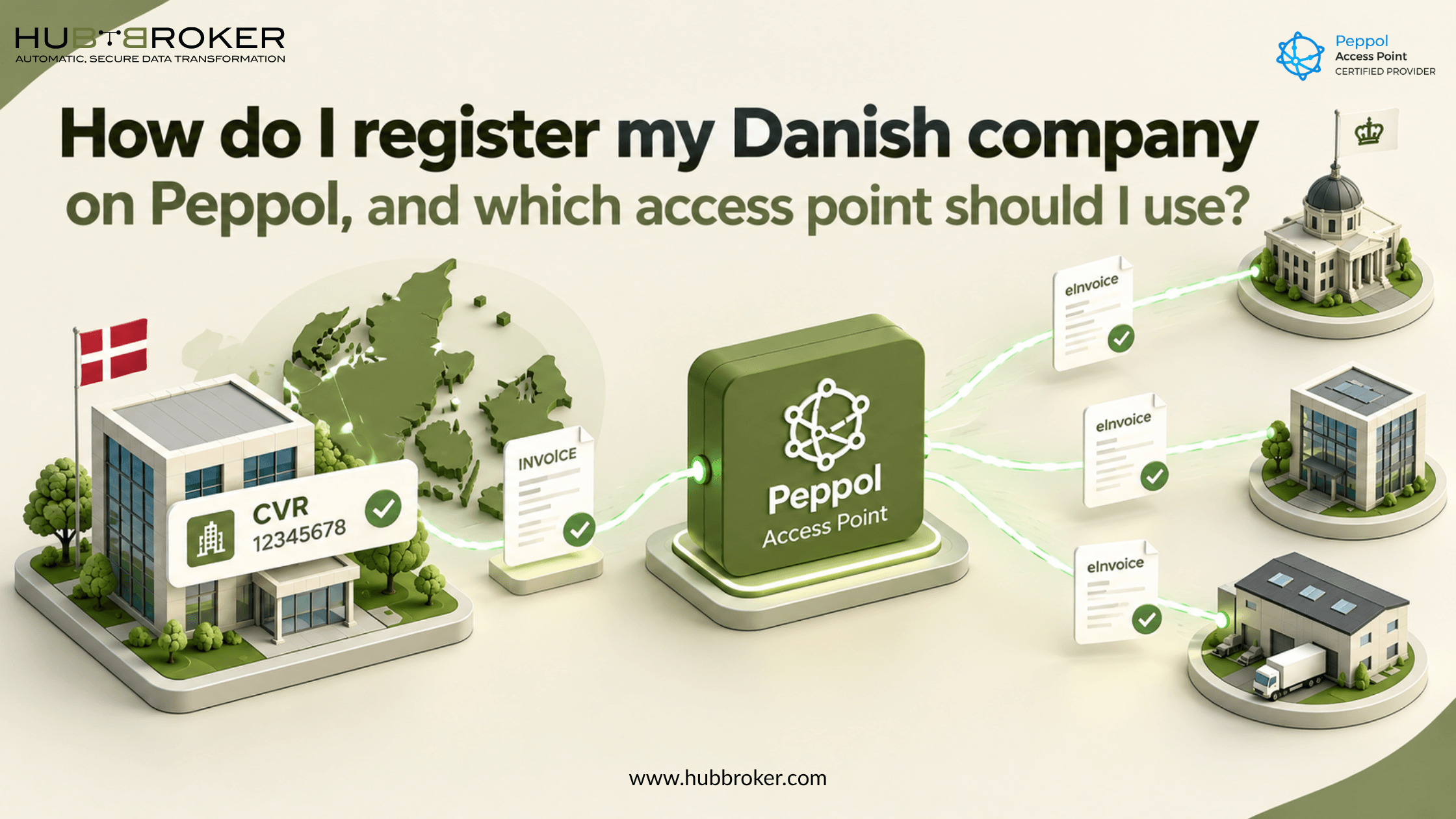
How do I register my Danish company on Peppol, and which access point should I use?
A customer wants an electronic invoice, but your accounting system only creates PDFs. So, how do I register my Danish company on Peppol?
You usually start with your CVR number and a Peppol Access Point provider. What matters next is whether that provider can work with your current software, handle Danish invoice formats, and exchange documents with your customers without extra manual work.
Does a Danish company need Peppol or Nemhandel?
Peppol is a network that lets businesses exchange electronic documents in a structured format. An Access Point connects you to other businesses on the network, so you don't need to build a separate connection for each customer.
Denmark also has Nemhandel, its national system for exchanging electronic business documents. Nemhandelsregisteret helps identify where documents should be sent. The infrastructure supports Danish and relevant Peppol formats. Invoicing Danish public authorities electronically through Nemhandel has been required for years, but private companies don't need Peppol for every invoice. If most of your customers are in Denmark, ask which formats they accept. For international customers, Peppol may make exchanging invoices simpler.
What information do you need before registration?
Have your registered company name, eight-digit CVR number, address, contact details, and accounting software information ready. You might also need GLN or EAN identifiers, especially when dealing with public buyers.
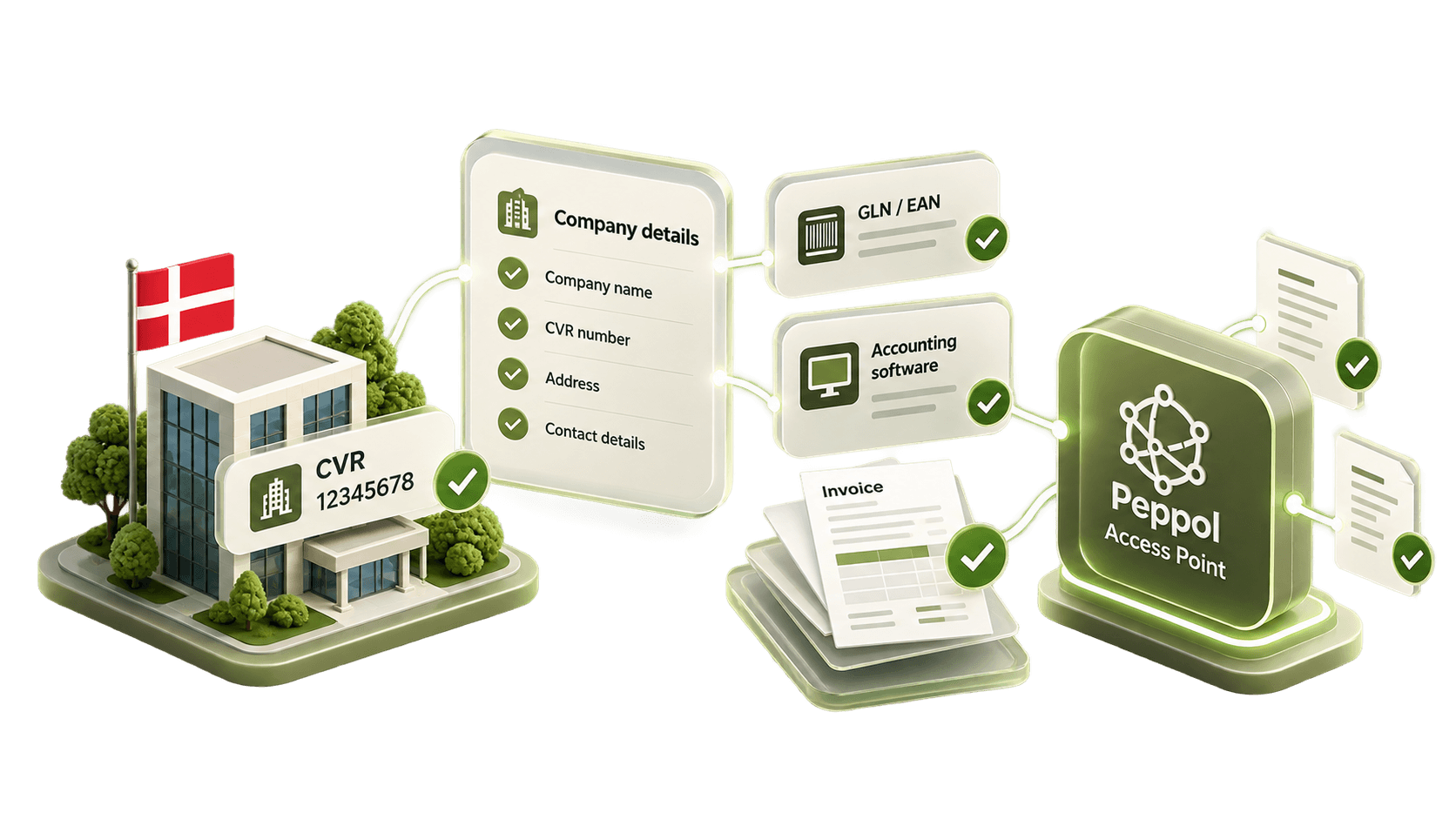
Danish CVR numbers can be registered using Peppol identifier scheme 0184. Your provider should check which identifier fits your setup and whether your business already has a receiving endpoint. Registering another endpoint without checking can cause problems with document routing. Decide if you want to send invoices, receive invoices, or do both. The setup and charges may differ. Ask whether the provider handles registration directly or whether you need to approve anything yourself. Keep a record of the identifier and receiving arrangements for future changes.
How to register your CVR and start exchanging Peppol invoices
The details depend on your accounting system and chosen provider. Use these checks before going live:
Check existing features. Ask your software supplier whether Peppol sending or receiving is already available.
Verify your identifiers. Share the correct CVR number and any GLN or EAN details your customers use.
Select an Access Point. Look for a certified provider supporting your required countries and document types.
Confirm registration responsibility. Find out who creates or updates your receiving details in the relevant registers, including Nemhandelsregisteret.
Connect your system. Set up the existing connector, API, or integration so invoice data moves between systems.
Test the complete flow. Send an invoice, check validation errors and delivery, and confirm where received invoices appear.
Being listed in a directory doesn't automatically mean you can receive every document type. Your registered capabilities must match your customers' documents.
Which Peppol Access Point should a Danish business choose?
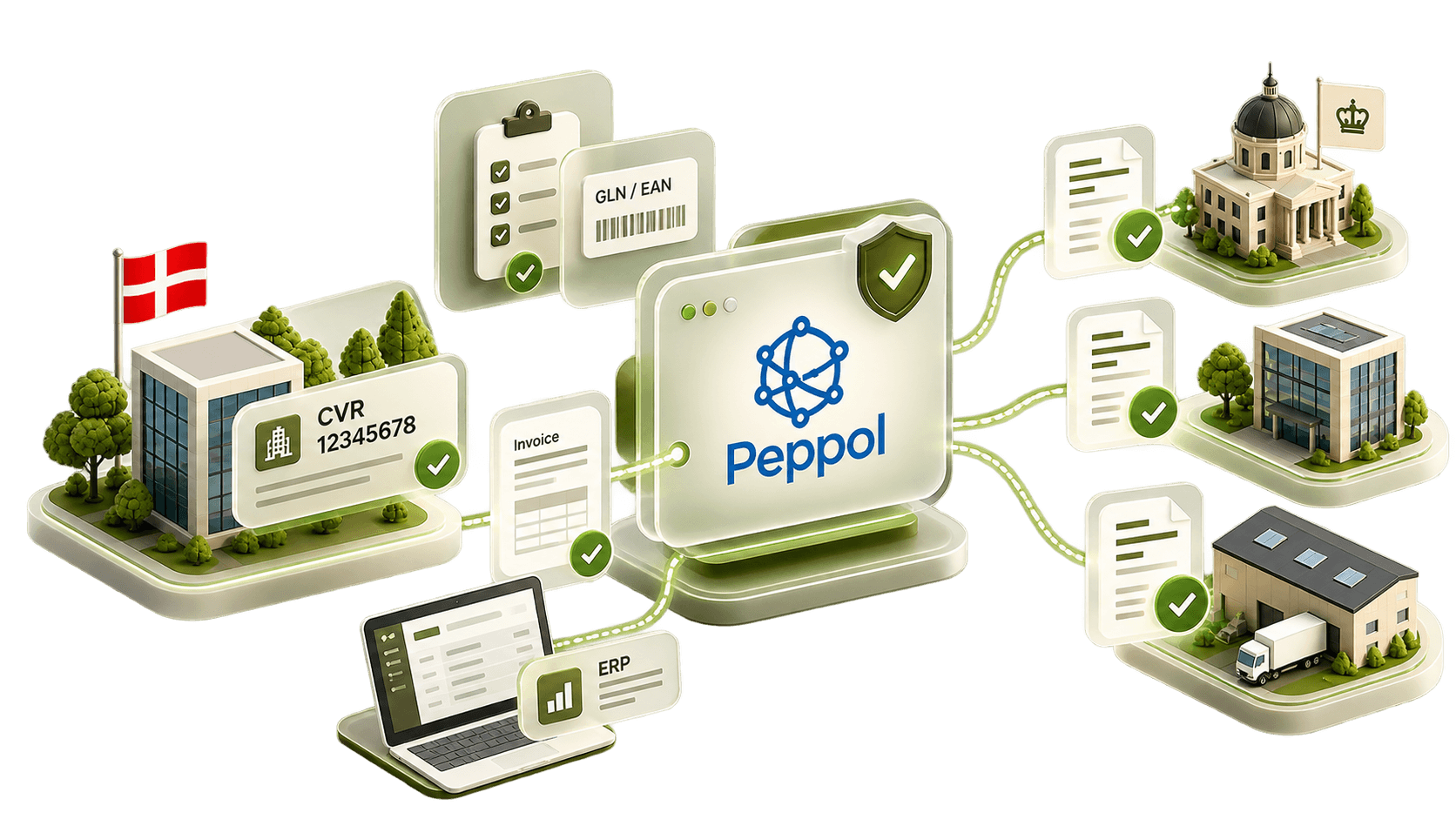
It depends on how you invoice. For a business sending a handful of invoices, the Peppol option inside its accounting software could be enough. Companies with several ERPs, warehouses, or overseas customers may need stronger integration and better visibility into errors.
Compare providers using the questions below rather than choosing only by price.
What to compare | Why it matters | What to ask |
|---|---|---|
Certification | Confirms provider status | Are you certified? |
Invoice formats | Buyers have different requirements | BIS Billing 3.0 and OIOUBL? |
Sending fees | Costs may vary by volume | What is included? |
Receiving fees | Receiving may cost extra | Is receiving covered? |
ERP connections | Avoids retyping data | Can you connect our ERP? |
Error handling | Rejected invoices need attention | Can we see rejection reasons? |
Support | Problems can delay payments | How quickly do you respond? |
HubBroker is listed by OpenPeppol as a certified Danish Access Point. It can be considered alongside other providers, particularly when Peppol needs to work with ERP and EDI processes. Ask for the actual integration scope, setup work, and pricing before making a decision.
Can your existing ERP connect without being replaced?
Often, yes. You may be able to keep your finance system and connect it through an existing connector or integration service. The key question is whether your software contains the invoice information required for a valid electronic invoice, not whether it can create a PDF.
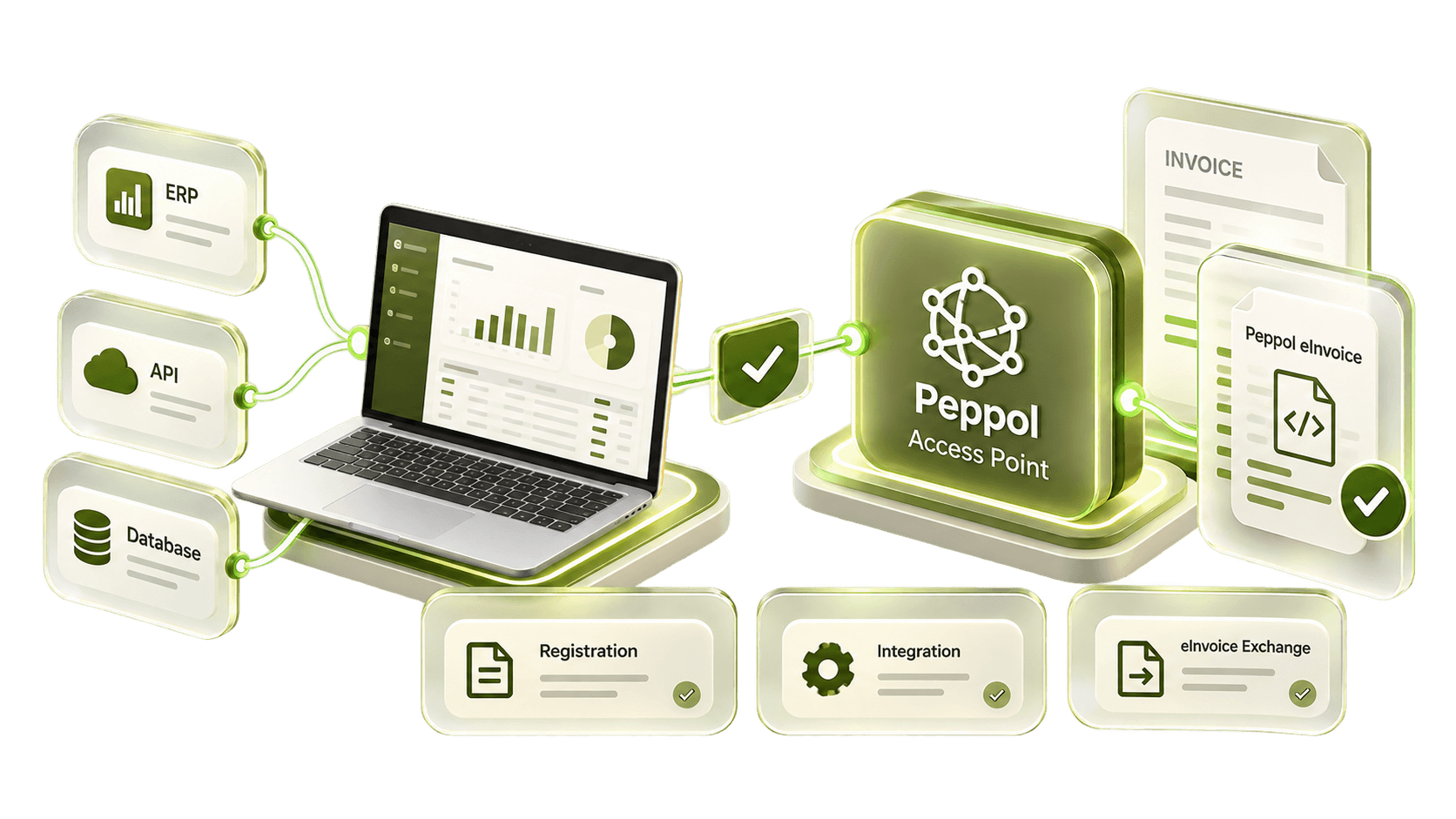
Missing buyer references, incorrect VAT categories, or mismatched totals can lead to rejection. You should be able to see what went wrong and correct the information in your system before sending again.
Start with the customers you actually invoice
Before registering, check what your main customers need and whether your accounting system already supports it. Then compare Access Points based on sending, receiving, formats, and integration. If your company works across several systems, you can Ask HubBroker to review your invoice flows and explain what connecting them would involve.
